
How to add a customized warm glow to your images in Photoshop


Imaging Resource is reader-supported. When you buy through links on our site, we may earn an affiliate commission. How this works.
Winter is on the way and there’s no better way to fight off the cold than with some warm glow. In a new Phlearn tutorial, Aaron Nace shows you how to add a warm glow to your photos in Photoshop.
If you’d like to follow along with the video tutorial below, you can download the sample image used here. For the most natural look, you will want to employ this technique with backlit photos. The technique relies upon the gradient tool and gradient maps, which Nace covers in his video. Check it out in action below.
For more videos like this, visit Phlearn’s YouTube channel.
(Via Phlearn)
More in News
 NewsNanlite Vela LED Lights Promise Studio Power in a Smaller, Lighter Design25 Nov 2026
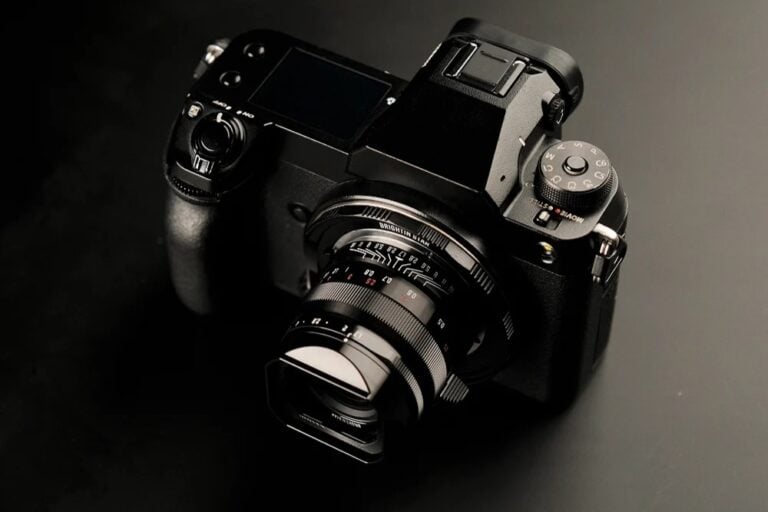 NewsBrightin Star Launches APO 35mm F1.7 ASPH for Leica M Cameras25 Nov 2026
 NewsInsta360 Partners With Slopes to Bring GPS Stats to X6 Snowboarding Videos24 Nov 2026
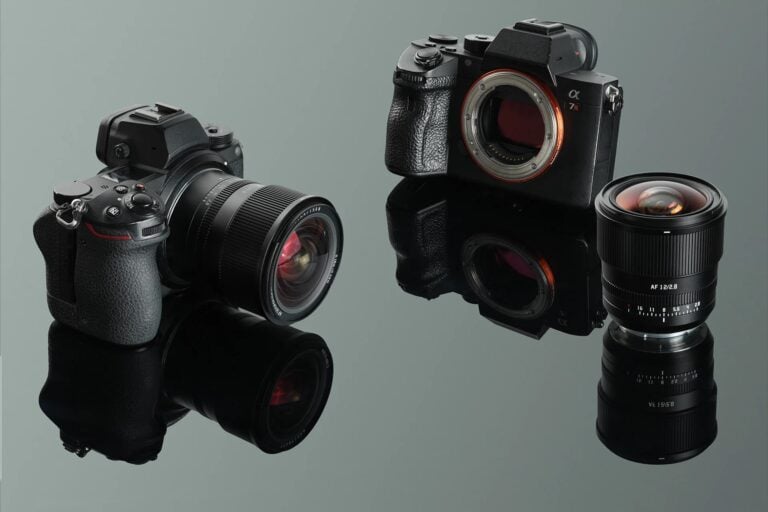 NewsTTArtisan AF 12mm F2.8 ASPH Brings 122-Degree View and Autofocus for $48924 Nov 2026
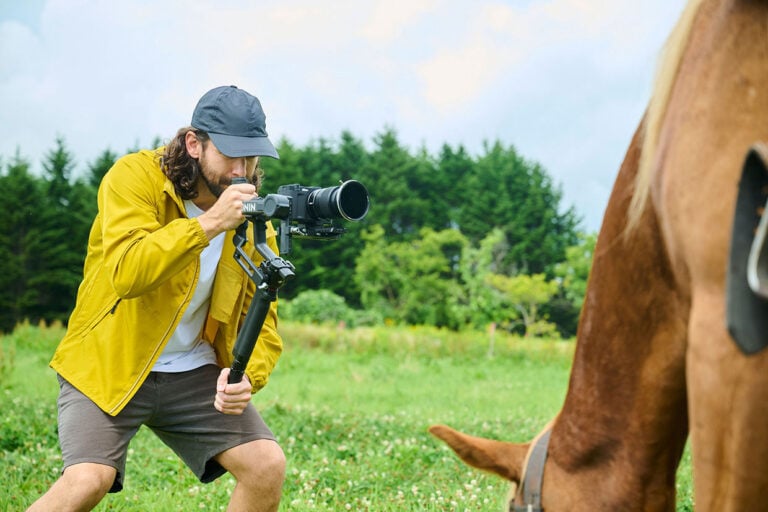 NewsNikon ZR Gets Major Firmware Update With Improved Video Controls24 Nov 2026
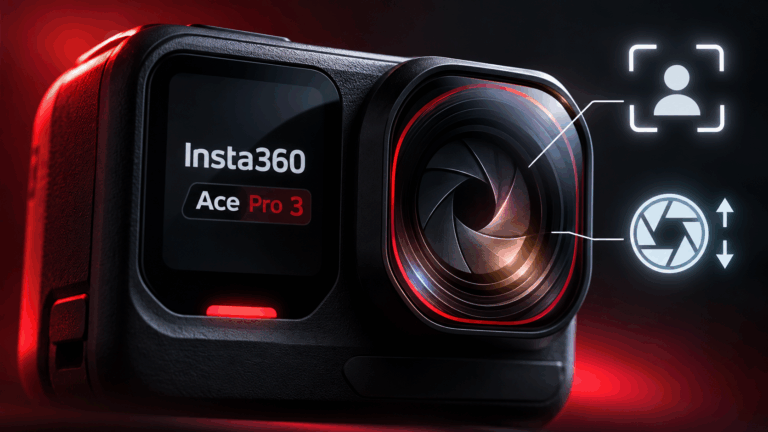 NewsLeaked Insta360 Ace Pro 3 video hints at autofocus and variable aperture24 Nov 2026