Canon EOS 50D Live View
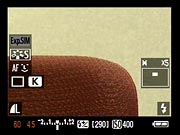
In addition to the EOS 50D's optical viewfinder, the camera features a Live View mode for its rear-panel LCD monitor. Becoming more popular among digital SLRs these days, the Live View mode lets you use the LCD monitor as a larger viewfinder, and offers an exposure simulation option which displays the expected outcome of your chosen exposure settings.
Compared to the 40D, the Canon 50D Live View display adds quite a bit more information in terms of settings displayed (see below), and offers a new contrast-detect autofocus mode along with a face detection option.
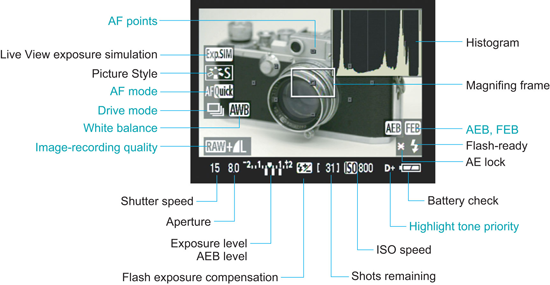
Like a larger version of the optical viewfinder display, the Live View display reports the exposure information along the bottom of the screen, with additional settings overlaid to the left and right, as well as the selected focus area(s).
| Canon EOS 50D Live View options | |
 |
 |
|
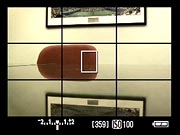
Live View mode includes both a display with no information (sorry, no screen shot), and a display with minimal information across the bottom. (The grid can be disabled.)
|
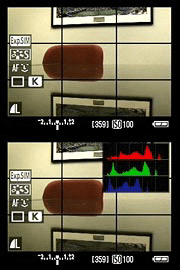
Pressing the INFO button cycles through the two additional available displays, including a live RGB histogram.
|
 |
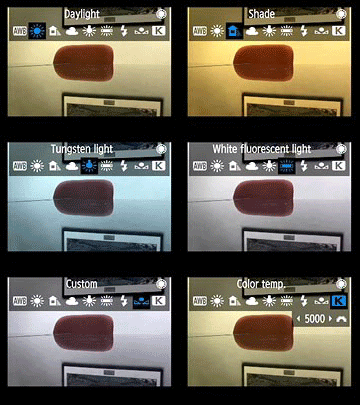 |
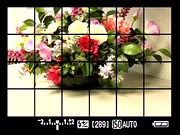
| Another grid option (Grid 2) is also available via the Live View function setting in the Setup menu. | Setting options are overlaid when adjusted, and resulting changes are simulated (here, the effect of various white balance options is simulated). |
 |
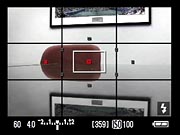 |
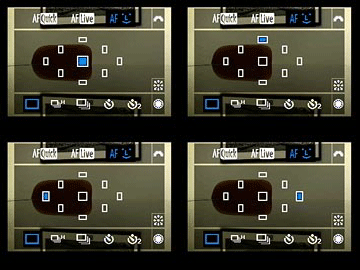
| When using phase-detect AF mode, an overlay of the available focus points normally seen in the optical viewfinder is shown when selecting an area. | The active points are highlighted in red after a brief delay for focusing. |
 |
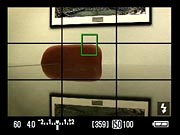 |
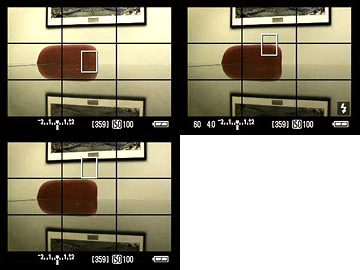
| With contrast-detect AF, the focus area can be moved around freely on the screen. | The focus area is highlighted in green when focused, just like a Canon digicam. |
 |
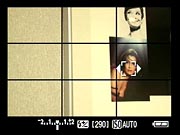 |
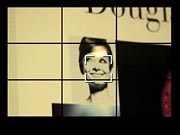
| The Canon 50D's face detection AF at work. Turning the Quick Control dial switches between faces if more than one is detected (note small arrows in photo at right indicating that another face is available). | |
 |
 |
|
Pressing the zoom button zooms in to display what's in the center box.
|
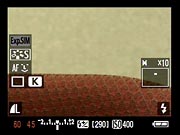
Pressing the zoom button again zooms into 10x magnification, great for fine focusing. You can move the zoomed area around in the box, using the legend as a guide.
|
Most useful in Live View mode is the ability to zoom, as shown above. You can move the zoomed area around the screen to verify focus wherever you need it most.
 Fujifilm GFX 50S Review
 Fujifilm X-T3 Review
 Olympus E-M5 III Review


Follow Imaging Resource