

Overview
by Dave Etchells, Jeremy Gray, Jaron Schneider, William Brawley and Zig Weidelich
Preview posted: 08/28/2017
Review finalized: 02/05/2018
Does weather-sealing matter? Watch our test and decide for yourself.
Read more of our "Water Torture Test" by clicking here. |

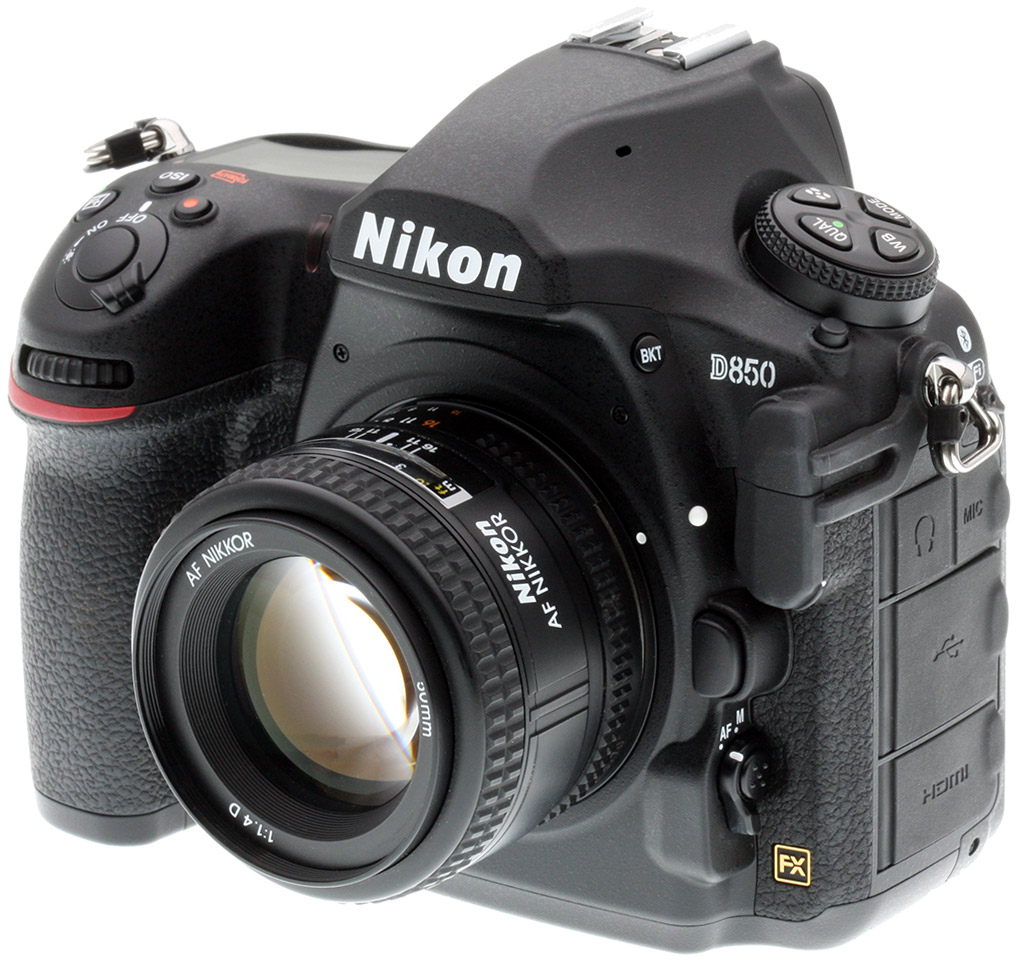
The Nikon D850 is the direct successor to the D810, but it is much more than a mere megapixel upgrade or specifications bump. With the D850, Nikon is not only targeting high-resolution shooters, but also photographers who demand speed, performance and high-end video recording as well. Let's dive into Nikon's latest full-frame DSLR and see what it offers.
D850 Key Features
- Weather-sealed magnesium alloy body
- Tilting 3.2-inch high-res touchscreen
- Touch operation for all menus
- Nikon's biggest optical viewfinder ever
- Dual card slots, including one XQD and one SD card slot
- Illuminated buttons
- New backside-illuminated 45.7 megapixel full-frame sensor without optical low pass filter (OLPF)
- Native ISO range of 64 - 25,600, expandable down to ISO 32 and up to ISO 102,400
- The same 153-point autofocus system as the Nikon D5 and D500
- EXPEED 5 image processor
- Up to 7 frames per second full-res continuous shooting (9 fps with the optional battery grip and EN-EL18 battery)
- 200,000 cycle low-vibration shutter
- Focus-shift mode for up to 300 shots
- 8K time lapse
- Full-frame 4K UHD video recording at up to 30 frames per second
- Slow motion Full HD video at up to 120 fps
- Focus peaking when recording Full HD and using Live View
- HDMI output for 4:2:2 8-bit 4K UHD footage and simultaneous internal and external recording
- Built-in Wi-Fi and Bluetooth for Nikon SnapBridge compatibility

D850 Camera Body: Weather-sealed with a tilting touchscreen
The D850 remains a large full-frame DSLR, but there are some rather noticeable differences between the newer camera and the D810. For starters, the D850 has a thinner and deeper grip than the D810. Further, the top portion of the camera, in particular the viewfinder pentaprism, has a different shape and is narrower on the D850. The company says the D850 is equipped with a 0.75x magnification optical viewfinder with 100% coverage. This is Nikon's largest viewfinder to date, besting the 0.70x one found in the D810 and even the D5's viewfinder, which offers 0.72x magnification. You will also notice that the D850 now does not include a built-in flash, another change from its predecessor.

With a magnesium alloy body and weather-sealing, the D850 is built to last and features a rugged design akin to the D500 and D5. The pro-oriented body has a shutter rated for 200,000 cycles which is designed to reduced vibrations. The D850 features the same excellent 3.2-inch 2.3M-dot touchscreen LCD and tilting mechanism as the D500, which can tilt up to just over 90 degrees and down to almost 90 degrees.

Looking on the back of the D850, you'll notice that it includes an autofocus joystick selector, something the D810 did not include. There are a few other differences between the rear of the D850 and its predecessor, including a new Fn2 button and a few relocated buttons. Further, the D850's buttons are illuminated, which is a very nice feature for those who often shoot in low light.
Revisiting the top of the camera, the D850 has switched locations of the "Mode" and "ISO" buttons of its predecessor, meaning that the ISO button is now near the shutter release, placing all exposure-related controls within the reach of the shooter's right hand. This change was also seen on the D5 and D500 last year and proved popular with our reviewers.

Looking at the overall size of the D850, it has dimensions of 5.7 x 4.9 x 3.1 inches (146 x 124 x 78.5 millimeters). This is essentially the same width as the D810, but is slightly taller and slightly thinner. The D850 body does weigh in at a hefty 32.3 ounces (915 grams), versus 31.0 ounces (880 grams) for the D810.
The D850 uses a brand-new image sensor. The 45.7-megapixel full-frame sensor is Nikon's highest megapixel sensor yet and is also their first backside-illuminated (BSI) full-frame sensor. The sensor was designed entirely by Nikon, although they told us that the manufacturing was contracted out, which is not unusual. However, it remains notable that the sensor, unlike some found in other Nikon DSLRs, is not off-the-shelf but rather built specifically to Nikon's specifications. As expected, the new sensor also has a built-in ultrasonic cleaning mechanism and dust-off image reference capabilities.

While BSI sensors have been lauded for their improved low-light capabilities in the past, Nikon says that the bigger advantage in the case of the D850's sensor is that it allowed Nikon more flexibility in wiring, which improves the sensor's readout speed and the camera's overall performance. The D850's low-light performance is very good and the D850's native ISO range is now 64 through 25,600, extended by one stop compared its predecessor. The D850 can expand sensitivity down to ISO 32 and up to ISO 51,200 and ISO 102,400, also one stop higher than the D810.
The D850 can capture RAW images at 12-bit and 14-bit depths in compressed, lossless compressed and uncompressed modes. Further, the camera includes RAW large, medium and small shooting modes. The large mode produces 45.4-megapixel images with the latter two modes capturing 25.5 and 11.3-megapixel images, respectively.

Regarding dynamic range, Nikon did tell us that the dynamic range performance is as good or better than the class-leading D810's, and that has been confirmed by DxOMark with the D850 offering improved dynamic range at moderate to high ISOs.
The D850's autofocus system borrows from the D5/D500
We were impressed with the autofocus capabilities of the D810, but the D850 takes it to a new level. The D850 utilizes the same autofocus sensor module as the Nikon D5 and D500, Nikon's flagship Multi-CAM 20K AF system. This sophisticated system includes 153 autofocus points, including 99 cross-type sensors and 15 autofocus points that support f/8 lenses. When using single-point autofocus, you can manually select 55 points, 35 of which are cross-type and 9 that support f/8 maximum lenses. Like the D5 and D500, the D850 also includes a dedicated autofocus processor to supply the necessary computational power for subject detection and tracking capabilities.
While we haven't compared the D850's AF tracking performance to the D5/D500's side-by-side in the real world to know for sure, our field tester owns a D500 and has used a D5 a lot, and he felt the D850's AF performance wasn't quite up to the performance of those two cameras. However it is very good indeed, and substantially better than his D800E's.

Also like the D5 and D500 but unlike the D810, the D850 no longer has a built-in AF assist lamp. On the topic of the DX D500, we want to point out that the D850's DX crop mode has the same autofocus point coverage as is found on the D500.
Autofocus area modes include 9, 25, 72 and 153-point dynamic-area autofocus, auto-area AF, single-point AF (as mentioned, you can select from 55 points), 3D-tracking and group-area autofocus. The AF system is rated to operate from -4 to +20 EV. Focus modes when shooting through the viewfinder include single-servo, continuous-servo, predictive focus tracking, face-priority AF, full-time servo and normal area AF.
When shooting in Live View, the D850 relies upon contrast-detect autofocus, and it can focus anywhere within the frame. A notable first for Nikon's DSLR cameras is that the D850 now offers focus peaking in Live View mode, and also when recording Full HD video. Live View autofocus modes include face-priority AF, wide-area AF, normal-area AF, pinpoint AF and subject-tracking AF.

EXPEED 5 image processor delivers high-speed shooting
With its 45.7-megapixel sensor and advanced autofocus capabilities, Nikon has designed the D850 to be a balanced blend of imaging performance and speed. That is made more evident by the D850's performance specs which have been confirmed in our lab. The EXPEED 5-equipped D850 is a very speedy camera, especially considering its resolution.
The D850 is rated by Nikon to shoot full-resolution, 14-bit lossless compressed RAW images at up to 7 frames per second with a buffer depth of 51 frames (we managed 200 frames at 7.1 fps in the lab with a fast XQD card).

This is already a significant speed increase over the D810, and the D850 also has a new optional MB-D18 battery grip, which can utilize the same EN-EL18 battery as is found in the D5. With the grip attached and EN-EL18a/b battery installed, the D850 can shoot at up to 9 fps, which is very fast considering its sensor and megapixel count.
The D850 also includes quiet single-shot and continuous shooting modes, which now utilize an electronic front-curtain shutter. The drawback of the quiet continuous mode is that continuous shooting speed tops out at 3 frames per second. Electronic front-curtain shutter is also available in mirror-up release mode, just like in the D810.
An all-electronic shutter is available in Live View mode, for totally silent capture. It operates at up to 6 fps (with AF/AE locked) at full resolution, while an additional mode enables 8.6-megapixel image capture in DX crop mode at up to 30 fps.

Continuing the pattern of similarity with Nikon's other flagship cameras, the D850 also includes the metering sensor from the D5 and D500. The 180,000-pixel RGB metering sensor nearly doubles the number of pixels found in the D810's metering sensor and has an operating range in matrix metering mode of -3 to +20 EV. The D850 also includes center-weighted and spot metering modes, the latter of which is tied to the selected focus point when a CPU lens is used.
Regarding Picture Controls, the D850 includes Nikon's new Auto Picture Control in addition to its standard array of user-customizable Landscape, Monochrome, Neutral, Portrait, Standard, Vivid and Flat controls.
Like its predecessor, the D850 includes a shutter speed range of 30 seconds to 1/8000s in normal shooting modes and includes a Bulb mode for longer shutter speeds when using a remote control (the D850 is compatible with the MC-30A and MC-36A wired remote controls).

We've already discussed how the D850 offers different sized RAW files, but its high-megapixel sensor also offers ample flexibility for different crop factors. In addition to its full FX 36 x 24 frame, the D850 can shoot with 1.2X (30 x 20), DX (24 x 16), 5:4 (30 x 24) and 1:1 (24 x 24) crop factors. In terms of megapixel counts, those are 31.5, 19.4, 37.8 and 30.2 megapixels, respectively.
In-camera batch RAW processing
The D850 allows users to batch process RAW files in-camera even faster than their computer at home, providing more flexibility in the field than ever before. Nikon says the D850 can convert a RAW file to a JPEG in as little as 1.5 seconds, which is very quick.

4K and 8K Time Lapse
During the D850 development announcement last year, Nikon shared that the camera would have 8K time-lapse capabilities. The camera can be set, using its built-in intervalometer, to capture 8K images for compiling in external software. 8K UHD is about 33 megapixels, by the way. For users who want the camera to build the time-lapse movie itself, you're limited to 4K resolution.
Focus Stacking: D850 hopes to woo macro shooters with new built-in focus shifting
For macro shooters who like to use focus stacking, the D850 includes a special focus-shift mode designed just for that. You can record up to 300 shots at user-adjustable focus steps automatically, creating files which will be ready to be assembled into a composite focus stacked image using third-party software. Further, these files are saved in their own separate folder on your memory card, which will help with organization.

D850 video: Full-frame 4K UHD video recording and much more
While primarily a stills camera, the D850 is Nikon's most versatile DSLR to date for video shooters. The D850 can record full-frame 4K UHD (3,840 x 2,160) footage at up to 30 frames per second (29.97 fps). This means that the camera crops the top and bottom to create a 16:9 ratio, but does not crop in from the sides, which lets you use wide-angle lenses to their full potential. If you capture a photo during movie recording, it is a 38.3-megapixel file (8,256 x 4,640 pixels). The camera supports zebra stripe exposure warnings as well, a nice feature for helping spot blown highlights. The D850 includes an HDMI output, which allows the user to simultaneously record internally and externally, including recording 4:2:2 8-bit 4K UHD video to an external recorder.

For 1,920 x 1,080 (Full HD) video recording, the D850 sports a number of other neat features. The camera can record Full HD video at up to 60 frames per second, for starters, but it also offers focus peaking and electronic vibration reduction (which will crop the frame slightly). The D850 also offers a nifty slow-motion capture mode as well, which captures Full HD video at up to 120 fps.
Maximum continuous recording time per clip is 29 minutes and 59 seconds, and it records in MOV and MP4 movie formats using the H.264/MPEG-4 codec. As with Live View still shooting, the D850 utilizes contrast-detect autofocus for video recording. Like the D810, the D850 includes both microphone and headphone inputs.
In case you missed it, for more on video features,
click here to read our D850 Video Preview.

The front of the D850 includes a ten-pin remote terminal, which is compatible with the Nikon MC-30A and MC-36A remote controls. Along the sides of the camera, you will find SuperSpeed USB (USB 3.0 Micro-B), HDMI (Type C mini-pin), 3.5mm stereo mini-pin and headphone jacks.
Looking at the camera's storage interface, the D850 includes dual card slots. One slot is an XQD slot and the other is a UHS-II compliant SD card slot. As far as recording features are concerned, the D850 allows you to copy images between the two slots, use them as backup, overflow or even split RAW and JPEG recording across the two different slots.

The D850 is compatible with Nikon's GP-1 and GP-1A GPS units, the ML-3 and WR/A10/WR-R10 radio flash accessories. The D850 is fully compatible with Nikon's latest radio-enabled flash, the SB-5000. You are able to control remote flashes from within the D850's menu system, including group configuration, power and more.
The D850 is powered by an EN-EL15a lithium-ion battery, which is rated for 1,840 shots per charge or 70 minutes of HD video recording. The camera is compatible with a new MB-D18 Multi Power Battery Pack (sold separately for around US$400) that can use an EN-EL18a/b lithium-ion battery. When using an EN-EL18 battery in the attached optional battery grip, as we've mentioned, shooting speeds increase to 9 frames per second, and the camera's battery life leaps to 5,140 shots! The grip also supports an EN-EL15(a) battery pack or eight AA batteries, though with no speed boost.

Wireless connectivity is provided via built-in Wi-Fi (802.11b/g) and Bluetooth 4.1 (low energy). The D850 is compatible with Nikon's SnapBridge platform, allowing for an always-on connection between your D850 and smartphone. The SnapBridge functionality is the same as the Nikon D7500, meaning that you have your standard SnapBridge assortment of remote control and image transfer features. For enhanced file transfer performance, the D850 is compatible with Nikon's WT-7A Wireless Transmitter, which includes an Ethernet port in addition to its 802.11ac wireless standard.
For users with 35mm slides or negatives they'd like to digitize, Nikon offers an optional ES-2 Film Digitizing Adapter. Alongside a compatible Micro-Nikkor lens, this accessory enables super high-resolution digitizing of slides or negatives and allows for in-camera conversion to positives. The D850 inverts and corrects color right in the camera. The ES-2 has a suggested retail price just under US$150.

D850 versus D810: The biggest differences
While there are many more differences than can be covered in this section, we want to point out some of the bigger differences in the features and specifications between the new D850 and the D810:
- Sensor: The D850 has a 45.7-megapixel full-frame backside-illuminated sensor. This is nearly 10 megapixels more than the 36.3-megapixel sensor found in the Nikon D810. The D850 offers a wider ISO range than the D810 as well, with a native range of 64 through 25,600 compared to 64 through 12,800 and an expandable range that has the same low value of ISO 32 but a higher 102,400 top end. There is a similarity between the D850 and D810's sensors though; they both lack an optical low pass filter.
- Autofocus: With the same autofocus module as the Nikon D5 and D500 cameras, the D850 offers up a total of 153 autofocus points, over 100 more than is found in the 51-point AF system the D810 utilizes. In addition to the many more points, the D850 also has 84 more cross-type autofocus points and four more which are usable with maximum f/8 aperture lenses. Further, the D850 has a dedicated autofocus processor, which results in better speed, accuracy and subject tracking capabilities.
- Performance: With its EXPEED 5 image processor, the D850 promises faster shooting speeds by about two frames per second than the D810. Further, the D850 also offers an expanded burst length thanks in part to its XQD card slot and UHS-II support for its SD card slot.
- Shooting Modes: While the D810 offered a lot of shooting modes, the D850 brings in new features including an Auto Picture Control, built-in 4K and 8K time-lapse modes, electronic front-curtain shutter quiet modes, an all-electronic shutter Live View mode, a built-in Focus Stacking feature, Auto AF Fine Tune, radio-controlled flash support, and SnapBridge connectivity.
- Video: There are a lot of improvements and new features for stills shooters, but the D850 ups its game in the video department as well. Not only does it top the D810 with 4K UHD video recording, it also bests the D5 by being the first full-frame Nikon camera to offer 4K recording with the full width of the sensor. Plus for Full HD shooters, the D850 also includes slow motion recording at up to 120 fps, which the D810 did not include.
- Camera Body: There have been numerous changes made to the D850 camera body itself. There is a new autofocus selector joystick and some relocated buttons, including the newly-placed ISO button. Plus the D850 has illuminated buttons. Further, the rear 3.2-inch display on the D850 tilts, is a touchscreen and has more resolution than the D810's non-touch, non-tilting rear display. On the other hand, the D810 did have a built-in flash and AF assist lamp, something that the D850 lacks. On the connectivity side of things, the D850 has built-in Wi-Fi and Bluetooth, whereas its predecessor lacked the latter features.

Nikon D850 Price and Availability
The D850 started shipping in September 2017 with a body-only suggested retail price of US$3,299.95. The optional MB-D18 battery grip has a suggested price of US$399.95, while the ES-2 Film Digitizing Adapter retails for US$149.95.
In the Box
The retail package contains the following items:
- Nikon D850 camera body
- EN-EL15a Lithium-ion battery
- MH-25A Quick Charger
- BF-1B body cap
- DK-17F finder eyepiece
- UC-E22 USB 3.0 cable
- HDMI/USB cable clip
- AN-DC18 camera strap
- Warranty card
Optics
The Nikon D810 does not ship with a standard “kit” lens, so we don’t have any lens test results. We do however have viewfinder accuracy test results below.
Viewfinder Test Results
Coverage
Good accuracy from the optical viewfinder; very good from the LCD monitor in Live View mode.
 |
 |
| 60mm, Optical | 60mm, Live View LCD |
The D850’s optical viewfinder is specified to provide approximately 100% coverage, the same as the D810’s spec, however claimed magnification is 0.75x which is larger than the D810’s 0.7x. Unfortunately the price for increased magnification appears to be slightly lower coverage, as we measured just under 98% coverage for the D850 versus just over 99% for the D810. The D850’s LCD monitor coverage in Live View mode was closer to 99% in our tests, also a little short of Nikon’s 100% spec but still very good.
The images above were taken from our standardized test shots. For a
collection of more pictorial photos, see our
Nikon D850 Photo Gallery
.
Exposure
Color
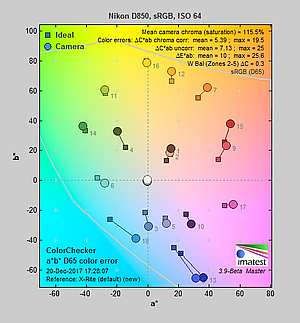
Saturation & Hue Accuracy
Vibrant colors with about average hue accuracy.
 |
|||
|
ISO Sensitivity |
|||
| 102400 | |||
| In the diagram above, the squares show the original color, and the circles show the color that the camera captured. More saturated colors are located toward the periphery of the graph. Hue changes as you travel around the center. Thus, hue-accurate, highly saturated colors appear as lines radiating from the center. Mouse over the links above to compare ISOs, and click to load a larger version. | |||
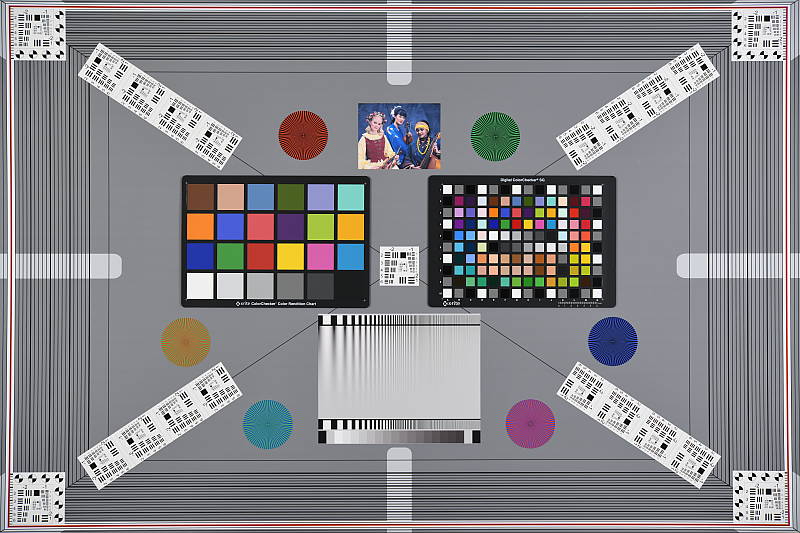
Saturation. The Nikon D850 pumps dark blues a lot, dark greens and reds moderately and most other colors slightly, but undersaturates cyan tones slightly when using default settings. Overall, mean saturation levels are higher than average at 115.5% or 15.5% oversaturated at base ISO versus a more typical 10%. The D850’s mean saturation is stable up to ISO 800, but gradually falls after that to a minimum of 107% at the maximum extended ISO of 102,400. That’s still quite vibrant, though, as many cameras reduce saturation at higher ISOs to help manage chroma noise. Most consumer digital cameras produce color that’s more highly saturated (more intense) than found in the original subjects. This is simply because most people like their color a bit brighter than life.
Skin tones. The Nikon D850’s rendering of Caucasian skin tones in “sunlit” outdoor lighting when using default Auto white balance was slightly on the warm, yellow side. Manual white balance on the other hand produced a cooler image with much more pinkish and healthy-looking skin tones. Where oversaturation is most problematic is on Caucasian skin tones, as it’s very easy for these “memory colors” to be seen as too bright, too pink, too yellow, etc.
Hue. The Nikon D850 produces a few color shifts relative to the accurate translation of colors in its images, as do almost all cameras. Reds are shifted slightly toward orange, light orange toward yellow and cyan toward blue, but there are only very slight shifts in most other colors and the often problematic yellow is almost bang on. (The cyan to blue shift is very common among the digital cameras we test; we think it’s a deliberate choice by camera engineers to produce better-looking sky colors.) Mean “delta-C” color error at base ISO was 5.39 after correction for saturation, which is about average, and it remained below 5.7 across the ISO range which is quite good (lower numbers are better). Hue is “what color” the color is.
 |
 |
 |
| See full set of test images with explanations See thumbnails of all test and gallery images |
||
Sensor
Exposure and White Balance
Indoors, incandescent lighting
Slightly cool results with default “Keep White” Auto white balance, warm with other Auto and Incandescent white balance settings, though excellent color balance with Manual white balance. No exposure compensation required.
 |
 |
| Auto WB (Keep White, Default) 0 EV |
Auto WB (Normal) 0 EV |
 |
 |
| Auto WB (Keep Warm) 0 EV |
Incandescent WB 0 EV |
 |
|
| Manual WB 0 EV |
Indoors, in common incandescent lighting, color balance was a bit cool and magenta with the default “Keep White” Auto white balance setting. The “Normal” option was warm but not too bad (we’ve seen a lot warmer, and some users may prefer this look as being more representative of the original lighting), however the “Keep Warm” option was very warm and orange, as expected. The Incandescent setting was also quite warm but with more of a yellow/green tint. The Manual white balance setting however produced very neutral results. The D850 required no exposure compensation for this shot, while most cameras need about +0.3 EV. Our test lighting for this shot is a mixture of 60 and 100 watt household incandescent bulbs, a pretty yellow light source, but a very common one in typical home settings here in the U.S.
Outdoors, daylight
Vibrant color with good exposure outdoors, but high default contrast.
 |
 |
| Manual White Balance +0.7 EV |
Auto White Balance, 0 EV |
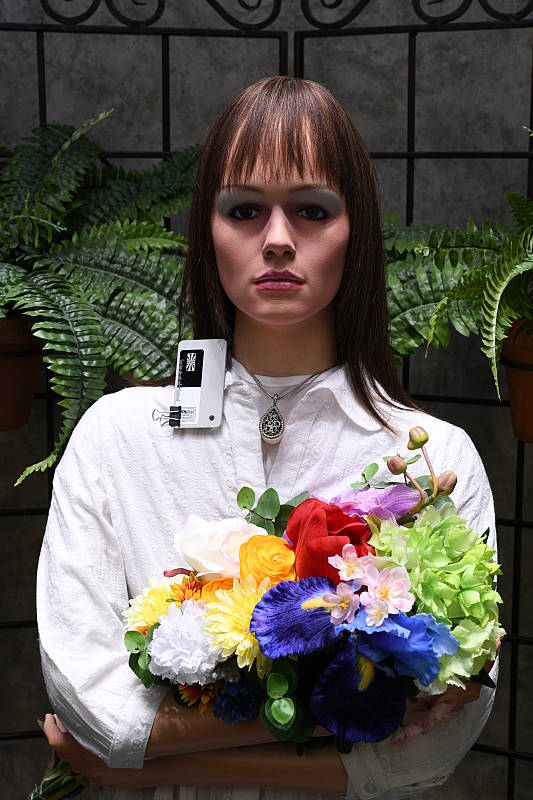
The Nikon D850 generally handled tough outdoor lighting under harsh sunlight well in terms of color and exposure. We found skin tones a touch yellow in our “Sunlit” Portrait shot with Auto white balance, though, so we preferred the more pinkish skin tones produced when using Manual WB, however the image was a bit too cool overall. Default contrast is on the high side, so quite a few highlights were clipped in the mannequin’s shirt, some of the flowers and even in her nose, though deep shadows contain excellent detail and are quite clean here at base ISO. The D850 required +0.7 EV exposure compensation to keep the face and eyes relatively bright, which is about average for this shot. The Far-field image on the right has excellent default exposure, with almost no clipped highlights except of course in specular highlights. Again, detail in the shadows is excellent, and shadow noise is remarkably low. Overall color here with Auto white balance is fairly neutral though quite vibrant.
See full set of test images with explanations
See thumbnails of all test and gallery images
Resolution
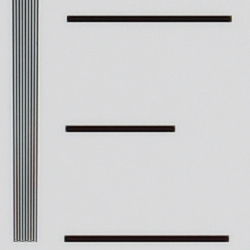
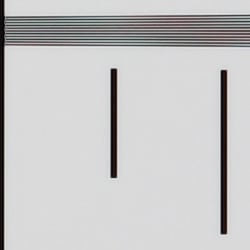
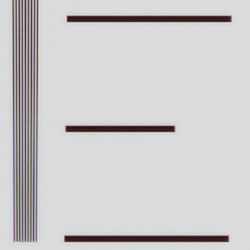
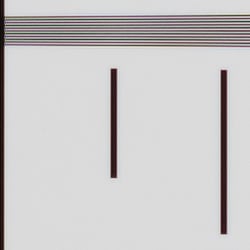
>4,000 lines of strong detail.
 |
 |
| Strong detail to >4,000 lines horizontal Camera JPEG |
Strong detail to >4,000 lines vertical Camera JPEG |
 |
 |
| Strong detail to >4,000 lines horizontal ACR processed RAW |
Strong detail to >4,000 lines vertical ACR processed RAW |
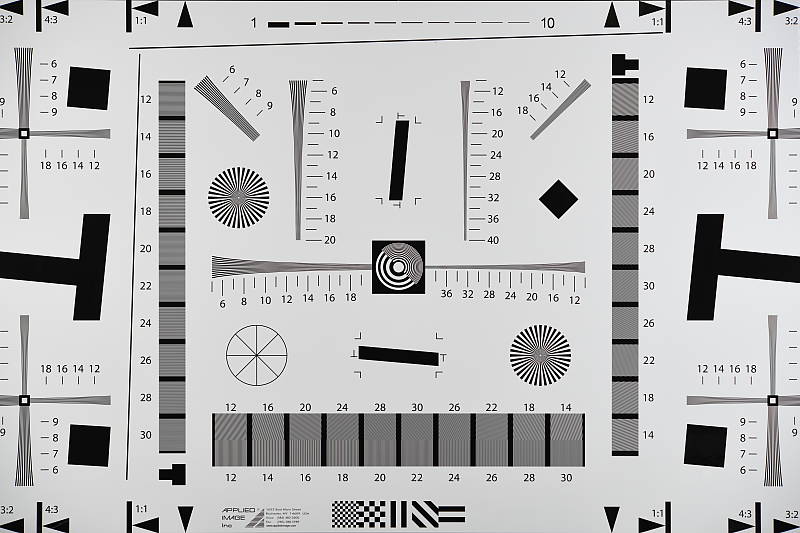
Our laboratory resolution chart reveals sharp, distinct line patterns all the way up to the 4,000 lines per picture height limit of our chart from both in-camera JPEG and ACR converted RAW files in both directions, though the in-camera JPEG shows more obvious aliasing in the form of strong moiré patterns and false colors starting at about 3,100 lines. The ACR conversion shows less luminance moiré than the in-camera JPEGs but false colors are more evident, even at lower resolutions. Use these numbers to compare with other cameras of similar resolution, or use them to see just what higher resolution can mean in terms of potential detail.
See full set of test images with explanations
See thumbnails of all test and gallery images
Sharpness & Detail
Very sharp images with exceptional detail, though with visible sharpening halos and aliasing artifacts. Minimal noise suppression artifacts at base ISO.
 |
 |
| Excellent definition of high-contrast elements, but with some evidence of edge enhancement. |
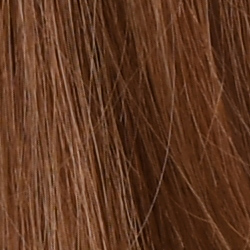
Subtle detail: Hair Noise suppression tends to blur detail in areas of subtle contrast, though detail remains strong in the darker parts of the model’s hair here. |
Sharpness. The Nikon D850 produces incredibly sharp, exceptionally detailed images at default settings, though edge enhancement artifacts are visible around high-contrast subjects, such as the fairly obvious sharpening halos around the lines and lettering in the crop above left. Default sharpening is a little higher than we’re used to seeing for a pro DSLR, but you can always turn it down if you prefer. Edge enhancement creates the illusion of sharpness by enhancing color and tonal differences right at the edge of a rapid transition in color or tone.
Detail. The crop above right shows only minimal detail loss due to noise suppression, as the darker areas of the mannequin’s hair show a lot of detail. Individual strands are still distinguishable even in the lighter shadows, though some begin to merge as shadows deepen, and in places where the tone and color of adjacent strands is very close. The hair is also virtually free from chroma noise, which is often not the case, but some strands do show signs of the “jaggies” and other aliasing artifacts. Still, an excellent performance here. Noise-suppression
systems in digital cameras tend to flatten-out detail in areas of subtle
contrast. The effects can often be seen in shots of human hair, where the
individual strands are lost and an almost “watercolor” look appears.
RAW vs In-Camera JPEGs
As noted above, the Nikon D850 does a great job at producing crisp images with tons of fine detail in its JPEGs. Let’s see how a RAW conversion using our standard converter (Adobe Camera Raw) at base ISO compares:
| Base ISO (64) | |
 |
 |
 |
 |
 |
 |
|
Camera JPEG, defaults
|
RAW via Adobe Camera Raw
|
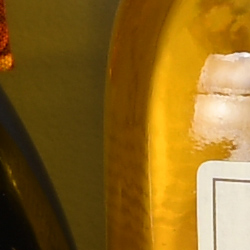
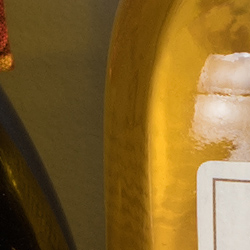
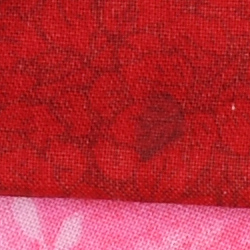
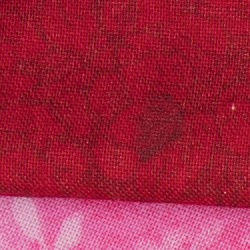
In the table above, we compare an in-camera JPEG taken at base ISO using default noise reduction and sharpening (on the left) to the matching RAW file converted with Adobe Camera Raw 9.1 via DNG Converter 10.1 using the default camera profile and noise reduction with some moderate unsharp mask sharpening applied in Photoshop (250%, radius of 0.3 pixels, and a threshold of 0).
Here, we can see that Adobe Camera Raw combined with moderate sharpening in Photoshop delivers slightly finer detail than the camera JPEG, with fewer sharpening halos around high-contrast edges. (The D850’s lack of an anti-aliasing filter means it’s more prone to aliasing artifacts such as moiré patterns, as seen in the red-leaf fabric above.) Noise is slightly more visible in the ACR conversion (default NR used), but is still very low. Colors aren’t as warm and vibrant with the Adobe Standard profile used, though plenty of camera profiles are available in ACR including Vivid, Standard, Neutral, Portrait, Landscape and Flat.
Bottom line: The Nikon D850’s default JPEG processing produces excellent detail and crispness at base ISO and default settings, though you can still do a bit better with lower sharpening artifacts when carefully processing RAW files.
ISO & Noise Performance
Very good high ISO performance.
| Noise Reduction = Default | ||
 |
 |
 |
| ISO 32 | ISO 64 | ISO 100 |
 |
 |
 |
| ISO 200 | ISO 400 | ISO 800 |
 |
 |
 |
| ISO 1600 | ISO 3200 | ISO 6400 |
 |
 |
 |
| ISO 12,800 | ISO 25,600 | ISO 51,200 |
 |
||
| ISO 102,400 | ||
Nikon D850 images are very crisp and clean at ISOs 32 through 400, with almost no chrominance noise and just a touch of luminance noise becoming more visible in the shadows as ISO increases. ISO 800 shows a bit more luminance noise than lower ISOs, but is still quite clean. ISO 1600 is probably the first sensitivity where there is noticeable luma noise when viewed at 100% magnification, though it’s very fine-grained and chroma noise is still very low. ISO 3200 loses another small step in image quality, but is still very detailed with low chroma noise. ISO 6400 shows stronger smudging with more visible luma noise, but fine detail is still pretty good and chroma noise is still well controlled. ISO 12,800 still offers good detail versus noise for such a high ISO, however image quality drops off rapidly at ISO 25,600 and above, with high luma noise, strong blurring and other visible noise reduction artifacts, and chroma noise in the form of yellow and purple blotching.
Still, high ISO performance is very good for a full-frame camera, especially considering the very high resolution. Luma noise at high ISOs does appear a little higher than from its predecessor, the D810, but the increased detail and lower chroma noise more than make up for that. Of course, the impact of noise and detail loss are highly dependent on the size the photos are printed at, and pixel-peeping on-screen has surprisingly little relationship to how the images look when printed: See the Print Quality section below for recommended maximum print sizes at each ISO.
A note about focus for this shot: We used to shoot this image at f/4, however depth of field became so shallow with larger, high-resolution sensors that it was difficult to keep important areas of this shot in focus, so we have since started shooting at f/8, the best compromise between depth of field and sharpness.
Extremes: Sunlit, dynamic range and low light tests
High default contrast led to some blown highlights in default JPEGs. Excellent low-light performance, capable of capturing bright images in near darkness.
 |
 |
 |
| +0.3 EV | +0.7 EV | +1.0 EV |
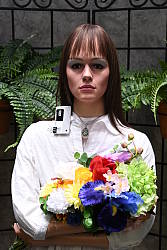
Sunlight. Surprisingly, the Nikon D850 struggled a little with the deliberately harsh lighting in the above test, because of its somewhat high default contrast. (Apologies for the cool manual white balance, as we probably could have done better.) We felt that the default and +0.3 EV exposures were too dim, while +1.0 EV blew too many highlights. The best overall exposure was +0.7 EV but it still led to some blown highlights in her shirt, flowers and even her nose. There are also some dark shadows at +0.7 EV, but detail in them is excellent and shadow noise is quite low for the resolution. Note that these shots were captured with the Nikon D850’s Active D-Lighting control set to its default of “Off”, and enabling it would have likely preserved all highlights even at +0.7 EV. See below for how Active D-Lighting helps with hot highlights and deep shadows.
Because digital cameras are more like slide film than negative film (in that they tend to have a more limited tonal range), we test them in the harshest situations to see how they handle scenes with bright highlights and dark shadows, as well as what kind of sensitivity they have in low light. The shot above is designed to mimic the very harsh, contrasty effect of direct noonday sunlight, a very tough challenge for most digital cameras. (You can read details of this test here. In actual shooting conditions, be sure to use fill flash in situations like the one shown here; it’s better to shoot in open shade whenever possible.)
Active D-Lighting
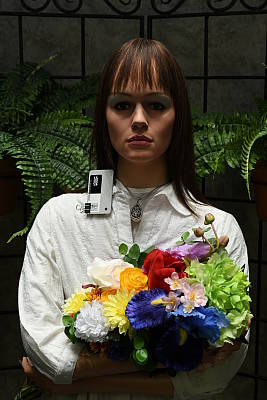
Active D-Lighting attempts to preserve detail in both highlights and shadows in high-contrast situations, while maintaining moderate levels of contrast. The series of shots below show the effect of the various Active D-Lighting settings (Off (default), Low, Normal, High, Extra High and Auto) available on the Nikon D850 on our high-contrast “Sunlit” Portrait scene.
Note that Active D-Lighting is different from the Retouch menu’s D-Lighting, as it is performed during image capture instead of after. (It does affect only JPEG images, though, Nikon very properly doesn’t apply tonal adjustments like this to RAW file data. NEF files are however tagged so that Nikon software can automatically apply the effect when converted.)
|
“Sunlit” Portrait Active D-Lighting (0 EV)
|
|
 |
ADL Settings:
Low Normal High |
 |
|
Mouse over the links to see how the various levels of Active D-Lighting affects our “Sunlit” Portrait shot at default exposure, and click on any link to get to the full-res image. (Active D-Lighting’s effect can be a little subtle in shots like those above, so we decided to use a mouse-over with matching histograms to better show how each setting compares.)
As you can see from the thumbnail images and histograms above, Active D-Lighting had a pretty subtle effect at default exposure which was quite dim for this shot. You can still see however that shadows and deeper midtones were boosted while highlights were maintained and even reduced at higher settings. This isn’t a very good example, though because of the dim default exposure. See below for a better example. As mentioned previously, the default ADL setting for the D850 is Off, while in more consumer-oriented models the default is Auto.
| Far-field Active D-Lighting (0 EV) | ||
 |
||
| Normal | ||
Here we can see the effects of Active D-Lighting on our Far-field shot, where it worked better since the default exposure wasn’t dim as it was with our “Sunlit” portrait shots. As you can see, Active D-Lighting brought up shadow and midtone levels while holding onto most highlights, resulting in a brighter, more balanced exposure without looking flat. The Auto setting did a pretty good job here, producing results similar to the Low setting.
HDR Mode
Like other more recent Nikon DSLRs, the D850 offers an in-camera high-dynamic-range imaging function. When enabled, the D850 captures two images with one push of the shutter button — one underexposed and one overexposed — and combines them in-camera to produce a high-dynamic-range JPEG. (RAW format is not supported.) There are three exposure differentials available: 1, 2 and 3 EV, as well as an Auto option, and there are three Smoothing options: Low, Normal and High. You can also elect to do a series of HDR shots without having to re-enable the mode each time, or select a Single Photo option.
| Far-field HDR mode | |||
 |
|||
|
3 EV:
|
|||
Mouse over the links to see how the Auto, 1 EV and 2 EV levels of HDR with default Normal Smoothing as well as 3 EV with Low, Normal and High Smoothing affect our Far-field shot at default exposure. Click on a link to get to the full-res image.
Obviously moving subjects should be avoided, as you can see from the ghosting in the flag, branches or person in some of HDR shots above. Aside from the noticeable halos and “glowing” caused by the Low Smoothing option, we think Nikon D850’s HDR feature is one of the better in-camera implementations, however you can most certainly do better by bracketing more exposures and combining the images yourself.
Dynamic Range Analysis (RAW mode)
While we once performed our own dynamic range measurements based on in-camera JPEGs as well as converted RAW images (when the camera was supported by Adobe Camera Raw), we’ve switched to using DxO Labs’ results from their DxOMark website. As technology advanced, the dynamic range of modern high-end cameras in some cases exceeded the range of the Stouffer T4110 density scale that we used for our own measurements. DxO’s approach based on RAW data before demosaicing is also more revealing, because it measures the fundamental dynamic range of the sensor, irrespective of whatever processing is applied to JPEGs, or to RAW data by off-the-shelf conversion software.
In the following, we use DxO’s “Print” dynamic range results, which are scaled based on camera resolution. As the name suggests, this scaling corresponds to the situation in which you print at a given size, regardless of how many megapixels the camera might have. (In other words, if you’ve decided to make a 13×19 inch print, that’s the size you’re printing, whether the camera’s resolution is 16 or 300 megapixels.) Also note that DxO Labs uses a signal-to-noise (SNR) threshold of 1 when defining the lower boundary of acceptable luminance noise in their dynamic range measurements, which corresponds to the “Low Quality” threshold of the Imatest software we used to use for this measurement.
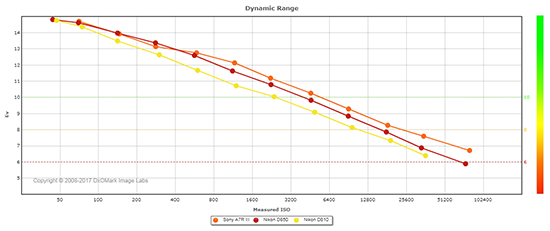 |
Here, we compare the Nikon D850’s dynamic range to that of its predecessor, the D810, as well as to probably its closest competitor, the Sony A7R III.
As you can see from the above graph (click for a larger version), the D850’s peak dynamic range at its base ISO of 64 is essentially the same as the D810’s (14.81 vs 14.76 EV), but as sensitivity is increased, the D850 pulls ahead by as much as almost one EV higher than its predecessor at ISOs 400 and 800. At higher ISOs the D850’s lead diminishes, but is still significant.
Compared to the Sony A7R III, the D850 has a slight advantage at its lower base ISO (14.8 EV at ISO 64 vs 14.7 at ISO 100 for the Sony), however it’s doubtful that such a small difference can be seen in real-world images. The two cameras are quite similar up to their ISO 800 settings, where the Sony starts to pull ahead with up to about about a 0.8 EV lead at the highest ISO.
Bottom line: Excellent dynamic range from the D850, with the highest dynamic range of any full-frame camera at base ISO as of this writing. Click here to visit the DxOMark page for the Nikon D850 for more of their test results and additional comparisons.
| 1 fc 11 lux |
1/16 fc 0.67 lux |
1/16 fc No NR |
|
|---|---|---|---|
| ISO 100 |
 2 s f2.8 |
 30 s f2.8 |
 30 s f2.8 |
| ISO 3200 |
 1/15 s f2.8 |
 1 s f2.8 |
 1 s f2.8 |
| ISO 25600 |
 1/125 s f2.8 |
 1/8 s f2.8 |
 1/8 s f2.8 |
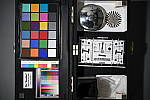
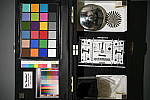
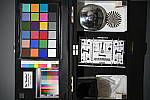
Low Light. The Nikon D850 performed very well here, able to easily capture usable images down to the 1/16 foot-candle light level (about 1/16 as bright as average city street lighting at night) at ISO 100, though our lowest light level would likely be a bit dim below ISO 100 because of the D850’s 30 second shutter speed limit (Bulb mode is required for longer exposures).
Color balance with Auto white balance was generally quite neutral, but shifted towards cyan at the maximum native ISO of 25,600 when the light level was dropped to 1/16 foot-candle, and even more so when noise reduction was minimized. Overall, though, low-light Auto white balance performance appears to be improved, without the strong magenta shift we saw with the D810 and some other Nikons at lower light levels.
Noise isn’t an issue at ISO 100, and is very well-controlled at ISO 3200. The top native ISO of 25,600 was of course noisier but still very usable with luma noise that is fine-grained and chroma noise that is quite low, except when noise reduction is minimized (right-most column).
We didn’t notice any significant issues with hot pixels or heat blooming in our tests, and banding (fixed pattern noise) appears to be very low even in the deepest shadows.
Low-Light AF: The D850’s phase-detection autofocus system was able to focus on our legacy low-contrast AF target reliably down to -3.0 EV unassisted with an f/2.8 lens, and down to -4.4 EV on our newer high-contrast target. This is very good, exceeding Nikon’s spec of -4 EV with our high-contrast target. Interestingly, we got practically identical results using contrast-detect AF in Live View mode, although focusing took longer with some hunting. Note that unlike the D810, the D850 does not have a built-in AF illuminator, but most dedicated flash units have one.
(Keep in mind that the longer shutter speeds here demand the use of a tripod to prevent any blurring from camera movement. A useful trick is to just prop the camera on a convenient surface, and use its self-timer to release the shutter. This avoids any jiggling from your finger pressing the shutter button, and can work quite well when you don’t have a tripod handy.)
How bright is this? The one foot-candle light level
that this test begins at roughly corresponds to the brightness of typical
city street-lighting at night. Cameras performing well at that level should
be able to snap good-looking photos of street-lit scenes.
NOTE: This low light test is conducted with a stationary subject, and the camera mounted on a sturdy tripod. Most digital cameras will fail miserably when faced with a moving subject in dim
lighting. (For example, a child’s ballet recital or a holiday pageant in a gymnasium.) Digital SLRs like the Nikon D850 do much better than point & shoots, but you still shouldn’t expect a quick autofocus lock with moving subjects.
Output Quality
Print Quality
Excellent 30 x 40 inch prints at ISO 32-400; a nice 24 x 36 at ISO 3200; a good 8 x 10 at ISO 25,600.
 ISO 32/64/100/200/400 all produce outstanding 30 x 40 inch prints and higher, with wonderful detail and color, as large as you can print until you run out of resolution from the 45.7-megapixel sensor. The image quality at these low ISOs from the D850 is simply stunning, and your printer will love you in return with delightful prints.
ISO 800 produces a very nice 30 x 40 inch print as well, with crisp fine detail and virtually no trace of strain from having raised the gain. This is, in fact, one of the best 30 x 40 inch prints we have seen at this ISO since beginning our print quality analysis many years ago.
ISO 1600 is also quite good at 30 x 40 inches, with nice fine detail on display and wonderful colors still abounding. There is now only a mild hint of noise reduction artifacts in the flatter areas of our test target, but only upon close inspection. A very nice print overall.
ISO 3200 is the first ISO setting where the Nikon D850 appears to show any real strain from having raised the gain, requiring a reduction in print size for the first time to a still large 24 x 36 inch print. Crisp fine detail and full colors are still represented at this size, and there’s only a minor trace of noise in flatter areas of our target, as well as a minor softening of detail in the red channel.
ISO 6400 has become somewhat of a benchmark gain setting, separating the better full-frame models from the pretenders. The D850 manages a capable 16 x 20 inch print here, which is twice the size (4x the area) that the average crop-sensored camera typically manages. There are similar minor issues as found in the 24 x 36 inch print at ISO 3200, but still quite a nice image. 13 x 19 inches would be a good recommendation here for your most critical printing applications though.
ISO 12,800 delivers a good 11 x 14 inch print. This is, once again, a rather large size for this lofty 5-digit gain setting. Colors are, for the first time, slightly muted in general, and there is a bit of noticeable noise in flatter areas of our target. There’s also a loss of contrast detail in our tricky red-leaf fabric swatch, but that’s typical of most all digital cameras by this sensitivity.
ISO 25,600 yields a solid 8 x 10 inch print, which rivals or exceeds most of the best digital cameras produced today that we’ve tested (with the one notable exception being the medium format Fujifilm GFX). We see similar issues as with many of the prints discussed above, with some minor noise apparent in the flatter areas of our test target and a loss of contrast detail and some softening in the red channel, but it’s still a print that very much passes our good seal.
ISO 51,200 prints just pass our “good” grade at 4 x 6 inches, and 5 x 7’s will work here for less critical applications, though colors are now a tad on the muted and slightly “scorched” side. Anything larger is simply too noisy to be useful.
ISO 102,400 doesn’t produce a worthwhile printed image, and we suggest avoiding this ISO setting entirely.
The Nikon D850 delivers outstanding performance in the print quality department, as we would expect given the storied history of this camera line. While slightly besting its predecessor the D810 by a print size at ISO 1600, it otherwise matches stride with its popular forebear at all other gain settings. It does however best the Sony A7R III and Canon 5D Mark IV rivals at several notable gain settings, allowing it to retain its crown as the king of the printing world for full-frame cameras, and further justifying its Best Overall Camera award for 2017.
The images above were taken from our standardized test shots. For a
collection of more pictorial photos, see our
Nikon D850 Photo Gallery
.
Not sure which camera to buy? Let your eyes be the ultimate judge!
Visit our Comparometer(tm)
to compare images from the Nikon D850 with those from other
cameras you may be considering. The proof is in the pictures, so let
your own eyes decide which you like best!
Performance
Timing and Performance
Excellent performance for its class.
| Startup/Play to Record | ||
|---|---|---|
|
Power on |
~0.2 second
|
Time it takes for camera to turn on. |
|
Play to Record, |
~0.1 second
|
Time until first shot is captured. |
Startup including taking a shot was very fast, and switching from Play to Record and taking a shot was even faster.
| Shutter Response (Lag Time) | ||
|---|---|---|
| Optical Viewfinder | ||
|
Full Autofocus |
0.076 second
|
Time from fully pressing shutter button to image capture using optical viewfinder. All timing performed with a Nikkor AF-S 60mm f/2.8 Micro lens. |
|
Manual focus |
0.052 second
|
For most cameras, shutter lag is less in manual focus than autofocus, but usually not as fast as when the camera is “prefocused”. |
|
Prefocused |
0.046 second
|
Time to capture, after half-pressing and holding shutter button. |
| Live View | ||
|
Full Autofocus |
0.726 second
|
Time to capture, after half-pressing shutter button, waiting for focus confirmation, then fully pressing shutter button in Live View mode. |
|
Prefocused |
0.145 second
|
Time to capture, after half-pressing and holding shutter button in Live View mode. |
In terms of the D850’s ability to determine that it’s properly focused when shooting the same target multiple times (with no change of focus setting between iteration, to remove the impact of lens AF speed), its speed was excellent. The D850’s full AF shutter lag measured only 0.076 second or 76 milliseconds using single-area (center) AF-S mode, our standard test. This is significantly faster than the D810’s 0.212 second for the same test.
Manual focus lag was 52 milliseconds, a bit faster than the D810’s 56ms. When prefocused, shutter lag was only 46 milliseconds, also faster than the D810’s 54ms.
As expected, the D850’s Live View mode adds a lot of AF shutter lag, though it still tested a bit faster than the D810. We measured 0.726 second for full autofocus lag, compared to 0.875 second for the D810. That’s almost 10x slower than with the optical viewfinder. The D850 still relies on contrast-detect AF in Live View mode, though, so AF speed will vary a lot depending on the lens being used, and that is why we typically don’t measure Live View full AF lag for DSLRs anymore.
Once prefocused, shutter lag in Live View mode was 0.145 second, also a bit faster than the D810’s 0.158 second. Pretty fast, but still considerably slower than using the optical viewfinder.
To minimize the effect of different lens’ focusing speed, we test AF-active shutter lag with the lens already set to the correct focal distance.
| Cycle Time (shot to shot) | ||
|---|---|---|
|
Single Shot mode |
< 0.3 second
|
Time per shot, averaged over a few frames (we no longer test for buffer depths in single-shot mode). |
|
Single Shot mode |
< 0.3 second
|
Time per shot, averaged over a few frames (we no longer test for buffer depths in single-shot mode). |
|
Early shutter |
No
|
Some cameras don’t snap another shot if you release and press the shutter too quickly in Single Shot mode, making “No” the preferred answer. |
|
Continuous Hi |
0.14 second
(7.12 fps); 200 frames total; 1.2 seconds to clear* |
Time per shot, averaged over capped buffer depth of 200 frames. |
|
Continuous Hi |
0.14 second
(7.14 fps); 200 frames total; 1.9 seconds to clear* |
Time per shot, averaged over capped buffer depth of 200 frames. |
|
Continuous Hi |
0.14 second
(7.09 fps); 53 frames total; 4.4 seconds to clear* |
Time per shot, averaged over 53 shot buffer, then slowed to an average of 0.20s or 4.90 fps when the buffer was full. |
| With optional MB-D18 battery grip and EN-EL18b battery | ||
|
Continuous Hi |
0.11 second
(9.18 fps); 55 frames total; 4.4 seconds to clear* |
Time per shot, averaged over 55 shot buffer, then slowed to an average of 0.14s or 7.08 fps with a lot of variation when the buffer was full. |
|
Continuous Hi |
0.11 second
(9.20 fps); 20 frames total; 5.1 seconds to clear* |
Time per shot, averaged over 20 shot buffer, then slowed to an average of 0.27s or 3.73 fps with a lot of variation when the buffer was full. |
|
*Note: Buffer depths and clearing times measured with a Lexar Pro 2933x XQD 2.0 400MB/s flash card except where otherwise noted. Slower cards will produce correspondingly slower clearing times. Slower cards may also limit length of bursts in continuous mode. ISO sensitivity and noise reduction settings can also affect cycle times and burst mode performance.
|
||
Single-shot cycle times were so fast that they were difficult to accurately measure as they depend on the tester’s dexterity and ability to maintain an optimum rhythm, so your results may vary. (Note that we no longer test single-shot mode with just RAW files, as the results are usually somewhere in between JPEG and RAW+JPEG.)
Continuous Hi burst mode slightly exceeded Nikon’s spec of seven frames per second at about 7.1 fps no matter the file type, and we’ve confirmed the camera can shoot at just over 9 frames per second (9.2 fps in our tests) with the NB-D18 battery grip with an EN-EL18b installed.
Buffer depths were very generous with our fast Lexar Pro 2933x XQD 2.0 card, artificially capped at 200 frames for optimal quality large/fine JPEGs or 14-bit lossless compressed NEF RAW files when shooting at 7 fps. When shooting 14-bit lossless compressed RAW+JPEG, the buffer depth dropped to 53 frames but the buffer-full rate was still a very decent 4.9 frames per second.
Buffer clearing was quite fast with our Lexar XQD 2.0 card, even with the large file sizes the D850 generates. We measured clearing times ranging from only 1.2 seconds after 200 JPEGs to 4.4 seconds after 53 RAW+JPEG frames. And the camera lets you make setting changes and view just-shot images while it’s clearing.
As mentioned, with the optional MB-D18 battery grip and an EN-EL18b battery the D850 managed about 9.2 frames per second, and when shooting optimal quality large/fine JPEGs, the buffer depth was 55 frames before slowing. With 14-bit lossless compressed RAW+JPEG files, buffer depth fell to 20 frames. Sorry, we didn’t test just RAW files with the grip. Clearing was still quite fast, ranging from only 4.4 to 5.1 seconds in our tests.
Note that buffer depths will of course vary with file type, image size, compression, bit-depth, crop mode, etc., and like most high-end Nikon DSLRs the D850 offers far too many options to test. Below is a buffer capacity table based on Nikon’s published figures using a Sony QD-G64E XQD 2.0 card to give you an idea how the file types compare. Note that Nikon’s JPEG figures are with “Size Priority” compression versus “Optimal” quality for our tests:
| Nikon claimed buffer depths with Sony QD-G64E XQD 2.0 card | ||
|---|---|---|
|
FX (Full Frame) Image Area
|
Image Size
|
Buffer Capacity
|
|
RAW: Lossless Compressed, 12-bit
|
Large (45.4MP)
|
170
|
|
Medium (25.6MP)
|
94
|
|
|
Small (11.4MP)
|
56
|
|
|
RAW: Lossless Compressed, 14-bit
|
Large (45.4MP)
|
51
|
|
RAW: Compressed, 12-bit
|
Large (45.4MP)
|
200
|
|
RAW: Compressed, 14-bit
|
Large (45.4MP)
|
74
|
|
RAW: Uncompressed, 12-bit
|
Large (45.4MP)
|
55
|
|
RAW: Uncompressed, 14-bit
|
Large (45.4MP)
|
29
|
|
TIFF: RGB, Uncompressed, 24-bit
|
Large (45.4MP)
|
32
|
|
Medium (25.6MP)
|
35
|
|
|
Small (11.4MP)
|
39
|
|
|
JPEG: Fine/Normal/Basic
|
All Sizes
|
200
|
|
DX (APS-C Crop) Image Area
|
Image Size
|
Buffer Capacity
|
|
RAW: Lossless Compressed, 12-bit
|
Large (19.5MP)
|
200
|
|
Medium (10.9MP)
|
200
|
|
|
Small (4.9MP)
|
200
|
|
|
RAW: Lossless Compressed, 14-bit
|
Large (19.5MP)
|
200
|
|
RAW: Compressed, 12-bit
|
Large (19.5MP)
|
200
|
|
RAW: Compressed, 14-bit
|
Large (19.5MP)
|
200
|
|
RAW: Uncompressed, 12-bit
|
Large (19.5MP)
|
200
|
|
RAW: Uncompressed, 14-bit
|
Large (19.5MP)
|
200
|
|
TIFF: RGB, Uncompressed, 24-bit
|
Large (19.5MP)
|
113
|
|
Medium (10.9MP)
|
200
|
|
|
Small (4.9MP)
|
200
|
|
|
JPEG: Fine/Normal/Basic
|
All Sizes
|
200
|
While our policy here at IR is to use the fastest card we have available for performance tests, we also did some testing with our 64GB Lexar Pro 2000x UHS-II SDXC card to see how it compares to our faster XQD 2.0 card. At 7 fps, the UHS-II card managed 75 best quality JPEGs, 40 14-bit lossless RAW files and 35 14-bit lossless RAW+JPEG frames before the camera slowed down or began to “stutter” (oscillate between full speed and much slower speeds). Buffer clearing times increased to 7.6 seconds after the 75 JPEGs, 5.3 seconds after 40 RAW files and 7 seconds after 35 RAW+JPEG files. Not bad considering the large file sizes the D850 produces, but as you can see the camera makes good use of a faster XQD 2.0 card.
Bottom line, the D850’s performance in the lab was superb for its class and resolution, with almost instantaneous startup and mode switching, swift autofocus (when using the optical viewfinder), low shutter lag, very quick cycle times, relatively fast burst modes (even faster with the grip), deep buffers, and rapid buffer clearing. The only “fly in the ointment” in terms of performance is the D850 still relies solely on contrast-detect AF in Live View mode, so autofocus during LV and video recording is sluggish and prone to hunting.
Battery
Battery Life
Outstanding battery life.
| Operating Mode | Number of Shots |
|---|---|
|
Still Capture
(CIPA standard, Optical Viewfinder) |
|
|
Still Capture
(CIPA standard, Live View LCD) |
|
The D850 uses a custom EN-EL15a rechargeable lithium-ion battery pack for power, and comes with both a single battery and dedicated charger. The CIPA-rated 1840 shots per charge using the optical viewfinder is outstanding for its class, and a significant increase over the 1200 shots per charge of its predecessor, though keep in mind the D810 had a built-in flash which is fired for 50% of shots in CIPA battery life testing while the D850 does not have a built-in flash. Unfortunately, Nikon does not seem to publish battery life in number of shots when Live View mode is used, however it’s a safe bet that it’s much lower. Nikon does however claim about 70 minutes of HD video can be recorded on a charge. With the optional MB-D18 battery pack and EN-EL18b battery installed, CIPA-rated battery life increases to a whopping 3300 shots or 145 minutes of HD footage.
The table above shows the number of shots the camera is capable of on fully-charged battery, based on CIPA battery-life and/or manufacturer standard test conditions.
(Interested readers can find an English translation of the CIPA DC-002 standards document here. (180K PDF document))
Image Quality
Below we compare the Nikon D850’s JPEG image quality a various ISOs to that of its predecessor’s, the Nikon D810, as well as to a number of competing DSLRs or mirrorless cameras: the Canon 5D Mark IV, Canon 5DS R, Fuji GFX and Sony A7R III.
NOTE: These images are best quality JPEGs straight out of the camera, at default settings including noise reduction and using the camera’s actual base ISO (not extended ISO settings). Clicking any crop will take you to a carrier page where you can click once again to access the full resolution image as delivered straight from the camera. For those interested in working with the RAW files involved: click these links to visit each camera’s respective sample image thumbnail page: Nikon D850, Nikon D810, Canon 5D IV, Canon 5DS R, Fuji GFX, and Sony A7R III — links to the RAW files appear beneath those for the JPEG images, wherever we have them. And remember, you can always go to our world-renowned Comparometer to compare the Nikon D850 to any camera we’ve ever tested at all ISOs!
Nikon D850 versus Nikon D810 at Base ISO
 |
|
Nikon D850 at ISO 64
|
 |
|
Nikon D810 at ISO 64
|
 |
|
Nikon D850 at ISO 64
|
 |
|
Nikon D810 at ISO 64
|
 |
|
Nikon D850 at ISO 64
|
 |
|
Nikon D810 at ISO 64
|
|
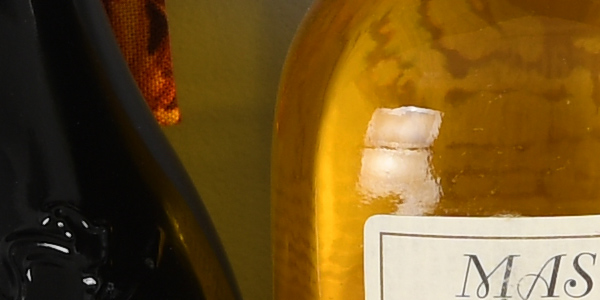
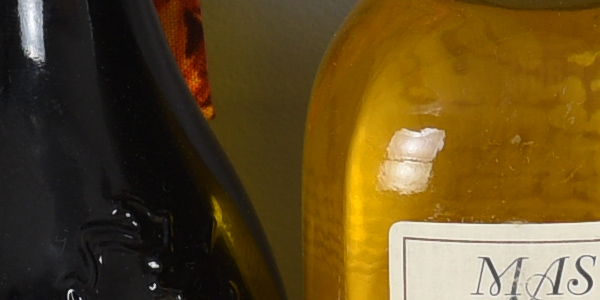
Above we compare the new 45.7-megapixel Nikon D850 to its predecessor, the 36.3-megapixel D810 at base ISO. It’s easy to see that the D850 definitely resolves more detail than the D810, as it should. Noise levels from the D850 appear to be similar if not a touch lower, which bodes well for high ISO performance. The D810 produces better contrast in our tricky red-leaf swatch, however there are also much stronger moiré patterns. Neither camera has an anti-aliasing filter and aliasing artifacts will of course vary with resolution, distance and subject matter, so this is not really a surprise. Processing remains similar, with both cameras producing very sharp, crisp images but with visible sharpening halos around high-contrast edges. Colors are pleasing from both cameras, though the D850’s are a bit warmer and saturation of most colors is a bit higher. |
Nikon D850 versus Canon 5D IV at Base ISO
 |
|
Nikon D850 at ISO 64
|
 |
|
Canon 5D IV at ISO 100
|
 |
|
Nikon D850 at ISO 64
|
 |
|
Canon 5D IV at ISO 100
|
 |
|
Nikon D850 at ISO 64
|
 |
|
Canon 5D IV at ISO 100
|
|
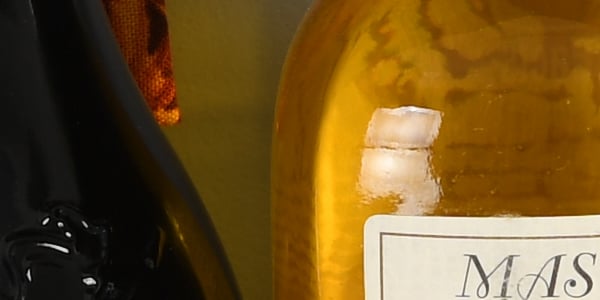
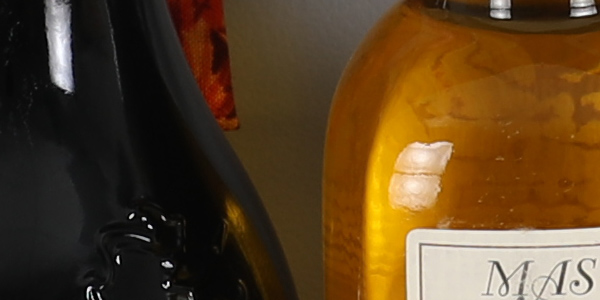
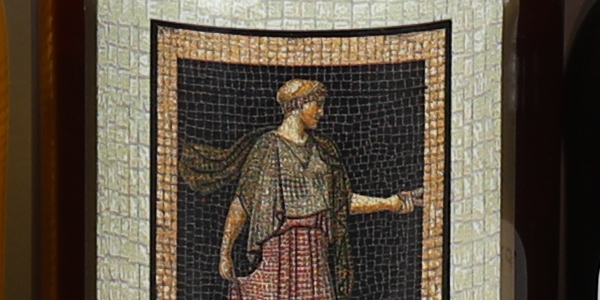
Although the Nikon D850 offers a ~50% higher pixel count than the 30.4-megapixel Canon 5D Mark IV, we decided to compare them anyway, since they are similarly priced and can both shoot 4K video. (Below we compare the D850 to the higher resolution Canon 5DS R.) Here we see the D850 easily out-resolves the 5D Mark IV, though noise levels are a bit higher from the Nikon. The Nikon image is also a lot crisper, mostly thanks to better default processing. Once again, the lower resolution 5D IV shows stronger moiré patterns in our red-leaf swatch despite having an optical low-pass filter, however the D850 shows stronger aliasing in other areas of our test scene. Both cameras produce pleasing colors, though the Nikon’s colors are generally more saturated and warmer. |
Nikon D850 versus Canon 5DS R at Base ISO
 |
|
Nikon D850 at ISO 64
|
 |
|
Canon 5DS R at ISO 100
|
 |
|
Nikon D850 at ISO 64
|
 |
|
Canon 5DS R at ISO 100
|
 |
|
Nikon D850 at ISO 64
|
 |
|
Canon 5DS R at ISO 100
|
|
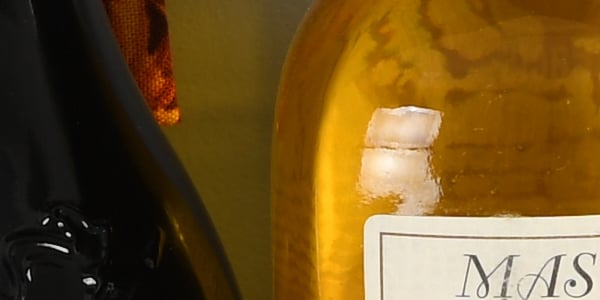
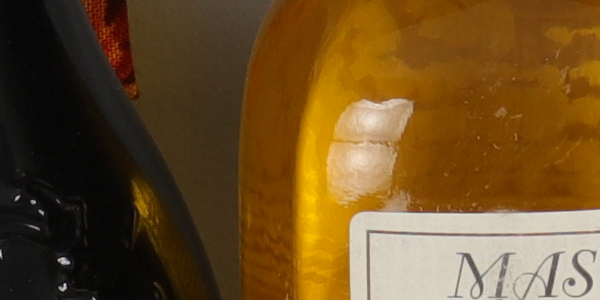
Here we can see the tables are turned with the 50.6-megapixel Canon 5DS R capturing a bit more detail than the Nikon D850, however the Nikon image is crisper with higher contrast, though sharpening halos are more evident. Noise levels are roughly similar except in the deep shadows where the Canon is noisier. Both cameras produce pleasing color, however the Nikon’s is again more saturated and warmer. |
Nikon D850 versus Fuji GFX at Base ISO
 |
|
Nikon D850 at ISO 64
|
 |
|
Fuji GFX at ISO 100
|
 |
|
Nikon D850 at ISO 64
|
 |
|
Fuji GFX at ISO 100
|
 |
|
Nikon D850 at ISO 64
|
 |
|
Fuji GFX at ISO 100
|
|
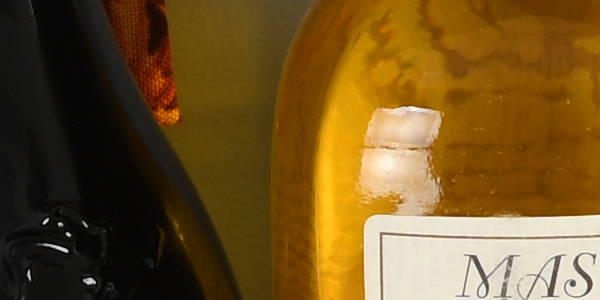
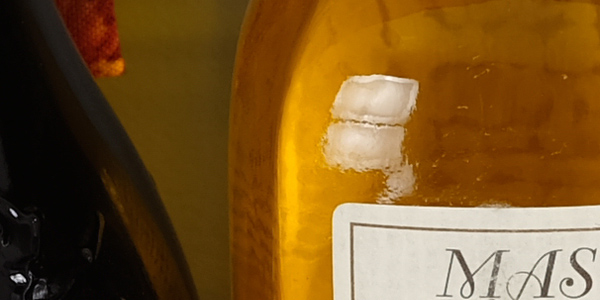
We’ve decided to include the 51.4-megapixel medium format Fuji GFX as sort of a benchmark here, even though it is roughly twice the price and doesn’t offer nearly the type of performance that the D850 does. Also be aware that the GFX’s sensor has a 4:3 aspect ratio while the rest in this group have a 3:2 aspect ratio, so the GFX has more of a resolution advantage over the others than their relative pixel counts would imply here, as we frame this shot vertically. (The D850 and GFX both produce images with 8256 pixels in the horizontal axis, but the Fuji yields 6192 pixels in the vertical, versus 5504 pixels for the Nikon.) As you can see, the GFX handily out-resolves the D850 and has lower noise levels as well. Both offer very crisp images, but the Fuji generates less obvious sharpening halos around high-contrast edges. The Nikon produces higher contrast though, particularly in our tricky red-leaf swatch. Both cameras offer pleasing, vibrant color though again the Nikon is a bit warmer and overall the Fuji’s colors are a little more accurate. |
Nikon D850 versus Sony A7R III at Base ISO
 |
|
Nikon D850 at ISO 64
|
 |
|
Sony A7R III at ISO 100
|
 |
|
Nikon D850 at ISO 64
|
 |
|
Sony A7R III at ISO 100
|
 |
|
Nikon D850 at ISO 64
|
 |
|
Sony A7R III at ISO 100
|
|
Here we compare the D850 to the 42.4-megapixel Sony A7R Mark III. Although the D850 has slightly higher resolution, both resolve very similar amounts of detail and produce very crisp images, however the Sony image contains fewer sharpening artifacts due to its more sophisticated sharpening algorithm. Contrast is noticeably higher from the Sony in our tricky red-leaf swatch as well. Both produce good color, however the Nikon’s is a bit warmer overall. |
Nikon D850 versus Nikon D810 at ISO 6400
 |
|
Nikon D850 at ISO 6400
|
 |
|
Nikon D810 at ISO 6400
|
 |
|
Nikon D850 at ISO 6400
|
 |
|
Nikon D810 at ISO 6400
|
 |
|
Nikon D850 at ISO 6400
|
 |
|
Nikon D810 at ISO 6400
|
|
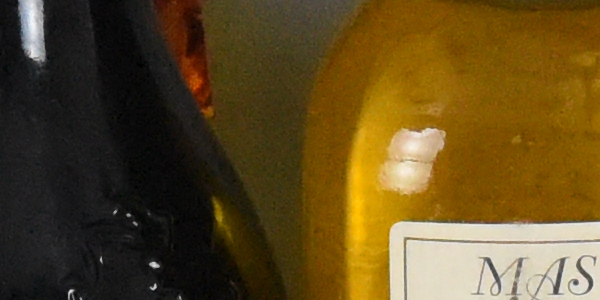
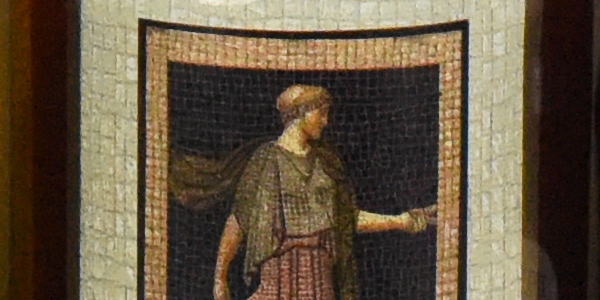
Here we jump up to ISO 6400 to get an idea of how high ISO performance compares. At ISO 6400, luminance noise appears to be a bit lower from the D850, while chrominance noise is much lower than the D810. This is likely why the D810 holds onto a lot more detail in our troublesome red-leaf swatch than the D850. In most other areas, the D850 still manages to resolve more detail, however its resolution advantage isn’t as much as it was at base ISO. Still, a very nice improvement over the D810 overall. |
Nikon D850 versus Canon 5D IV at ISO 6400
 |
|
Nikon D850 at ISO 6400
|
 |
|
Canon 5D IV at ISO 6400
|
 |
|
Nikon D850 at ISO 6400
|
 |
|
Canon 5D IV at ISO 6400
|
 |
|
Nikon D850 at ISO 6400
|
 |
|
Canon 5D IV at ISO 6400
|
|
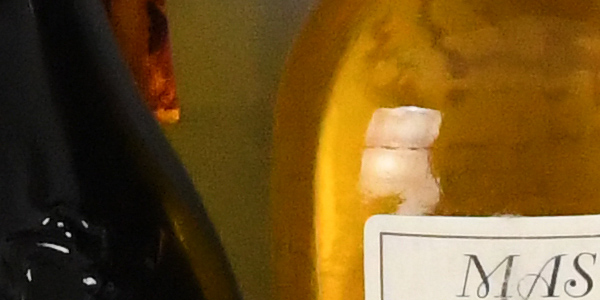
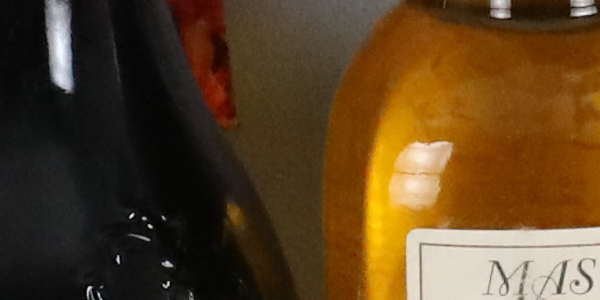
Noise levels are lower from the Canon 5D Mark IV as expected, however the D850 still manages to resolve more detail with better clarity in most areas. Both struggle with our difficult red-leaf swatch, however the Canon holds onto more of the leaf pattern while the Nikon still retains some of the thread pattern. Again, colors are a little warmer from the Nikon. |
Nikon D850 versus Canon 5DS R at ISO 6400
 |
|
Nikon D850 at ISO 6400
|
 |
|
Canon 5DS R at ISO 6400
|
 |
|
Nikon D850 at ISO 6400
|
 |
|
Canon 5DS R at ISO 6400
|
 |
|
Nikon D850 at ISO 6400
|
 |
|
Canon 5DS R at ISO 6400
|
|
Luminance noise is much higher from the 5DS R here at ISO 6400 though the Canon manages to retain a bit more high-contrast detail than the Nikon. Noise reduction artifacts are however more apparent from the Canon giving fine detail a somewhat crunchy, stippled appearance. The Nikon does slightly better with our red-leaf swatch, though both blur most of the leaf pattern away, however the Canon retains more detail in the pink fabric. |
Nikon D850 versus Fuji GFX at ISO 6400
 |
|
Nikon D850 at ISO 6400
|
 |
|
Fuji GFX at ISO 6400
|
 |
|
Nikon D850 at ISO 6400
|
 |
|
Fuji GFX at ISO 6400
|
 |
|
Nikon D850 at ISO 6400
|
 |
|
Fuji GFX at ISO 6400
|
|
The Fujifilm GFX easily bests the Nikon D850 here at ISO 6400, with much better detail, lower noise and a tighter noise “grain,” though contrast is a bit higher from the D850. However, as mentioned in our GFX review, the Fuji requires about 2/3 EV longer exposures than most cameras so keep that in mind. Still, even when comparing to the D850 at ISO 3200, the GFX comes out ahead thanks to its larger pixels and more sophisticated processing. |
Nikon D850 versus Sony A7R III at ISO 6400
 |
|
Nikon D850 at ISO 6400
|
 |
|
Sony A7R III at ISO 6400
|
 |
|
Nikon D850 at ISO 6400
|
 |
|
Sony A7R III at ISO 6400
|
 |
|
Nikon D850 at ISO 6400
|
 |
|
Sony A7R III at ISO 6400
|
|
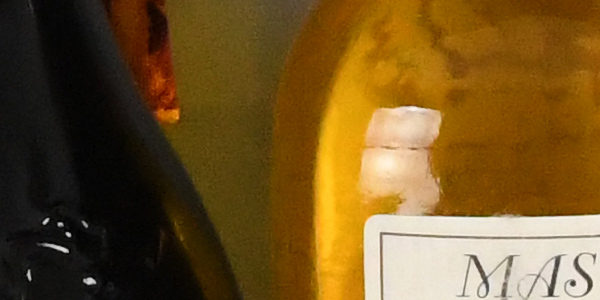
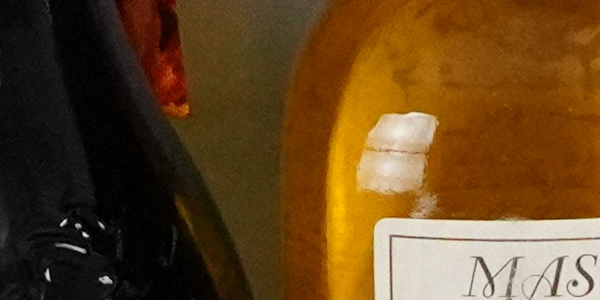
The Nikon D850 image is softer and less detailed here at ISO 6400 with slightly higher luminance noise, however chroma noise is lower, some low-contrast edges are better defined, and colors are warmer than from the Sony A7R III. Overall, we’d say the Sony comes out ahead here, though it’s really up to personal preference. |
High-Contrast Detail: Nikon D850 versus Nikon D810, Canon 5D IV, Canon 5DS R, Fuji GFX, and Sony A7R III
|
Base ISO
|
ISO 6400
|
ISO 12,800
|
|
|
Nikon D850
Base ISO: 64 |
 |
 |
 |
|
Nikon D810
Base ISO: 64 |
 |
 |
 |
|
Canon 5D IV
Base ISO: 100 |
 |
 |
 |
|
Canon 5DS R
Base ISO: 100 |
 |
 |
 |
|
Fuji GFX
Base ISO: 100 |
 |
 |
 |
|
Sony A7R III
Base ISO: 100 |
 |
 |
 |
| Detail comparison. High-contrast detail is also important, pushing the camera in different ways, so we like to look at it separately. Here, we can see the D850 offers a noticeable improvement over the D810, especially as ISO climbs, producing far fewer false colors in the stripped lettering at the higher ISOs. The D850 easily bests the Canon 5D Mark IV in both resolution and sharpness as expected, and it also exhibits much less image quality degradation at the higher ISOs. The Canon 5DS R outresolves the D850 at base ISO while producing fewer sharpening artifacts, however the 5DS R’s contrast is lower and its image quality degrades due to noise much more quickly at high ISOs. The Fuji GFX comes out ahead in terms of resolving power in this group, but as mentioned that’s partially because of its 4:3 aspect ratio. Its output gets a little softer than the D850’s as ISO rises, however performance at high ISOs is still excellent. The Sony A7R III does very well here, producing sharp, crisp images with the fewest sharpening artifacts. Resolution and contrast are not quite as high as the D850’s, but both cameras do very well with high-contrast detail here. | |||
Nikon D850 Print Quality Analysis
Excellent 30 x 40 inch prints at ISO 32-400; a nice 24 x 36 at ISO 3200; a good 8 x 10 at ISO 25,600.
ISO 32/64/100/200/400 all produce outstanding 30 x 40 inch prints and higher, with wonderful detail and color, as large as you can print until you run out of resolution from the 45.7-megapixel sensor. The image quality at these low ISOs from the D850 is simply stunning, and your printer will love you in return with delightful prints.
ISO 800 produces a very nice 30 x 40 inch print as well, with crisp fine detail and virtually no trace of strain from having raised the gain. This is, in fact, one of the best 30 x 40 inch prints we have seen at this ISO since beginning our print quality analysis many years ago.
ISO 1600 is also quite good at 30 x 40 inches, with nice fine detail on display and wonderful colors still abounding. There is now only a mild hint of noise reduction artifacts in the flatter areas of our test target, but only upon close inspection. A very nice print overall.
ISO 3200 is the first ISO setting where the Nikon D850 appears to show any real strain from having raised the gain, requiring a reduction in print size for the first time to a still large 24 x 36 inch print. Crisp fine detail and full colors are still represented at this size, and there’s only a minor trace of noise in flatter areas of our target, as well as a minor softening of detail in the red channel.
ISO 6400 has become somewhat of a benchmark gain setting, separating the better full-frame models from the pretenders. The D850 manages a capable 16 x 20 inch print here, which is twice the size (4x the area) that the average crop-sensored camera typically manages. There are similar minor issues as found in the 24 x 36 inch print at ISO 3200, but still quite a nice image. 13 x 19 inches would be a good recommendation here for your most critical printing applications though.
ISO 12,800 delivers a good 11 x 14 inch print. This is, once again, a rather large size for this lofty 5-digit gain setting. Colors are, for the first time, slightly muted in general, and there is a bit of noticeable noise in flatter areas of our target. There’s also a loss of contrast detail in our tricky red-leaf fabric swatch, but that’s typical of most all digital cameras by this sensitivity.
ISO 25,600 yields a solid 8 x 10 inch print, which rivals or exceeds most of the best digital cameras produced today that we’ve tested (with the one notable exception being the medium format Fujifilm GFX). We see similar issues as with many of the prints discussed above, with some minor noise apparent in the flatter areas of our test target and a loss of contrast detail and some softening in the red channel, but it’s still a print that very much passes our good seal.
ISO 51,200 prints just pass our “good” grade at 4 x 6 inches, and 5 x 7’s will work here for less critical applications, though colors are now a tad on the muted and slightly “scorched” side. Anything larger is simply too noisy to be useful.
ISO 102,400 doesn’t produce a worthwhile printed image, and we suggest avoiding this ISO setting entirely.
Summary: The Nikon D850 delivers outstanding performance in the print quality department, as we would expect given the storied history of this camera line. While slightly besting its predecessor the D810 by a print size at ISO 1600, it otherwise matches stride with its popular forebear at all other gain settings. It does however best the Sony A7R III and Canon 5D Mark IV rivals at several notable gain settings, allowing it to retain its crown as the king of the printing world for full-frame cameras, and further justifying its Best Overall Camera award for 2017.
Field Test Part I
Nikon D850 Field Test Part I
Nikon’s megapixel monster is more versatile than ever
 Introduction
Back in 2012 when Nikon launched the D800 and D800E, those models, in a sense, reignited the megapixel race amongst camera manufacturers. At the time, no other DSLR offered that kind of resolution. Yet despite the high megapixel count — which has the potential to be detrimental to image quality, particular at higher ISOs — the Nikon D800-series, both the original and successor D810 model, have all earned rave reviews for image quality performance.
These high-resolution Nikon DSLRs, while an excellent choice for crisp, detailed photos of slower, more deliberate subjects such as landscapes, portraiture and architecture, often compromised on speed, namely continuous burst shooting rates. Now, don’t get me wrong, the D800 and D810 weren’t slow, sluggish cameras, but at about 4fps and 5fps, respectively, for their maximum burst rates, they weren’t exactly designed as the go-to choice for professionals when it came to photographing sports and action subjects.
Nikon D850 Field Test Part II
Nikon’s new DSLR shines in the field – is it their best camera ever?
 Introduction to Field Test Part II
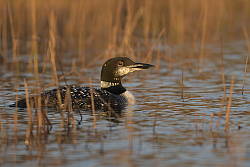
In William Brawley’s Nikon D850 Field Test Part I from Bend, Oregon, he covered a lot of the camera’s features and functionality. If you have yet to read his Field Test, click here. In this Field Test Part II, I am going to take a closer look at working with D850 RAW files and discuss how the camera performs in the field with respect to wildlife and night photography. Further, I’ll write about my experiences using the D850 as a longtime D800E user.
Working with the D850 RAW files
In-camera RAW processing
Like other Nikon cameras, the D850 offers in-camera RAW processing. This allows you to take RAW images and perform a variety of edits to the file before exporting it as a JPEG. You can change the JPEG quality, image size, white balance, exposure compensation, Picture Style, strength of high ISO noise reduction, color space, vignette control and Active D-Lighting settings. You can also get a live preview of the changes you’re making on the display. Once you’ve made the desired processing selections, you can then export the JPEG file of your choice to either memory card slot. What makes the D850 special though is that you can perform batch RAW processing to either selected images, all images on a chosen card or all images together. Not only is this a great feature, but it works really well and is very quick, with RAW files being processed and exported as JPEGs in only a couple of seconds.
Nikon D850 Field Test Part III
Is the D850 the best Nikon DSLR ever for video?
 Recap of Field Test Part II
In my Field Test Part II, I discussed RAW files from the D850, how the D850 compares to the D800/D810. I also touched on using the D850 for wildlife and for night photography. In this Field Test Part III, I will discuss the camera’s built-in timelapse functionality and video features.
Built-in timelapse functionality
The D850 has extensive timelapse functionality, including built-in 4K timelapses as well as an 8K timelapse function, although these 8K sequences are not compiled in-camera like the 4K timelapses.
When shooting 4K timelapses in-camera, you have control over the shooting interval, total shooting time and whether exposure smoothing and “silent photography” is enabled. I like how much control over the timelapses you have with the D850. Another nice touch is that as you adjust the settings, the camera automatically updates the total shooting time and the length of the final timelapse sequence, which is of course dependent upon interval, shooting time and the frame rate of the final video.
Field Test Part II
Nikon’s megapixel monster is more versatile than ever
by William Brawley | Posted 09/26/2017
 |
|
14-24mm f/2.8G: 14mm, f/5.6, 1/1600s, ISO 200, Remote TTL flash fired
This image has been edited. Please click photo for original. |
Back in 2012 when Nikon launched the D800 and D800E, those models, in a sense, reignited the megapixel race amongst camera manufacturers. At the time, no other DSLR offered that kind of resolution. Yet despite the high megapixel count — which has the potential to be detrimental to image quality, particular at higher ISOs — the Nikon D800-series, both the original and successor D810 model, have all earned rave reviews for image quality performance.
These high-resolution Nikon DSLRs, while an excellent choice for crisp, detailed photos of slower, more deliberate subjects such as landscapes, portraiture and architecture, often compromised on speed, namely continuous burst shooting rates. Now, don’t get me wrong, the D800 and D810 weren’t slow, sluggish cameras, but at about 4fps and 5fps, respectively, for their maximum burst rates, they weren’t exactly designed as the go-to choice for professionals when it came to photographing sports and action subjects.
However, with this third iteration of Nikon’s D800-family, the new D850 appears to address the needs of all sorts of photographers, from portrait and landscape folks to photojournalists and sports photographers, all despite the increase in resolution from 36-megapixels to 45.7. The D850 is packed with the latest-generation EXPEED 5 image processor, giving it the horsepower to handle and process these even-more-massive images. Not only do you get more resolving power, the D850 also offers more speed — a claimed 7fps for full-res images, or up to 9fps if you add the optional battery grip that uses a beefy D5-style EN-EL18 battery pack.
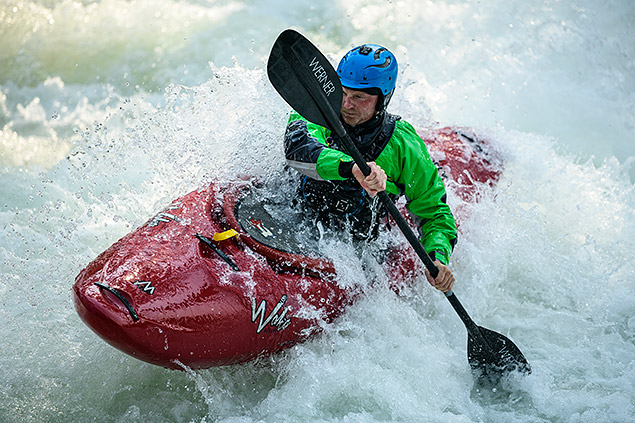 |
|
70-200mm f/2.8E VR: 185mm, f/2.8, 1/2500s, ISO 160, +0.7EV
This image has been edited. Please click photo for original. |
The new sensor and processor allow for other high-performance and data-intensive features, such as 4K/30p video, built-in 4K timelapse creation (or 8K-ready timelapse without in-camera movie building), 1080/120p slow-motion video and simultaneous video recording to the memory card(s) while streaming out a 4:2:2 8-bit 4K signal via HDMI. On paper at least, this is a lot of firepower.
I recently had the opportunity to attend a Nikon-organized press junket in Bend, Oregon to test out the new Nikon D850 in a whole range of different shooting scenarios. In this first part to our Nikon D850 field test, I’ll discuss the camera’s design changes and build quality as well as some of the operational quirks I experienced while testing the camera. Then, I’ve dive into the image quality and shooting performance of this new pro-tier high-res DSLR.
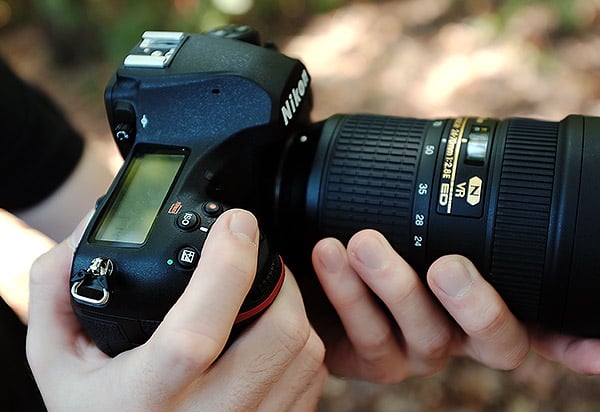 |
Nikon D850 Build Quality and Handling
At first glance, the Nikon D850 doesn’t looks significantly different from its predecessor; it’s still sporting a classic, full-sized DSLR shape with large viewfinder hump and Nikon’s characteristic red accent across the front of the grip. It’s really once you get the camera in your hands that you begin to notice the small details, tweaks and improvements to the camera’s design.
For starters, the grip itself is redesigned. In a similar fashion to how Nikon revamped the grips of their smaller DSLRs as of late, the new D850’s grip is slightly, but noticeably thinner so it fits into your hand better. The grip also feels deeper, which altogether makes the camera very secure in the hand. I don’t consider my hands to be all that large, more average-sized really, and the D850 feels great in my hands. My fingers wrap nicely around the grip and into that “L” crux of the camera. The rubbery coating is tacky enough for extra comfort and grip, too.
Further, the middle finger indentation/contour under the red accent fits my hand nicely, and Nikon has also noticeably but subtly increased the size of the thumb notch on the back of the camera. Compared to a Nikon D800E, which I held side-by-side, the D850 feels much more comfortable and secure to hold. To me, the D800/D810 had this fullness, this kind of bulkiness to its grip, whereas the D850 just feels “right.” To me, it feels more similar to a Canon 5D Mark IV, for example, but I actually prefer the feel of the D850.
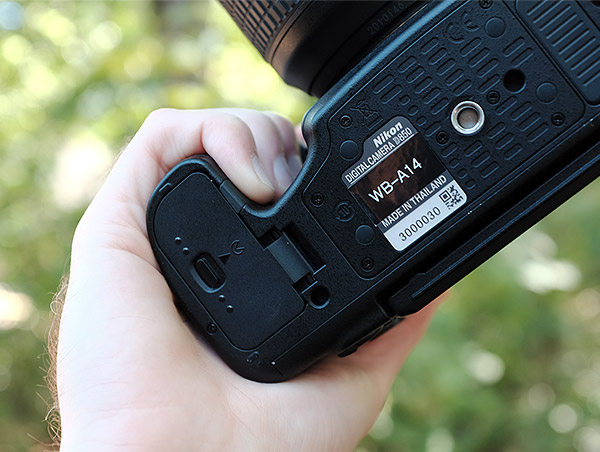 |
For the most part, the buttons and dials on the D850 are pretty straightforward, especially for anyone already familiar with DSLR cameras. Of course, if you’re moving from a different camera brand, the layout of everything will take a bit of getting used to, but I didn’t find any major stumbling points. As someone who’s well-versed in Canon and Olympus cameras, I nevertheless felt pretty comfortable using the camera, even in the dark. I unfortunately kept forgetting about the new illuminated buttons, since it requires an extra flick of the power switch. It’s a really helpful feature, especially during my astrophotography outings, just so long as you remember that it’s available!
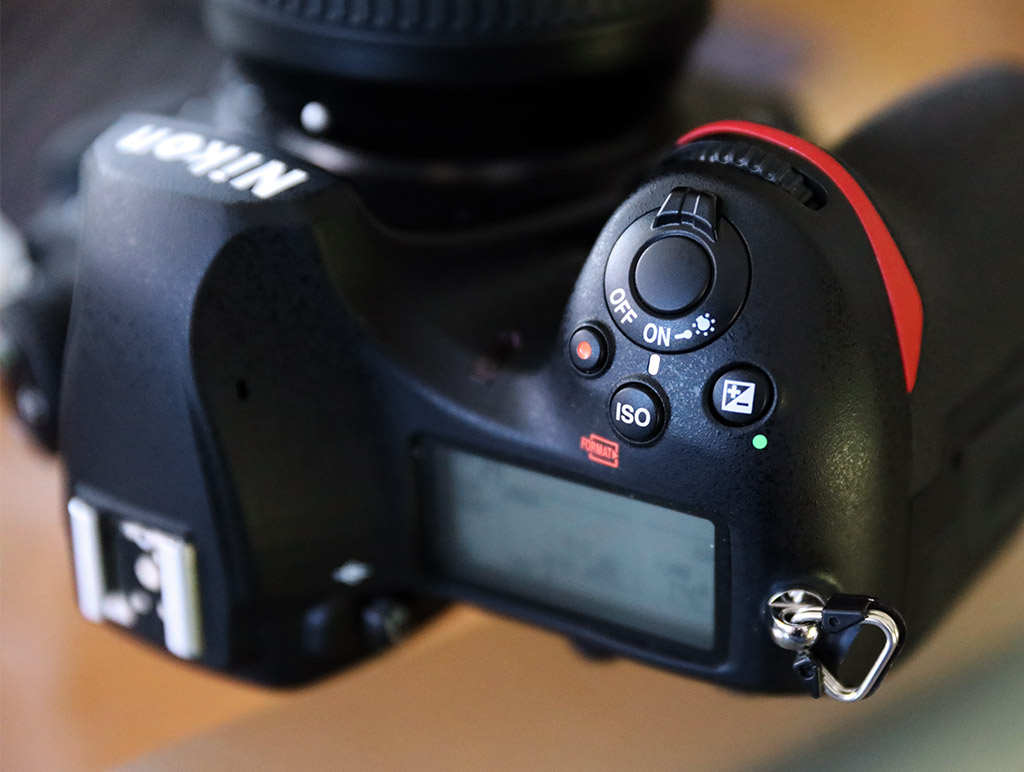
The buttons and dials on the D850 are generally nice and responsive, and I appreciate some of the new button placements as well, like the dedicated ISO button right up top behind the shutter release. There’s also lots of customization with numerous buttons that can been reassigned as you see fit to better suit your shooting style. For example, you can assign the center button of the multi-directional control to instantly zoom-in to 100% in Playback mode, which I found really handy to check focus. The only negative thing I can think of about the controls from a physical standpoint is in regards to the multi-directional control; it feels somewhat mushy and imprecise (though I never really mis-pressed it) and can audibly “creak” and squeak when you press it. Perhaps its due to whatever weather-proof gasket is used to seal that button, but it’s the only thing that feels cheap, in a sense, on this otherwise solidly-built, expensive camera.
Like most of Nikon’s higher-end DSLRs, the D850 doesn’t have a typical PASM mode dial, but rather a Mode button that you need to press and hold, then use the rear thumb dial to change exposure/shooting modes. I found this a bit on the clunky side and slower than a simple PASM dial, even a locking one. It does, however, better ensure that you don’t accidentally change shooting modes while running around.
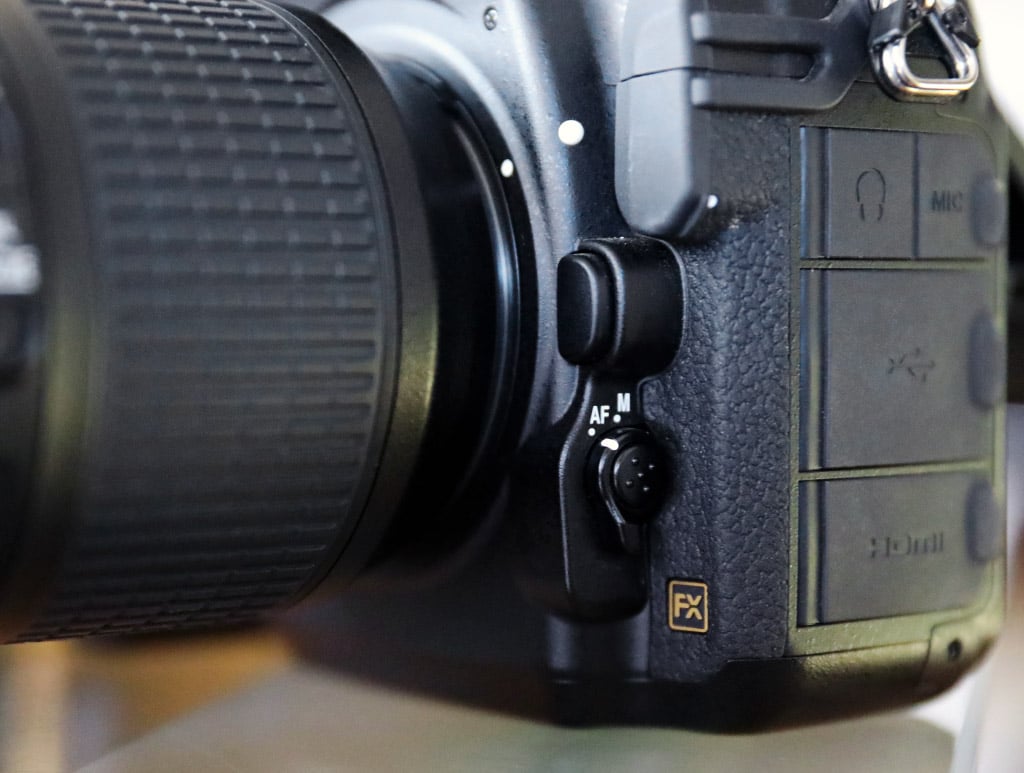
A similar “press-and-hold button” is the Focus Mode selector button. For me, this button — which is featured on many Nikon DSLRs — is in the worst position ever for an AF mode button. I realize the switch is actually mechanically disengaging the AF motor down there, but having the AF mode button there as well is very awkward. I feel like AF mode is a setting that gets changed quite often, and having that mode button tucked away out of sight is quite strange. Plus, the fact that you need to press and hold it to change the AF settings is quite frustrating, especially if you have larger lenses attached. For example, I was shooting motocross with the Nikon 200-400mm f/4 VR lens, which is very long and quite heavy, but still hand-holdable for periods of time. This pairing was heavy enough that I couldn’t hold the base of the camera in my left hand and press the AF mode button with my thumb. I had to basically prop-up the lens with my leg, while I pressed and held the AF button. Not only do you need to press the AF button to switch from AF-S to AF-C modes, but you also use that button when changing AF point configurations. It became quite annoying to adjust AF settings on the fly while using that heavy lens, especially since I was switching back and forth between various AF point settings to see what worked best for the subject.
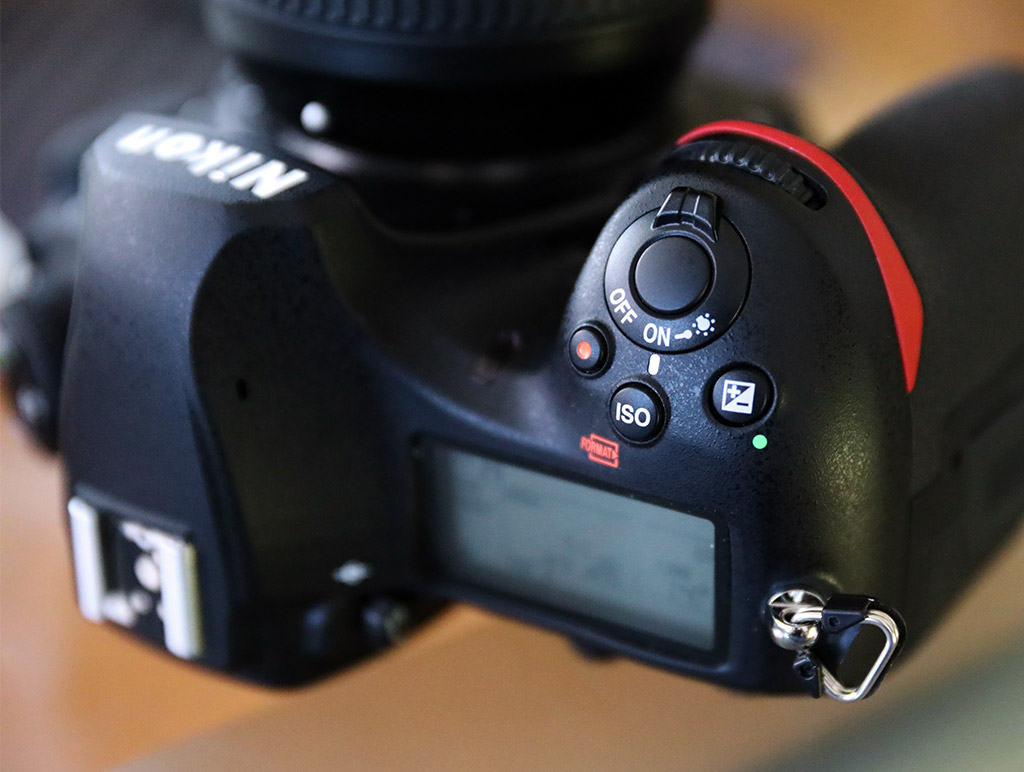
When I first starting using the D850, one thing that also tripped me up at first was the dedicated “OK” button. Like many cameras, the D850 has a multi-directional control button with a central “select” button. For most interactions with the camera’s menus, pressing this central “select” button works great for confirming selections and menu navigation. It was therefore confusing when I went to format a memory card and found that you must press the dedicated “OK” to confirm card formatting. The directional button won’t work at all for that single menu item. Oddly, the camera’s GUI displays other menus items with the “OK” button icon, too, yet they all function just fine when you press the directional button. I’m guessing it was designed this way to make you pause and help prevent accidental card formatting. Nevertheless, having that dedicated “OK” button seems a little strange, especially given its location, seemingly lost within a row of buttons.
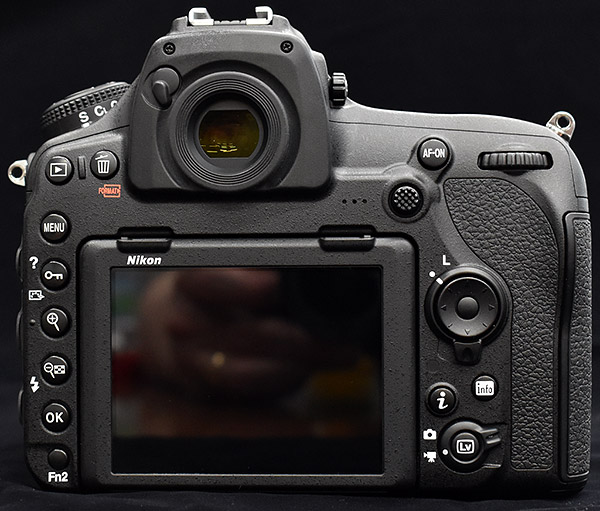 |
The Nikon D850 also introduces another multi-directional control, this one placed above the top-right corner of the LCD: a joystick-style control, named “sub-selector” in Nikon lingo. By default, this button is dedicated to moving the AF point, which I find very helpful. There’s no need to toggle anything with any other button, but rather, it’s a conveniently-placed joystick control that lets you instantly move the AF points (or AF point clusters). However, by default, pressing the sub-selector will not reset the AF point to the center spot; oddly, the multi-directional control’s center button is set to do that. Thankfully, I was able to quickly reassign that function to the sub-selector. If you want, you can also set the sub-selector to behave the same as the directional control; it’s up to you.
Another quirk I discovered has to do with the new Auto AF Fine Tune feature for autofocus micro-adjustments to counteract front- or back-focusing. Like the D5 and D500, on which this feature debuted, the D850 has the ability to automatically calibrate the autofocus accuracy of up to 20 different Nikkor lenses. When using prime lenses with fast apertures in particular, it’s critical to have accurate AF, otherwise, for instance, you may think your focus is right on a subject’s eye, but come to find out instead that her nose was actually in focus. Given the high-res sensor in the D850, I wanted my lenses to be precise in their focusing.
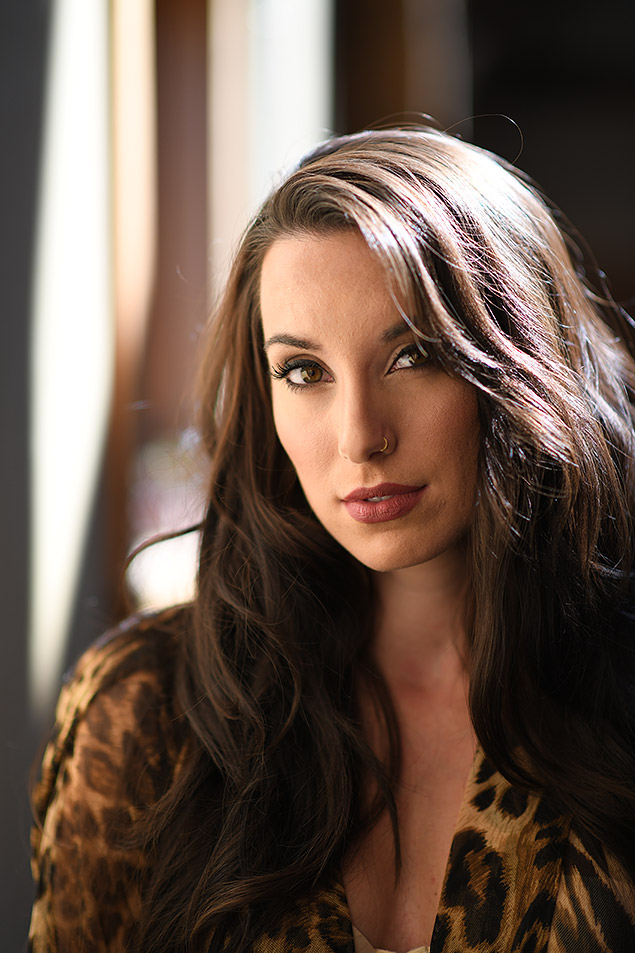 |
|
85mm f/1.4G: 85mm, f/1.6, 1/500s, ISO 160
|
Now, I generally like to just grab the camera and start using it, without resorting to the manual. I like experimenting and learning by trial-and-error. But, when it comes to Auto AF Fine tune, I have no idea how one would figure out how to use this feature without resorting to a manual. For one, it’s not explained at all within the camera’s menus. And even when I looked at the provided instruction manual itself, it still doesn’t explain it. No, it actually tells you to go online and download a supplemental PDF (PDF direct link) that explains all of the camera’s menu items. Only then is it explained how it works: you need to be on a tripod, use Live View, attempt to focus, then simultaneously press the Movie Record button and AF selection button on the left side of the camera. Hold the two buttons down for a couple seconds, and then the camera will alert you that it has calculated an AF calibration value. Finally, you can go back to the AF Fine Tune menu to see that a +/-20 fine-tune value has been saved for that particular lens. Whew.
With the explosive growth of mirrorless cameras, the need for AF micro-adjustments is something I haven’t thought about in a while. For mirrorless cameras, the focus is done on the sensor itself, so front and back focusing isn’t really a problem. However, phase-detect AF on a DSLR is calculated via a completely separate sensor, down below the imaging chip inside the camera, and things need to be precise in order for AF to be accurate. While shooting with the D850, the AF Fine Tune was always in the back of my mind. Whenever I got a soft shot, I would question, “Was it user error or does my lens need calibrating?” I ended up using Auto AF Fine Tune a few times, both with the 85mm f/1.4G and 105mm f/1.4E lenses, which both needed strong AF correction (around +15-17). Even the 16-35mm f/4 VR lens I used needed some AF micro-adjustment. Once dialed-in, things were fine, but I do enjoy not worrying about such things with mirrorless cameras.
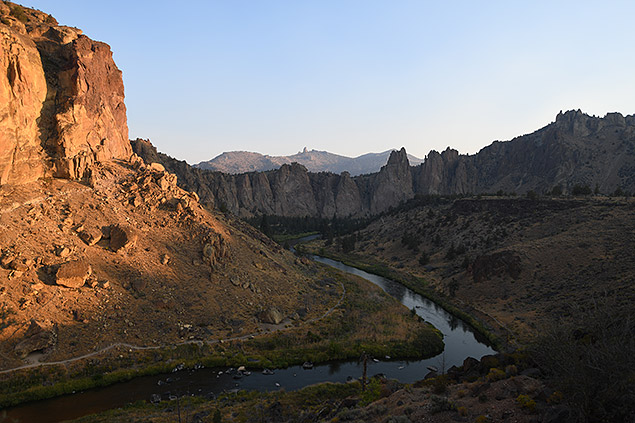 |
|
16-35mm f/4G VR: 24mm, f/4, 1/500s, ISO 140
|
The other big physical design change is the rear LCD, which is now an up/down tilting display that’s also touch-capable. There seems to be two camps when it comes to articulated camera screens: those that prefer tilting displays, and those that want fully articulated screens. As someone who mainly wants to shoot photographs, I really prefer the tilting display of the D850 (I was bummed to see Olympus change styles with the E-M1 Mark II). Those who shoot more video, however, are likely to think the opposite and want the articulated screen, which I totally understand. I think it’s clear that Nikon is still considering the D850 more of a stills camera than a video shooter, despite its new video features.
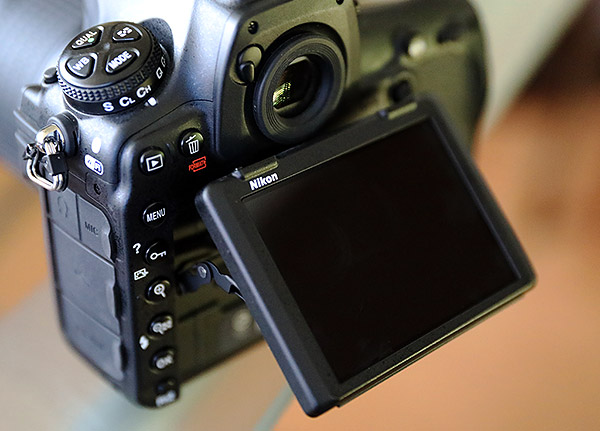 |
Since it’s a DSLR and not a mirrorless camera, I found myself shooting with the optical viewfinder most of the time, and only turning to the LCD for menu diving or reviewing shots. Plus, given the D850’s unfortunately sluggish contrast-detect Live View AF, I didn’t find myself making use of the tilting design or the touchscreen functionality for the majority of my photo-taking. That being said, I did find Live View very useful for tripod shooting for morning landscapes and other stationary shooting. I only had a fairly short travel-sized tripod, so being able to tilt the LCD screen upwards instead of having to crouch down to compose scenes and focus was quite nice.
The touchscreen itself feels responsive and the D850’s menus can all be operated using the touchscreen, but again, muscle memory kicked in and I generally just used the multi-directional control to navigate the menus. But, if you want to use touchscreen for that it’s there for you. The D850 includes both tap-to-focus as well as a full touch-shutter mode, which lets you tap the screen and the camera focuses and fires a shot immediately.
Given the sluggish contrast-detect AF, Live View shooting feels decidedly less useful on the D850, in my opinion. Live View AF here isn’t really quick enough for anything other than stationary subjects. Plus, depending on the lens, focus noises can be pretty apparent (not a big deal for stills, but troublesome for video). However, I was able to devise a situation whereby you’d want a camera as quiet as possible, and thanks to the D850’s new “Silent Live View Photography” mode and its touchscreen, you can take photos completely silently with the Nikon D850…
Let’s say you’re a photographer covering a wedding or a press conference during which keeping noise as minimal as possible is critical. If you can get by with manual focus (no AF noise), the D850’s “Silent Live View Photography” mode combined with the touchscreen’s Touch Shutter option, the camera is truly silent. It feels like a bit of a workaround or at least a scenario with definite compromises, but it can be done if you need it, which is nice.
The rear display itself on the D850 is very good. The 3.2-inch LCD panel is very large and very crisp; both text and photos look really nice. Most of the shooting I’ve done has been outdoors, often in bright, sunny conditions, and I found the screen was really easy to see in the sun, even at its default, mid-range brightness level.
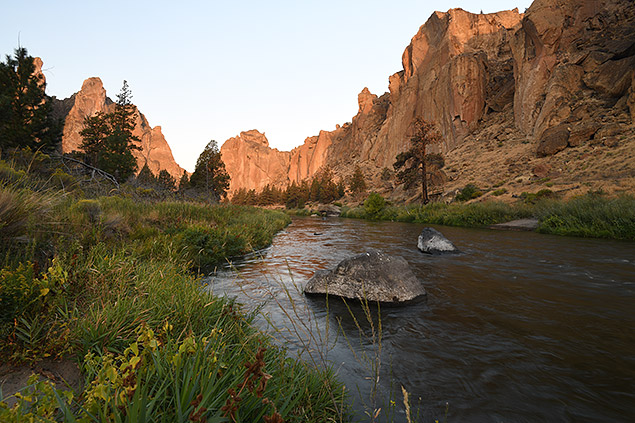 |
|
16-35mm f/4G VR: 16mm, f/11, 0.4s, ISO 64
|
While the rear LCD is very nice, the D850 is a pro-level DSLR, and I think it’s safe to say most folks are going to shoot with the optical viewfinder. And oh what a nice one it is! With a 0.75x magnification factor, the D850’s viewfinder is Nikon’s largest one ever (and an increase from the 0.72x OVF in the D810). The D850’s viewfinder is massive, giving you a bright, crisp, and very large view of the scene before you. Although I didn’t have a D810 with me to compare, I did look through a Canon 5D Mark IV, and it’s quite a stark difference to see just how large the D850’s viewfinder really is. Exposure info and other electronic details around the periphery are also crisp and easy to read. And I really liked, too, the ability to enable a virtual horizon in the viewfinder.
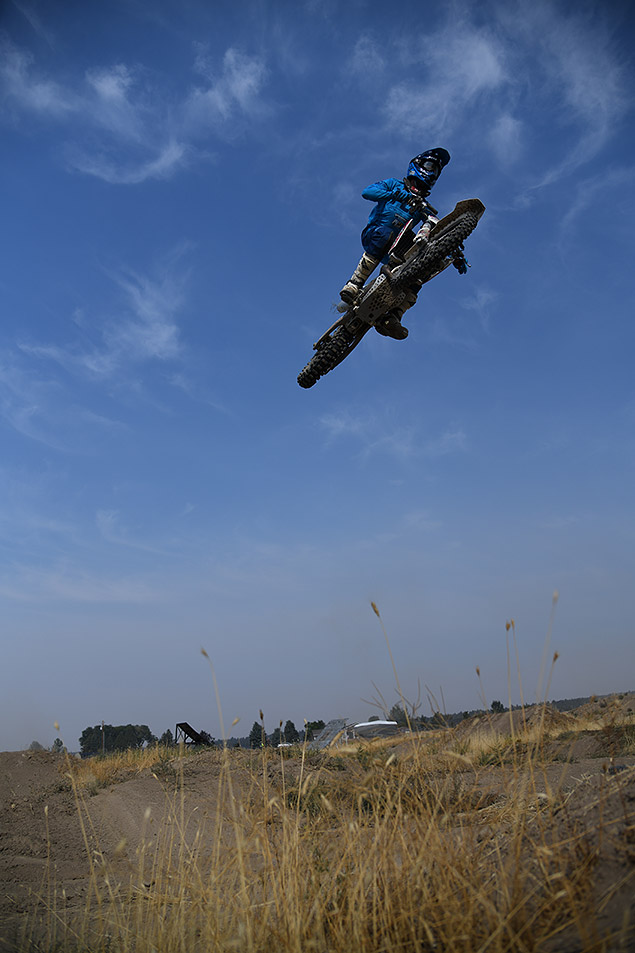 |
|
24-120mm f/4G VR, 24mm, f/4, 1/3200s, ISO 140
|
Finally, I’d like to briefly mention the weather-sealing. As many are probably already aware, the D850 is weather-sealed, or as Nikon states it: “featuring dust and water-drop resistance.” The camera body itself is built out of magnesium alloy and carbon fiber; it’s super-tough and feels really solid in the hand. The camera is designed to withstand the rigors of the day-to-day professional workflow, no matter the environment, more or less. I wouldn’t go so far as to run it under a faucet to clean it off, but this is definitely a camera that doesn’t need to be babied.
During my time with the D850, I’ve not subjected it to moisture or rainy conditions, but while in Oregon, I was often shooting outdoors. The motocross shooting session, in particular, was dry, dirty and very dusty. The camera got nicely covered in dust throughout the day from the passing, jumping dirt bikes, and I had no issues with the camera.
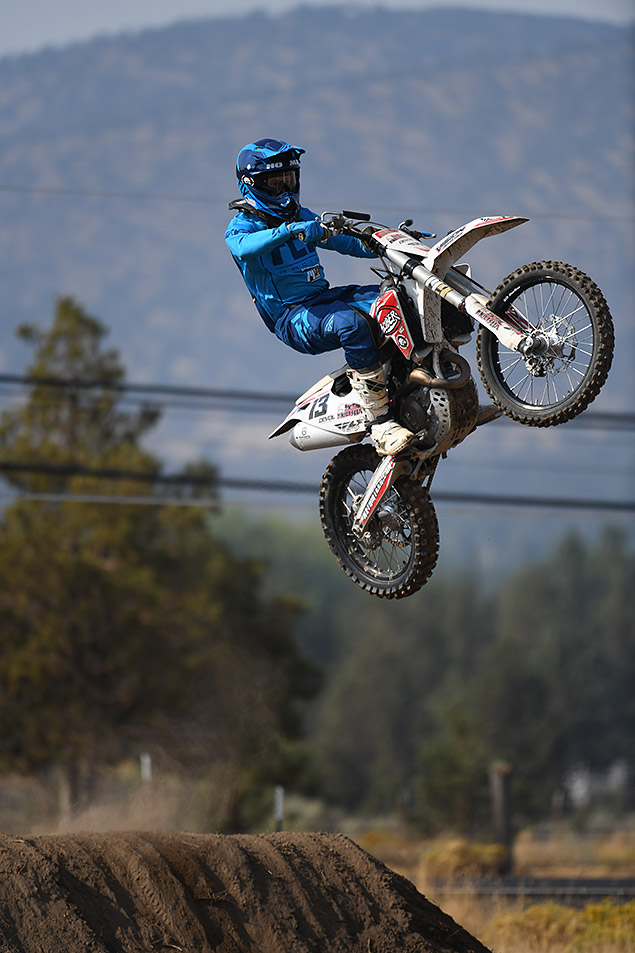 |
|
200-400mm f/4G VR: 400mm f/4, 1/3200s, ISO 360
|
Nikon D850 Image Quality
OK, so the camera looks great, feels great and has the specs to seemingly shooting almost anything, but what’s the image quality like? The Nikon D800-series has always received very high marks for image quality, and the D850, thankfully, is most definitely not straying from that trend.
Low ISO image quality: Tons and tons detail!
With a full-frame sensor packed with nearly 46-megapixels, the Nikon D850 is undoubtedly capable of capturing images with lots of fine detail. The very high-res sensor, as I’ve mentioned before with the Canon 5DS R and Phase One XF 100MP, requires a bit more careful shooting technique, especially when shooting handheld — a faster shutter speed is likely required than you might typically use. The “1/focal length” rule of thumb for shutter speed usually won’t cut it. The individual pixels of the sensor are very tiny and a much smaller amount of camera movement poses a greater risk for per-pixel blurring, so you’ll need to account for this with a faster shutter speed — perhaps even 1/(2x focal length).
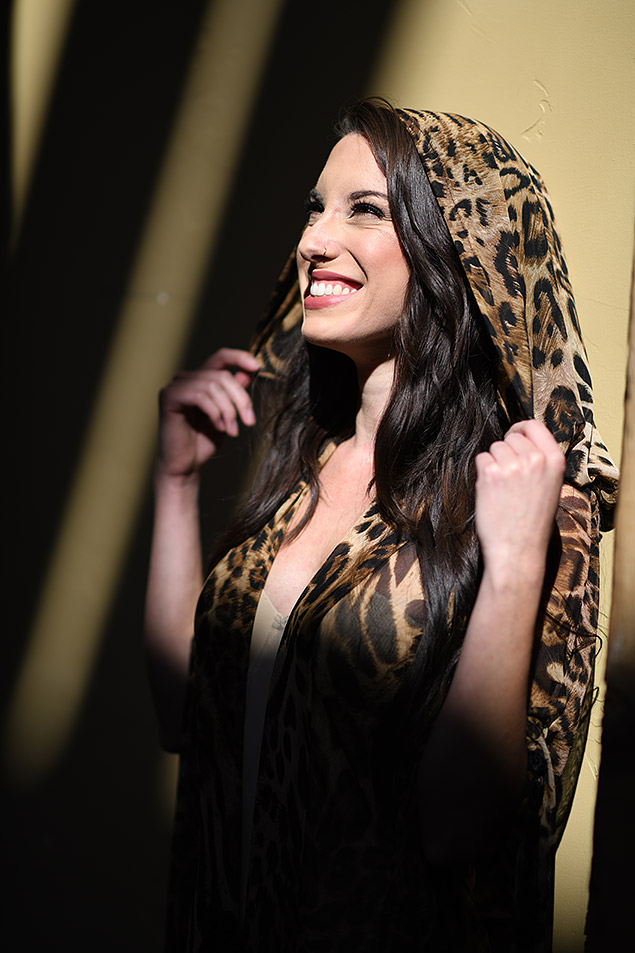 |
|
85mm f/1.4G: 85mm, f/1.6, 1/1250s, ISO 64
|
As I mentioned earlier, too, focus accuracy is also critical for getting what you want sharp to be truly tack-sharp. Perceived depth of field is much more noticeable. In other words, at 1:1 on a high-resolution 45.7MP image, you can much more clearly see exactly where the image is in-focus and where it’s not.
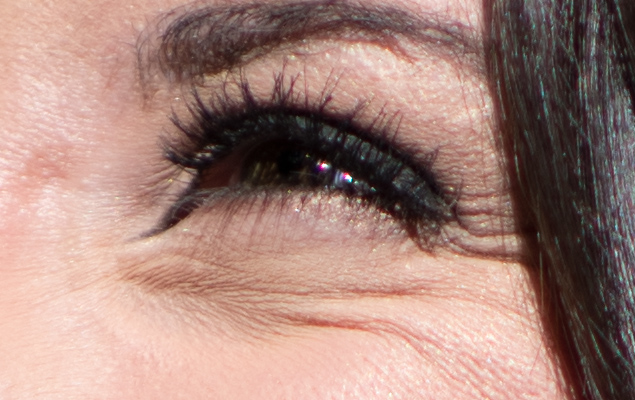 |
|
100% crop from unedited RAW file (opened in ACR with default settings).
|
But when you nail it, you nail it, and the Nikon D850 captures wonderful images with tons of crisp, fine detail. Really sharp, high-quality lenses with lots of resolving power are also very much recommended for getting the most out of the Nikon D850 sensor.
I had an opportunity to shoot a variety of high-res-friendly subject matter, including landscapes and portraiture. I was amazed — as I always am with high-res cameras — at the kinds of small details I can easily make out when zooming-in to 100%. As you can see from a few example crops in this section, the D850 easily captures details like the individual eye lashes of a model’s eye or the color of a backpack on a far-off hiker in a wide landscape scene.
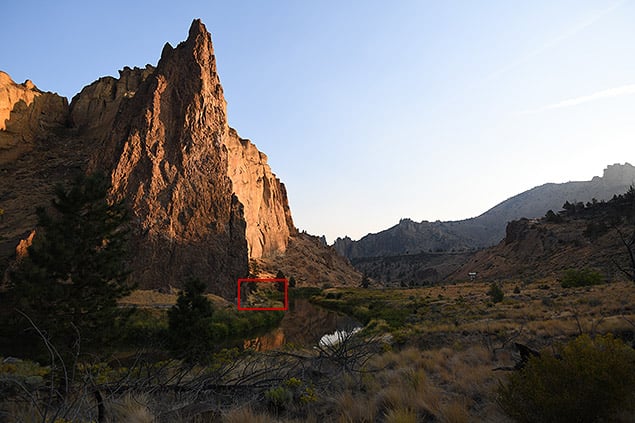 |
|
16-35mm f/4G VR: 18mm, f/4, 1/500s, ISO 160
|
 |
|
100% Crop from JPEG: Despite this ultra-wide 18mm photo, there’s enough resolution to see far-off detail in the grass, rocks and trees as well as spot another photographer with a tripod and a red/orange backpack and a mountain biker even further in the distance.
|
High ISO: Excellent noise control like its predecessors
Image quality at low ISOs is one thing, but a camera as versatile as the D850 need to handle higher ISOs as well. The majority of my time shooting the D850, however, was outdoors in daytime conditions, so higher ISOs typically weren’t necessary. I did do some astrophotography, which needed an ISO range of 5000-6400, and a few nighttime scenes at higher sensitivities. In general, I was really impressed with the higher ISO capabilities of the D850, which isn’t surprising given how well the camera’s predecessor fared in this area.
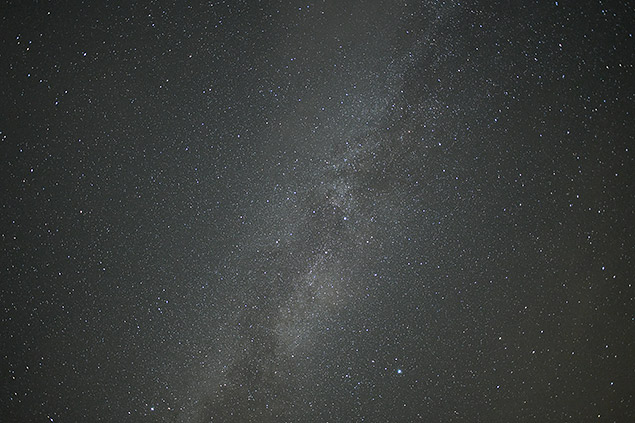 |
|
20mm f/1.8G: 20mm, f/1.8, 10s, ISO 8000
|
Up to around ISO 6400-12,800, the D850 handles high ISO noise quite well, in both JPEGs and RAWs. Looking closely at JPEG files, you can clearly see noise reduction processing at work (at least at the default settings I used), but it provides a nice balance of noise removal while keeping a good amount of fine detail. As with most cameras, shooting RAW and processing the files carefully with your own formula of noise reduction and sharpening will result is more refined quality and more detail.
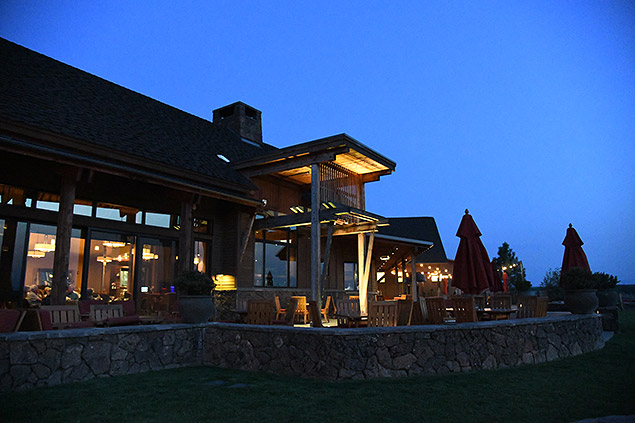 |
|
24-120mm f/4G VR: 24mm, f/4, 1/80s, ISO 25,600
|
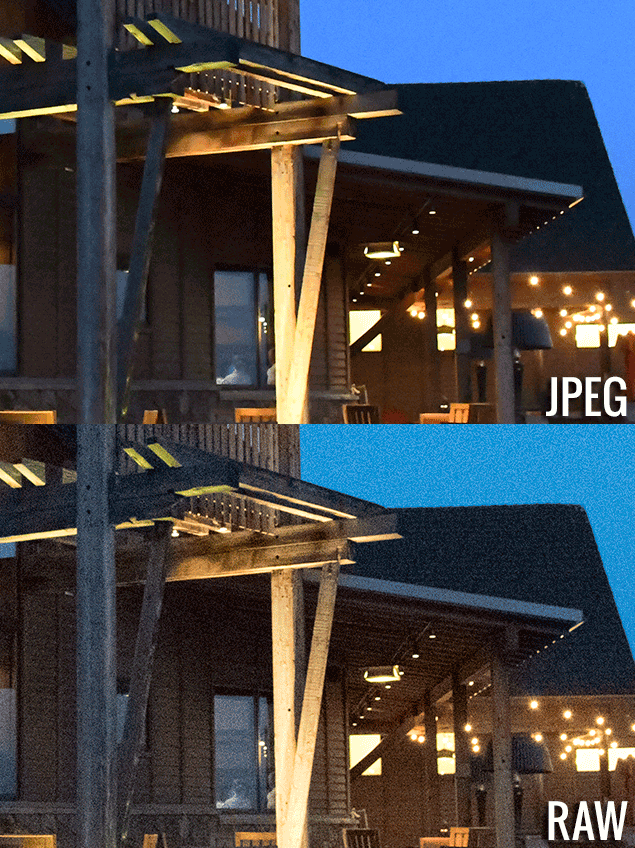 |
When you really crank the ISO to something like ISO 25,600, images do become very noisy. The JPEGs here, in particular, looks very soft to my eye, with heavy NR processing. However, in both RAWs and JPEGs, there is still some visible fine details, even in areas of lower contrast, which is quite impressive.
Dynamic Range: Excellent shadow details & similar highlight headroom to the 5D IV
Recent Nikon DSLRs have been known for their great dynamic range performance, and the D850 is no exception. Especially with regard to pulling detail back out of the shadows, the D850 offers a lot of leeway, with lots of detail recovery with minimal noise and other artifacts like banding or color shifts. In the majority of the real-world shooting I’ve done with the camera so far, the metering system has been pretty spot-on, if slightly underexposed in some situations. Auto-exposure options, be it Auto ISO or shooting modes like Aperture Priority, have all worked very well on the D850 and resulted in balanced, well-exposed photos that didn’t need major adjustments in post-processing. For these images, simple tweaks to shadows and highlights when processing the RAW files quickly helped reveal details without harming overall image quality.
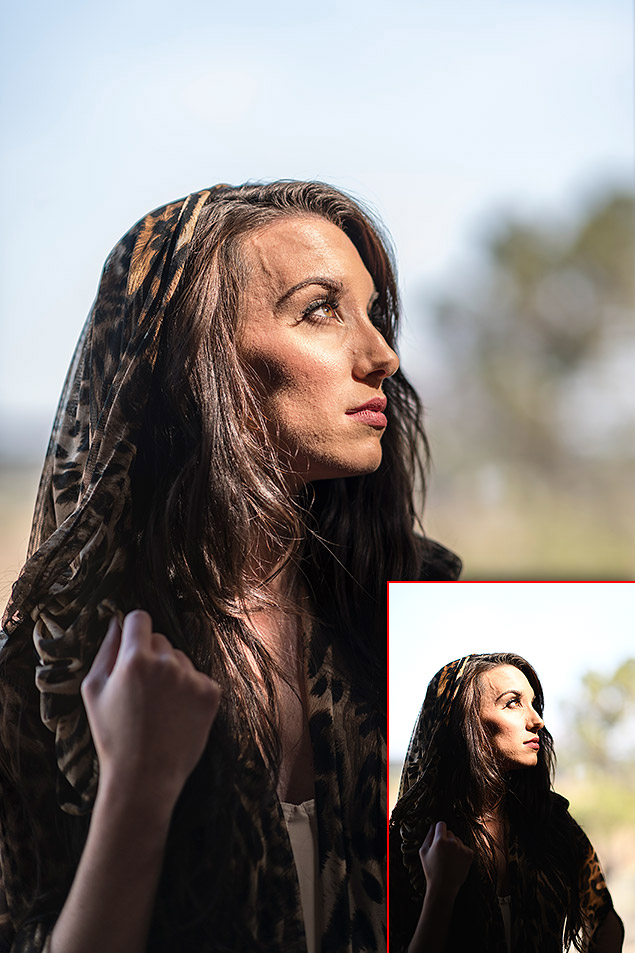 |
|
85mm f/1.4G: 85mm, f/1.6, 1/500s, ISO 64
|
|
In this rather heavily-edited RAW file, you can see — compared to the inset image of the unedited JPEG — that I was able to bring back color from the bright sky as well as lift details from very dark shadow areas.
|
I did, however, want to get a better sense of the D850’s dynamic range performance and see just how well it performed with more extreme adjustments to shadows and highlights. I decided to do a quick side-by-side comparison with the D850 against the Canon 5D Mark IV, shooting an admittedly not-so-attractive scene, but one that shows both areas of deep shadow and large highlights. I used base ISO (64 for D850 and 100 for 5D IV) and the same manual exposure settings for each shot.
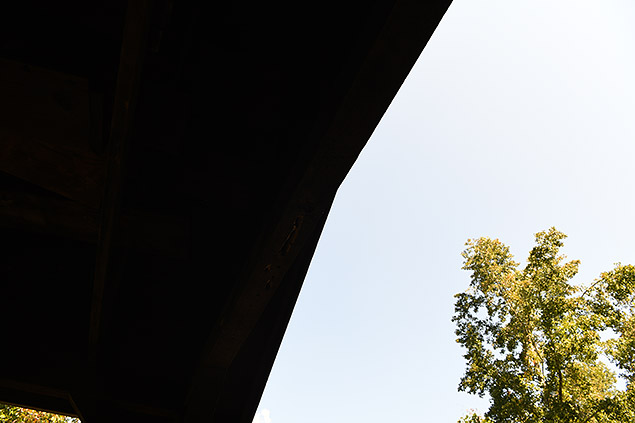 |
|
Nikon D850: 24mm, f/8, 1/50s, ISO 64
|
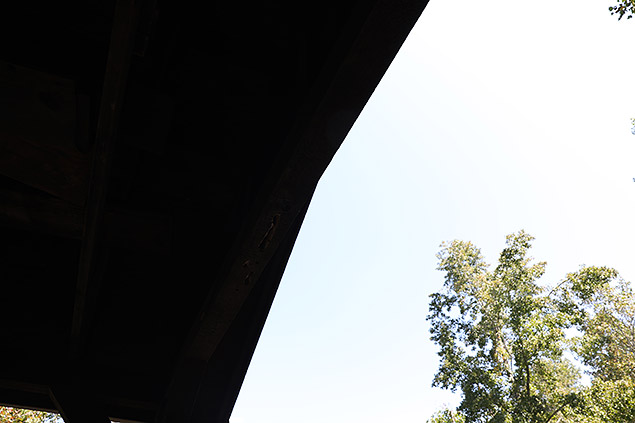 |
|
Canon 5D Mark IV: 24mm, f/8, 1/50s, ISO 100
|
As you can see from the straight-from-camera JPEGs above, in both cameras’ images, the shadow areas are nearly devoid of any detail; almost completely black. However, after opening the RAW counterparts into Adobe Camera Raw, I first simply lifted the Shadow slider all the way to 100 and dropped the Highlight slider to -100.
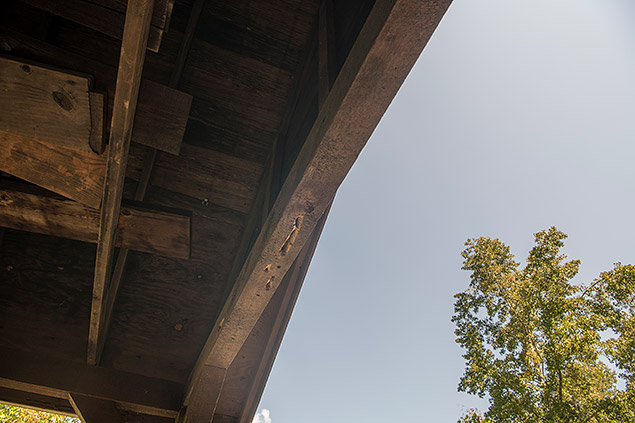 |
|
Nikon D850
|
 |
|
Nikon D850
|
 |
|
Canon 5D Mark IV
|
 |
|
Canon 5D Mark IV
|
Even with this simple adjustment, I was able to recover lots of shadow detail from both cameras’ RAW files. Upon closer inspection, the shadow area of the Nikon D850 shot was really clean, with very little noise produced and lots of fine detail. The shadow area of the Canon 5D Mark IV image, however, was noisier and developed a strong purple color cast. I could also see noticeable banding throughout the lifted shadow area on the Canon image.
In a further exposure adjustment to these two files, I boosted the exposure slider by a full two stops, basically exacerbating the effects of the shadow adjustment. The D850 shot was now noticeably noisy, with light splotches of color noise throughout the darker shadow areas. The 5D IV shot behaved similarly: more noise, stronger purple color cast and heavier banding. Overall, the D850 was the stronger performer here when it comes to shadow detail recovery.
 |
|
Nikon D850: Highlight slider @ -100 / Shadow slider +100
|
 |
|
Nikon D850
|
 |
|
Canon 5D Mark IV: Highlight slider @ -100 / Shadow slider +100
|
 |
|
Canon 5D Mark IV
|
The story is a bit more interesting when it comes to highlights. I shots a series of images, a +/-0EV shot, a +1EV overexposure and a +2EV overexposure. Before looking at the results, I was expecting the D850 to also pull out ahead of the 5D IV, given the Nikon’s D800-series historical strength with dynamic range. Initially, based on looking at the JPEG files, it’s evident that the Nikon D850’s in-camera JPEG processing handles retaining highlight detail better than the Canon 5D Mark IV (at least at default picture styles/JPEG image presets). Even with the +2EV photo, the D850 JPEG displayed more detail in the sky, kept the bright white cloud visible and had deeper contrast:
 |
|
+2-stop overexposure: Nikon D850 – Straight-from-camera-JPEG
|
 |
|
+2-stop overexposure: Canon 5D Mark IV – Straight-from-camera-JPEG
|
However, when examining the corresponding RAW files for the +2EV images, things are much more balanced. In Adobe Camera Raw, both files needed similar levels of highlight recover to eliminate ACR’s highlight clipping warnings. Going further, reducing the Highlight slider to -100 on both files recovered a similar level of detail; and both files had more or less the same amount of completely blown highlights. Needless to say, both cameras performed well when it came to highlight recovery, with the D850 and 5D IV sensors having more or less similar levels of highlight headroom.
 |
|
Nikon D850 – RAW file adjustment: Highlight slider @ -100
|
 |
|
Canon 5D Mark IV – RAW file adjustment: Highlight slider @ -100
|
Continuous autofocus proved fast & versatile
Although autofocus performance is heavily dependent on the lenses used, based on my experience using a variety of Nikon AF-S G-series and E-series lenses, the Nikon D850 is definitely a top-notch performer when it comes to autofocus speed, both in single-shot and continuous AF modes. Sporting the same 153-point AF system as the D500 and flagship D5, the D850’s AF system is versatile and fast.
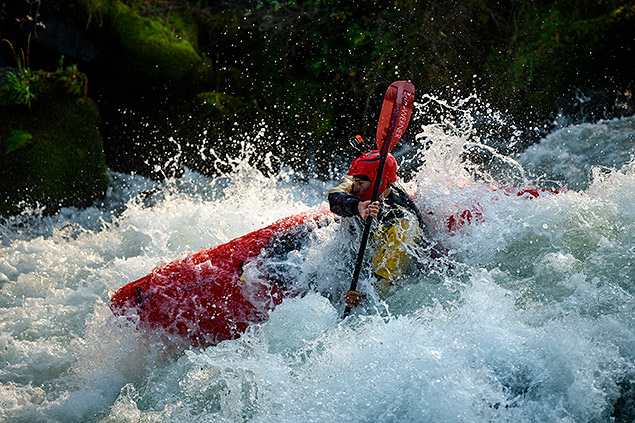 |
|
70-200mm f/2.8E VR: 185mm, f/2.8, 1/2000s, ISO 125
This image has been edited. Please click photo for original. |
With single-shot AF, the D850 was unsurprisingly snappy. I never really had to think about it; it just worked — the camera can acquire focus, both close-up and far away, nearly instantaneously. Furthermore, the AF system handled low-light conditions really well, too, and I never experienced any issues with hunting or having it fail to focus in low light. It’s not infallible, though. If you point it at something devoid of any detail, it’ll struggle to focus. Similarly, if you have strong ND filters or try to autofocus on the stars in the night sky, the camera may not autofocus — but this was all within my expectations. Overall, though, the AF speed was definitely fast enough and accurate enough (once AF Fine Tune was considered), that I could just focus (no pun intended) on other things like composition and exposure.
 |
|
70-200mm f/2.8E VR: 185mm, f/2.8, 1/2500s, ISO 160, +0.3EV
|
The vast array of AF points covers a good portion of the frame, as well, and the sheer number to choose from really let you dial-in your composition and put focus where you want it. Compared to mirrorless cameras, which often have the ability to put the focus point/box pretty much anywhere across the frame, the D850 is a bit limited in that sense. On the D850, in FX mode, the AF points are clustered towards the center, but nevertheless have excellent coverage of the frame for a full-frame DSLR. The D850 does have a DX (crop) mode, and if you can get by with the 1.5x crop factor, the AF points coverage spans across almost the entire frame, especially the width.
 |
| 24-120mm f/4G VR: 24mm, f/7.1, 1/1250s, ISO 159 |
As for continuous AF, much like AF-S, I never encountered any significant issues. While shooting motocross and whitewater kayaking, if I happened to capture an out-of-focus shot, I’m more comfortable saying it was user-error and not the fault of the camera. Other than setting the AF-C priority setting to “FOCUS” priority, I kept other AF settings at default, such as tracking focus sensitivity at the balanced/middle setting. The D850 did a great job of tracking moving subjects over shorts bursts of shots, and the various AF point configurations helped combat missing focus on erratically-moving subjects. For C-AF, the majority of the time I used the 9-point grouping (1 main AF point with 8 surrounding helper points) or the 25-point grouping (1 central AF point with 9 main AF points surrounding it, plus 16 helper points interspersed between the grid). Both of these modes worked well, and still allowed me to use the joystick control to move the point cluster around to suit my composition.
 |
|
200-400mm f/4G VR: 260mm f/4, 1/1600s, ISO 141
|
 |
|
70-200mm f/2.8E VR: 200mm, f/2.8, 1/2000s, ISO 112, +0.3EV
|
Burst and Buffer: Big files but no sluggishness
The D850, despite its high resolution sensor, is capable of shooting at up to 7fps, or 9fps with the battery grip. Unfortunately, I didn’t have the grip or a chance to try one during the Nikon press trip to experience the faster burst rate, but I still found the 7fps continuous shooting speed to be fast enough for the action subjects I photographed. For the utmost in burst shooting, the D5 (or the D500 if you want a crop sensor) will offer faster performance, but the D850 still holds its own for most fast-paced subjects, I think, especially compared to other high-res cameras. For me personally, I don’t often machine-gun shoot with continuous burst of 10+ frames, but rather capture in shorter bursts as I follow the action. For me, this shooting style works fine for something like the 7fps-capable D850. Plus, when you consider just how high-res the files you’re capturing really are, the burst performance of the D850 is quite impressive.
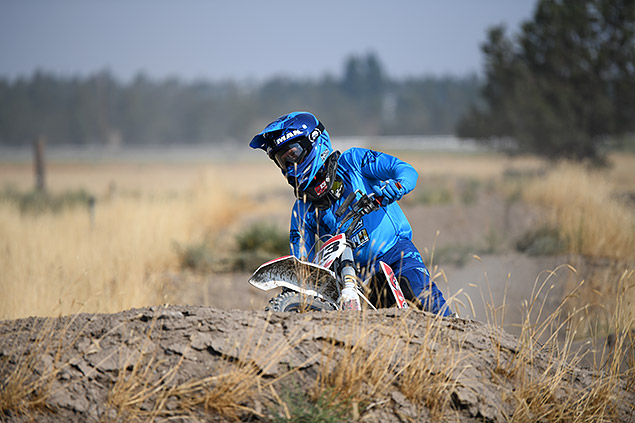 |
|
70-200mm f/2.8E VR: 200mm, f/2.8, 1/3200s, ISO 141
|
For those that do want some extra burst speed, the D850 offers an interesting option, though it’s filled with compromises. The camera can shoot up to 30fps with Silent Live View Photography (Mode 2), but you need to accept a few caveats: 1) enable DX crop mode (1.5x); 2) images are only 8.6-megapixels, and 3) it only captures JPEGs at ‘Normal’ quality level. Still, if you need that kind of speed, it is there!
Regarding buffer performance, we’ve not yet completed our lab performance testing, but from my experience in the field, the camera is definitely fast with quick buffer clearing for normal, full-resolution shooting. I was provided a fast 128GB Sony XQD card with 440MB/s (read) and 400MB/s (right) speed rating, which certainly helped the camera handle the large RAW+JPEG images I was shooting throughout the week. I never once found myself waiting on the camera, and even after shooting a burst, I could immediately go into Playback mode to review recent shots. And unlike some other camera brands, the D850 doesn’t lock you out of the menus while the camera is clearing its buffer, which is really nice.
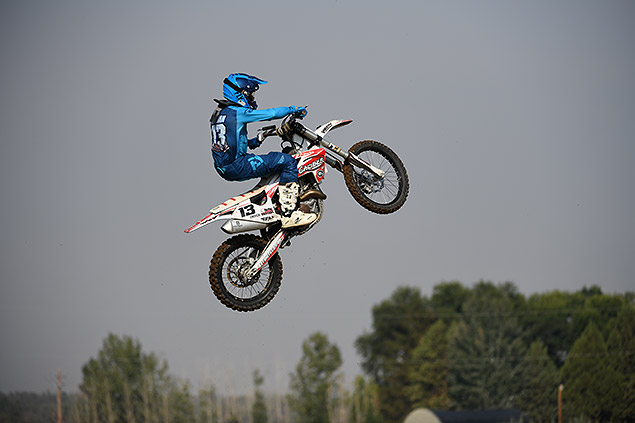 |
|
200-400mm f/4G VR: 220mm f/4, 1/2500s, ISO 159
|
The last feature I want to talk about is SnapBridge wireless connectivity. Like most cameras these days, the Nikon D850 can wirelessly transmit photos (automatically or on-demand) to paired smart devices for easy sharing. The D850 is also capable of wireless remote control using the SnapBridge app. The D850 has both Wi-Fi connectivity and Bluetooth Low Energy, the latter of which helps make and maintain an always-on wireless connection to your smartphone for automatic image transfers (you can disable this as well as put the D850 into “Airplane Mode” if you don’t want to constantly stream images over to your phone).
Nikon’s SnapBridge system has received a bit of bad rap since its debut a few years ago mainly due to bugs, clunkiness with the app, the setup process, and connectivity issues. This was my first time trying a SnapBridge-enabled Nikon camera, and I had no real issues setting up the connection and pairing my iOS device. I was told to follow the setup instructions from the camera carefully, and as long as I did each step in the proper order, it worked fine.
However, while the setup was painless, using the SnapBridge app proved a bit more frustrating, primarily revolving around sluggishness and having to wait while the app loads information from the camera. While out in Oregon, I used the Bluetooth-only method to connect and browse images — the default setting that was enabled on my iOS app. Opening the SnapBridge app and reestablishing a connection was easy and the two paired devices quickly saw each other, but it look a long time for the app to display the thumbnails screen for the images from the memory card. One strange behavior is that it’s fairly quick to select a single image to view larger and then swipe left or right to go to another image one-by-one, but if you want to then return to the thumbnails screen, you have to wait all over again while the app “Downloads information from the camera” and you can’t do anything else with the app until that’s finished. Back at home, I actually timed this delay at around one minute, 20 seconds.
For the Bluetooth connection, the app only lets you transfer 2MP JPEGs, which transferred in about 8-9 seconds. If you establish a Wi-Fi connection between devices, it knocks that time down to 3-5 seconds for 2MP images or 35-40mm for the full-resolution JPEG (or at least for the FINE quality JPEGs I used).
The delay in browsing the thumbnail was the only real hiccup I experienced while in Oregon, but back home I ran into a few more issues. For starters, I had the “Allow Wi-Fi access” option now enabled, which is how the app establishes the Wi-Fi connection between devices. The first time I tried to connect, the app simply would not load the thumbnails screen. The app sat there attempting to “Establish a connection with the camera.” After over three minutes (I timed it), I shutdown the camera. What I think happened in this case is that my iPhone was already connected to my office Wi-Fi connection, which either confused the app itself or there’s some restriction with iOS that prevents an app from changing a device’s already-established Wi-Fi connection — I’m not sure — but after disconnecting from my office Wi-Fi connection, I was finally able to get the SnapBridge app to: 1) establish a connection, 2) prompt me for switching to the D850’s Wi-Fi, 3) sending me into the iOS Settings app and picking the D850’s wireless network, and 5) finally displaying images from the camera back within the app. Great, right? Well, not really, since that whole process took well over five minutes! That’s excruciatingly slow.
As for remote shooting with the SnapBridge app, things are pretty bare-bones. Remote shooting requires a Wi-Fi connection, so be prepared for that. Once connected, you can trigger the shutter release, both with or without Live View, and you can tap-to-focus within the Live View screen, but you can’t do much else. There’s no way to change exposure settings or any other shooting setting (besides a self-timer); you have to do that on the camera itself. To do that, you have to exit the remote shooting mode in the app, change your settings on the camera, then tap “remote photography” in the app once more. That back-and-forth doesn’t take long, thankfully, but it’s annoying if you want to remotely control the camera from far away. You can remotely capture 2MP stills or full-res ones, but not RAW (if you have RAW+JPEG enabled, they’ll still be captured, but RAWs will just be saved to the memory card).
Overall, it’s nice to be able to share photos quickly while out in the field and away from a computer. Personally, I enjoy being able to share shots on Instagram taken with a “real camera” (I can’t believe I said that), and while it’s doable with the Nikon D850 and the SnapBridge app, the whole experience is still lacking a lot of features as well as finesse.
Nikon D850 Field Test Part I Summary
All in all, the Nikon D850 is a thoroughly impressive camera. The image quality is stunning, first and foremost. The D850’s super-sharp, OLPF-less 45.7MP sensor captures images with amazing detail, pleasing colors, and really nice dynamic range that provides you lots of flexibility in post. Both low and higher ISO image quality is excellent, which makes the D850 an easy choice for those shooting in good and bad lightning conditions. It’s worth mentioning, though, that the D850 no longer has a pop-up flash like its predecessors did, so you’ll need to bring along a speedlight for the hotshoe or add a wireless flash trigger.
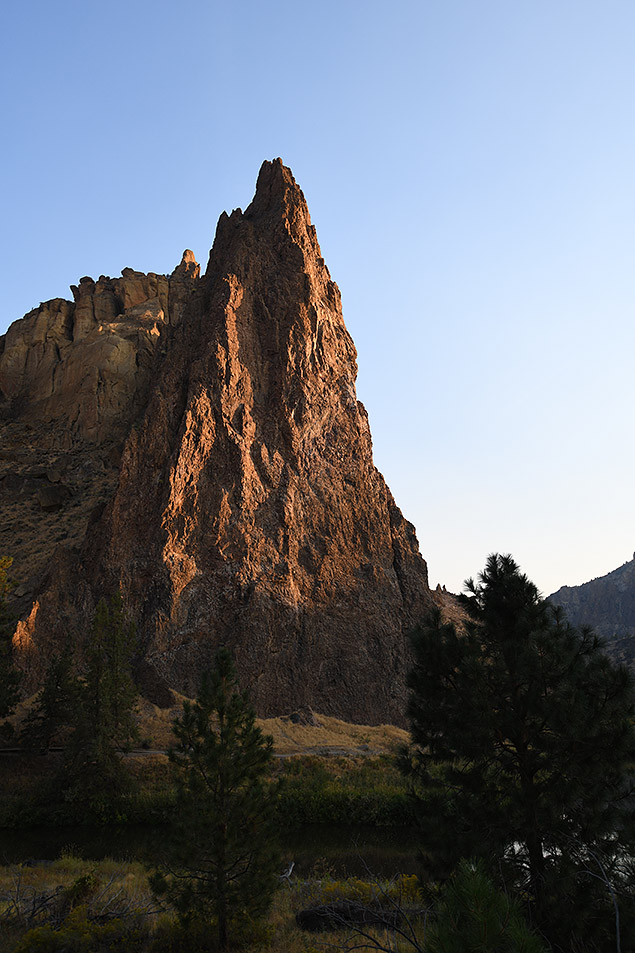 |
|
16-35mm f/4G VR: 26mm, f/4, 1/500s, ISO 178
|
And despite the high-res sensor, the D850’s performance is top-notch. The burst shooting rate is improved yet again over previous models, which this time around really transforms this model from a landscape- and portrait-focused camera to a very versatile, nearly do-it-all camera. Autofocus was equally impressive thanks to its vast array of AF points and super-quick performance for both static subjects and fast-moving ones.
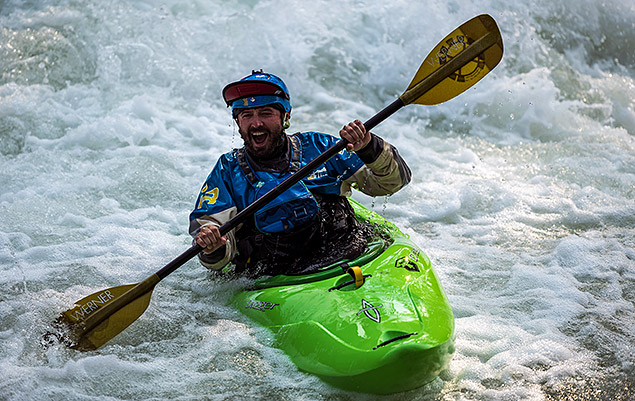 |
|
70-200mm f/2.8E VR: 200mm, f/2.8, 1/2000s, ISO 80
This image has been edited. Please click photo for original. |
For the most part, I don’t have many serious complaints. Sure, I’d prefer dual memory cards of the same type, and the wireless connectivity clearly needs more polish, but overall, the camera feels great and works great, and the new tweaks such as the tilting touchscreen and redesigned grip are welcomed changes. If you’re a working professional photographer or a serious enthusiast and don’t need or want the bigger, bulkier and more expensive D5 flagship camera, or you want a high-resolution DSLR that doesn’t sacrifice performance, the Nikon D850 should be high on your list.
Field Test Part III
Nikon’s new DSLR shines in the field – is it their best camera ever?
by Jeremy Gray | Posted 11/21/2017
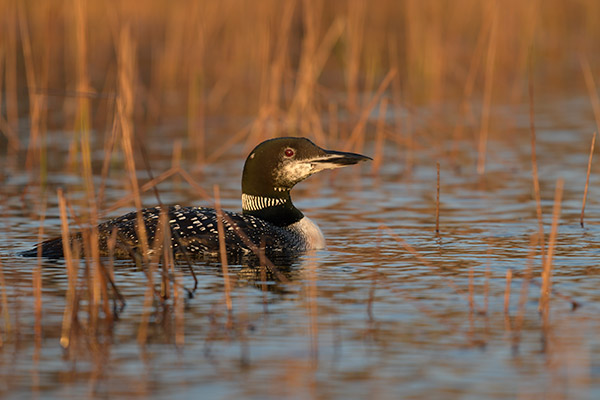 |
| Nikon 200-500mm f/5.6E lens at 380mm, f/5.6, 1/250s, ISO 400. Click for full-size image. Click here for RAW file. |
In William Brawley’s Nikon D850 Field Test Part I from Bend, Oregon, he covered a lot of the camera’s features and functionality. If you have yet to read his Field Test, click here. In this Field Test Part II, I am going to take a closer look at working with D850 RAW files and discuss how the camera performs in the field with respect to wildlife and night photography. Further, I’ll write about my experiences using the D850 as a longtime D800E user.
Working with the D850 RAW files
In-camera RAW processing
Like other Nikon cameras, the D850 offers in-camera RAW processing. This allows you to take RAW images and perform a variety of edits to the file before exporting it as a JPEG. You can change the JPEG quality, image size, white balance, exposure compensation, Picture Style, strength of high ISO noise reduction, color space, vignette control and Active D-Lighting settings. You can also get a live preview of the changes you’re making on the display. Once you’ve made the desired processing selections, you can then export the JPEG file of your choice to either memory card slot. What makes the D850 special though is that you can perform batch RAW processing to either selected images, all images on a chosen card or all images together. Not only is this a great feature, but it works really well and is very quick, with RAW files being processed and exported as JPEGs in only a couple of seconds.
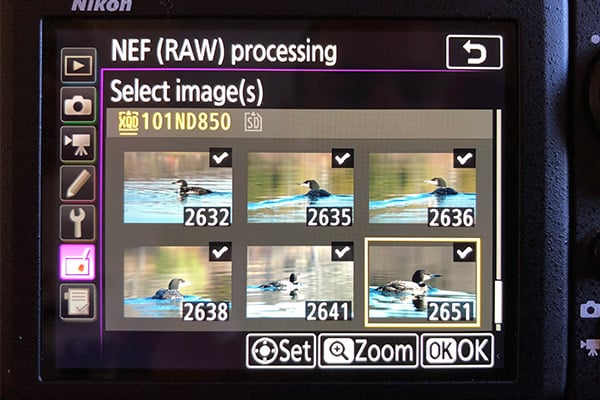 |
|
The Nikon D850 offers batch in-camera RAW processing. RAW files are processed in a matter of seconds.
|
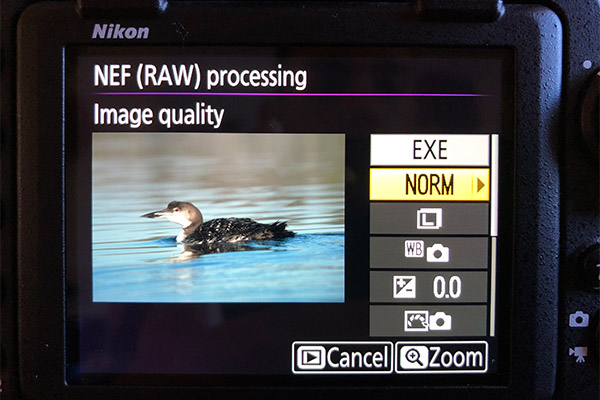 |
|
You have access to a variety of editing and processing options when performing in-camera RAW processing.
|
RAW file flexibility
While in-camera RAW processing is great, what about working with RAW files on a computer, which is by far a more common use case? When you increase the megapixel count and file size, you are also putting greater demands on your computer. This is something to keep in mind, but assuming that you have a capable workstation, editing the D850 45MP RAW files is a very enjoyable experience.
The Nikon D850 has fantastic dynamic range, as evidenced by analysis performed by Photons to Photos and DxOMark. Nikon’s reputation for producing cameras with excellent dynamic range is well-known, and the D810 in particular was a very well-regarded camera for its dynamic range performance. The D850 manages to keep pace with the D810 at very low ISOs and outperforms it as you go above ISO 400. If you want one of the best full-frame cameras on the market in terms of dynamic range, it’s tough to top the D850.
This excellent dynamic range pays big dividends with respect to RAW file processing. As you can see in the comparison shot below, I was able to recover a lot of shadow and highlight detail when working with the RAW file. The first shot below is the original straight-from-the-camera JPEG image, and the second is a RAW file which has been processed solely with highlight and shadow sliders in Adobe Camera Raw. That kind of flexibility is incredible, and the D850’s showing here is phenomenal.
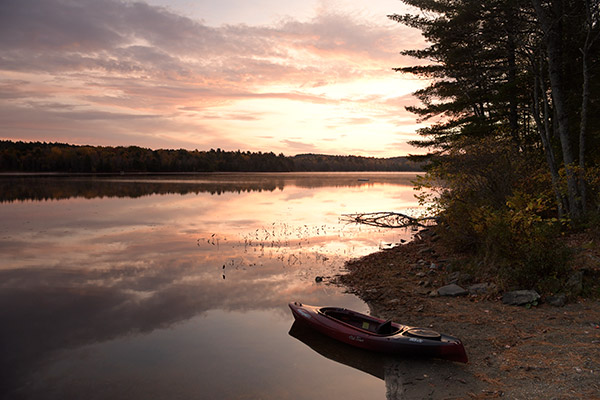 |
| Nikon 24-70mm f/2.8E lens at 24mm, f/8, 1/25s, ISO 1250. Straight from the camera JPEG image. Click for full-size image. Click here for RAW file. |
 |
| Nikon 24-70mm f/2.8E lens at 24mm, f/8, 1/25s, ISO 1250. This image was processed in Adobe Camera Raw. Notice that even at ISO 1250, the D850 still shows a remarkable ability to recover shadow and highlight detail. Click for full-size modified image. |
It is not simply about pushing shadows and highlights. A high-quality sensor also allows for a lot of other types of edits that could create issues with tonality or banding in files from lesser cameras. Being able to manipulate colors and finer details without introducing noise or other image quality problems is a must for many types of photographers, landscape photographers in particular. It’s not unusual for me to push a file to its limits during post-processing.
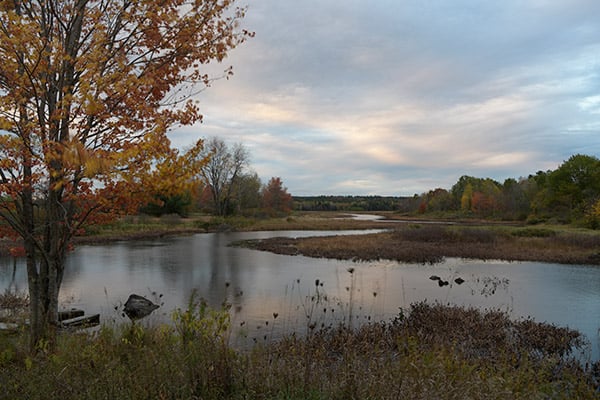 |
| Nikon 24-70mm f/2.8E lens at 24mm, f/6.3, 1/8s, ISO 64. Straight from the camera JPEG image. Click for full-size image. Click here for RAW file. |
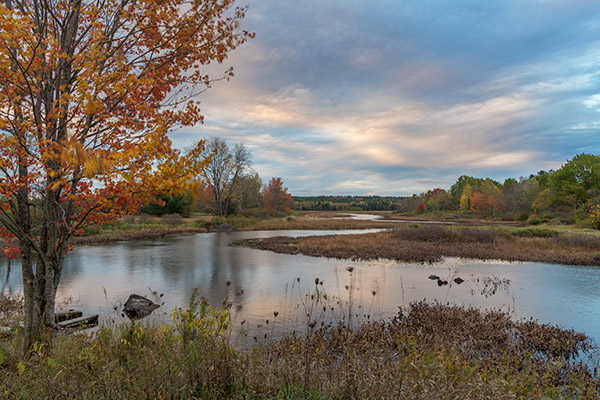 |
| Nikon 24-70mm f/2.8E lens at 24mm, f/6.3, 1/8s, ISO 64. This image has been modified. I was able to push the limits of this file at ISO 64 without creating any banding or issues with noise. When shooting at or near base ISO, the D850’s files are incredibly flexible. Click for full-size modified image. |
In terms of overall file flexibility, the D850 is as impressive as any full-frame camera I’ve used. I was already very impressed with the now-outdated Nikon D800E, and the D850 is even better, which is quite the accomplishment.
While it may be surprising that a 45-megapixel full-frame camera could be a good choice for wildlife photography, the D850 is a very capable camera in that regard. The camera can shoot at up to 9 frames per second with the optional battery grip attached and with an EN-EL18 battery (the same battery as is used in the Nikon D5). The camera shoots at 7 fps otherwise. In both cases, the camera is plenty fast for most wildlife shooting scenarios. In my case, I had the battery grip and EN-EL18 battery, so I was able to test the D850’s best-case shooting setup.
 |
| Nikon 200-500mm f/5.6E lens at 440mm, f/5.6, 1/800s, ISO 200. Click for full-size image. Click here for RAW file. |
 |
| Nikon 200-500mm f/5.6E lens at 440mm, f/5.6, 1/800s, ISO 200. 100% crop of the above image. Click for full-size image. |
The ability to not only have images captured at 9 fps, but also have 45 megapixels to allow for extensive cropping and still have a usable photo is very nice. There are many times when a full-frame sensor makes it difficult to fill the frame with your subject, but you don’t necessarily want to give up the flexibility that a full-frame sensor offers for other shooting situations. This is where a high-resolution FX sensor comes in handy because it allows for a lot of cropping without severely reducing image quality.
 |
| Nikon 200-500mm f/5.6E lens at 450mm, f/5.6, 1/640s, ISO 3200. Click for full-size image. Click here for RAW file. |
 |
| Nikon 200-500mm f/5.6E lens at 450mm, f/5.6, 1/640s, ISO 3200. This is a 100% crop from the above original JPEG file. Even at ISO 3200, the camera is capturing quite a bit of fine detail with default noise reduction applied, although in my opinion, the default noise reduction might be a bit excessive. Click for full-size image. |
Utilizing the same autofocus system as the Nikon D5 and D500, the D850 unsurprisingly delivers very good autofocus performance. What makes the D850 a bit different than the D5 and D500 is that the camera is capturing very high-resolution images. If you miss focus by a smidge on the D500, it might not be very noticeable. If you miss focus by the same small amount on the D850, however, it is very apparent.
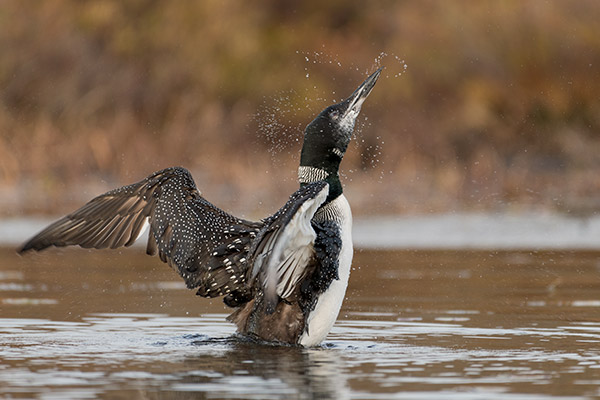 |
| Nikon 200-500mm f/5.6E lens at 500mm, f/5.6, 1/800s, ISO 800. This image has been modified. Click for full-size image. Click here for camera JPEG. Click here for RAW file. |
Nikon has helped deal with some of the inherent issues with DSLR autofocus systems by including its Automatic AF Fine-Tune feature, but that feature, as helpful as it is, still lacks the ability to dial in autofocus microadjustment for different focal lengths with zoom lenses. This proved problematic with my Nikon 200-500mm f/5.6E lens, which has slightly different focusing issues throughout the focal length range. There were also times when the lens missed focus considerably, despite having been checked for AF fine-tuning. This is not a problem I’ve had with the same lens on the Nikon D500.
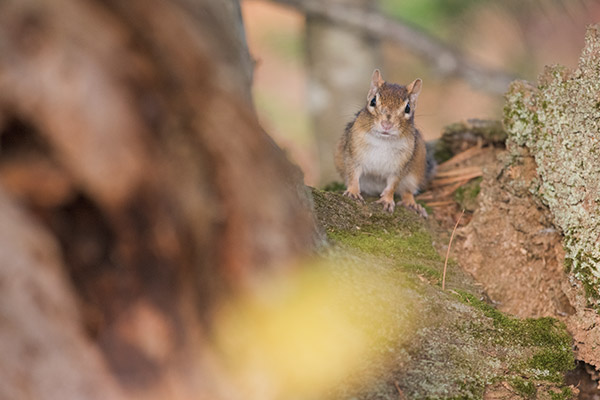 |
| Nikon 200-500mm f/5.6E lens at 500mm, f/5.6, 1/640s, ISO 2000. This image has been modified. Click for full-size image. Click here for camera JPEG. Click here for RAW file. |
The first day that the D850 arrived on my doorstep for my Field Tests, the chances for auroras looked pretty good. The skies were going to be clear for a few hours after sunset and the moon was not going to be an issue, so I packed up the D850 with the Nikon 24-70mm f/2.8E lens it came with and headed to Jordan Pond in Acadia National Park. Having chased the northern lights many times, I know very well how much luck plays into it. You can make the trip and get all set up and no auroras develop. Sometimes an aurora display lasts less than a minute, other times it goes on for hours. In this case, the aurora appeared, but it was quite brief. While I was hoping for a longer display, the fast-paced situation proved to be a great test of the D850.
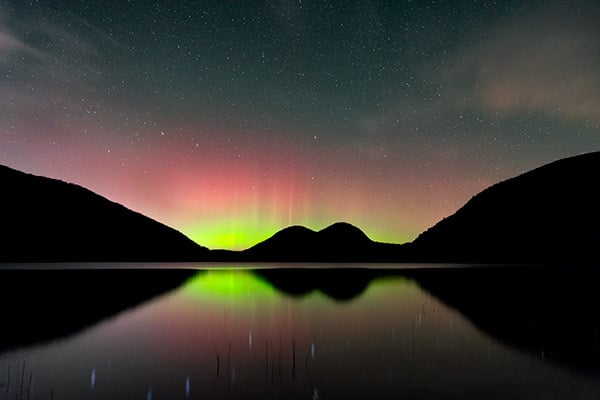 |
| Nikon 24-70mm f/2.8E lens at 27mm, f/2.8, 15s, ISO 4000. This image has been modified. Click for full-size image. Click here for camera JPEG. Click here for RAW file. |
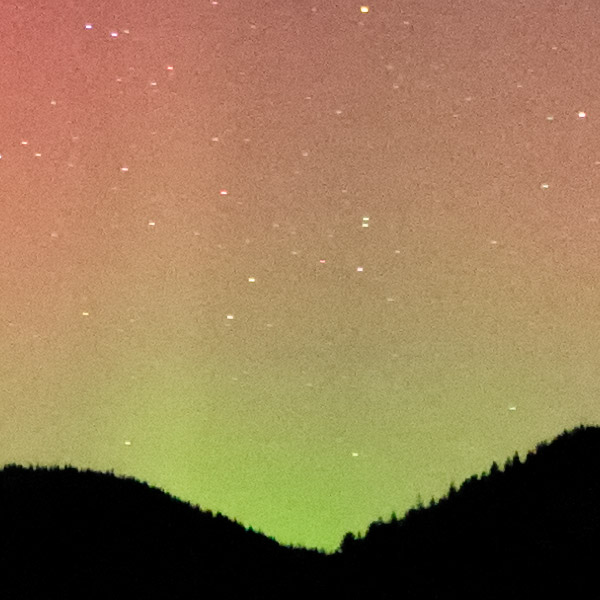 |
| Nikon 24-70mm f/2.8E lens at 27mm, f/2.8, 15s, ISO 4000. 100% crop from the above modified image. Even at ISO 4000 and with moderate post-processing, the RAW file held up well. I applied some noise reduction to the image, but you can still make out good detail in the trees along the hilltop that would come out nicely in a large print. Click for full-size image. |
The very first image I captured with the camera after its arrival was an aurora shot. If you’ve never shot auroras, I assure you that they are very demanding, and no two displays are the same, meaning that you cannot completely rely on a predetermined group of settings. The D850’s illuminated buttons proved very helpful as its control layout is a bit different than those of my D800E and D500 cameras. In a situation where every second counts, for a camera to be intuitive and user friendly is a great help. Plus, I was not yet familiar with the 24-70mm f/2.8E lens as far as infinity focusing is concerned. Every lens is a bit different in that regard, my 14-24mm f/2.8G is different from my 24-70mm f/2.8G, for example, and the 24-70mm f/2.8E is different from the older non-VR G version, too. The live view functionality worked very well and allowed me to quickly dial-in the manual focus.
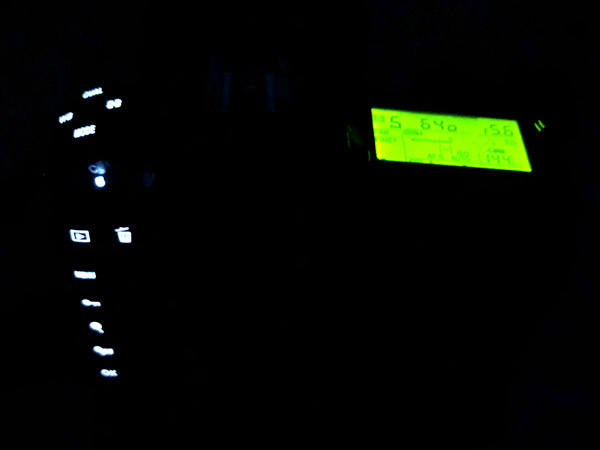 |
|
The D850’s illuminated buttons are an excellent feature for any photographer who regularly works in low-light, especially while you are still becoming familiar with the camera’s control layout.
|
If you have used a recent high-end Nikon DSLR cameras, the D850 should feel familiar. There are minor differences in how the camera handles, but it’s a Nikon DSLR through and through. This is a good thing, assuming you like how Nikon designs its cameras. Compared to the D800E, the Live View functionality of the D850 was superior during the night shooting expedition, and the tilting display was very helpful. The star of the show for me was the illuminated buttons though, which really helped me become familiar with the camera’s layout.
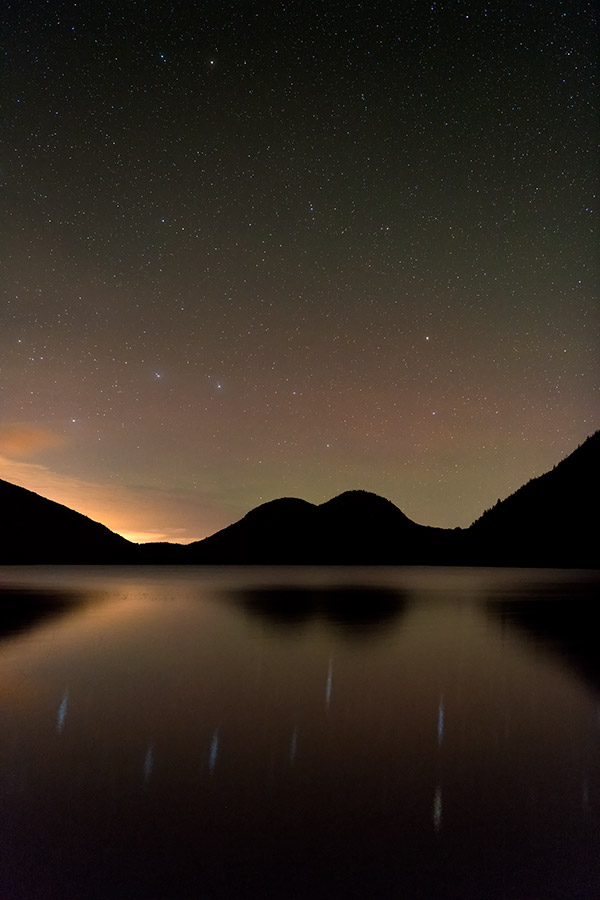 |
| Nikon 24-70mm f/2.8E lens at 32mm, f/2.8, 15s, ISO 6400. This image has been modified. Click for full-size image. Click here for camera JPEG. Click here for RAW file. |
Nikon D850 versus Nikon D800/D810
As a Nikon D800E owner since that camera launched in April of 2012, I was very excited to get my hands on the Nikon D850. While I don’t think that the D850 is the revolution that the D800 was, the D850 has improved upon its predecessor in essentially every meaningful way.
Not only is the D850 equipped with an excellent and improved sensor, but it also includes much faster continuous shooting, much better autofocus, better metering, a more refined camera body, a tilting touchscreen display and 4K video recording. There are many other improvements, but that list alone should be enough to make most D800/D810 owners consider upgrading.
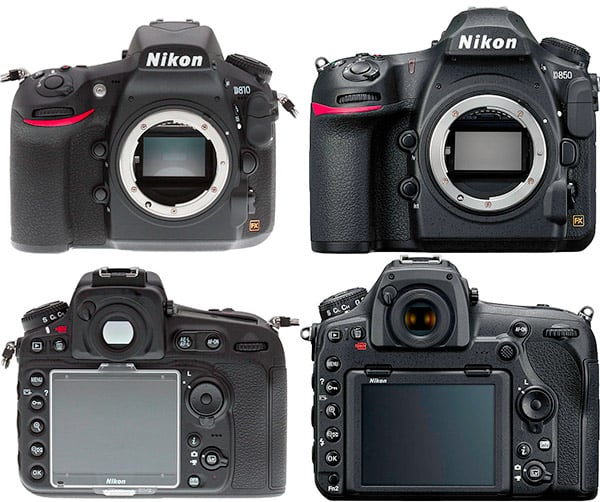 |
|
While this comparison is not perfectly to scale, we can see that the Nikon D850 (right) looks quite a bit different than the D810 (left), particularly when we look at the back of the camera. The D850 includes a tilting touchscreen display, dedicated autofocus point joystick and a revised control layout. Not pictured, there is also a relocated ISO button on the top right portion of the D850’s body. This button is on the left side of the top of the D810. In the favor of the D810, that camera has a built-in flash, whereas the D850, like the D500, ditches it.
|
Whereas the D800E was well-designed as a high-resolution DSLR camera, it came up short for faster or more demanding shooting scenarios. Wildlife photography has been difficult at times with the D800E due to the slow shooting speeds and somewhat lackluster autofocus performance. The D850, on the other hand, is one of the most versatile cameras I’ve tested. There is very little that the D850 cannot do. Never has a Nikon camera been better equipped to handle such a wide variety of photographic situations.
Field Test Part II Summary
The D850 is as impressive in the field as it is on paper
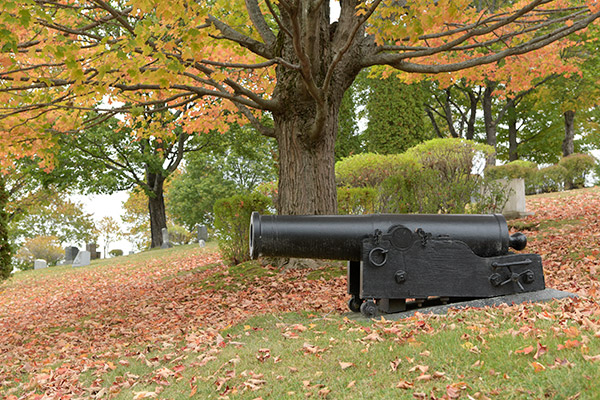 |
| Nikon 24-70mm f/2.8E lens at 55mm, f/8, 1/160s, ISO 800. Click for full-size image. Click here for RAW file. |
What I liked:
- Great high ISO image quality
- Impressive autofocus speed
- Illuminated buttons
What I disliked:
- Rear directional pad feels mushy and at times unresponsive
- Some surprising missed focus at times
- Not negative for the camera, but you’ll need a quick computer and a lot of hard drive space
Thus far, the Nikon D850 has been a very impressive DSLR. It’s everything that the D800/D810 was and a lot more. The camera’s newfound speed is not only a welcome improvement, but likely a game changer for many photographers. If you’re looking for high resolving capabilities and don’t want to sacrifice speed, the D850 is the best option Nikon has to offer. While the D800/D810 was designed almost solely for high resolution applications, the Nikon D850 can handle essentially any type of photography.
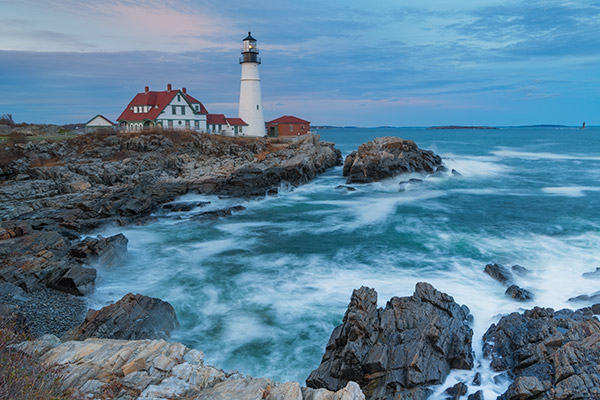 |
| Nikon 24-70mm f/2.8E lens at 30mm, f/11, 3s, ISO 64. This image has been modified. Click for full-size image. Click here for camera JPEG. Click here for RAW file. |
Nikon has included a lot of video improvements in the D850 as well, which will be the primary focus of our third and final Nikon D850 Field Test, so stay tuned to Imaging Resource for that.
Field Test Part IV
Is the D850 the best Nikon DSLR ever for video?
by Jeremy Gray | Posted 12/01/2017
In my Field Test Part II, I discussed RAW files from the D850, how the D850 compares to the D800/D810. I also touched on using the D850 for wildlife and for night photography. In this Field Test Part III, I will discuss the camera’s built-in timelapse functionality and video features.
The D850 has extensive timelapse functionality, including built-in 4K timelapses as well as an 8K timelapse function, although these 8K sequences are not compiled in-camera like the 4K timelapses.
When shooting 4K timelapses in-camera, you have control over the shooting interval, total shooting time and whether exposure smoothing and “silent photography” is enabled. I like how much control over the timelapses you have with the D850. Another nice touch is that as you adjust the settings, the camera automatically updates the total shooting time and the length of the final timelapse sequence, which is of course dependent upon interval, shooting time and the frame rate of the final video.
The exposure smoothing works well, although I prefer having it turned off for a more natural look. In the video above, exposure smoothing is turned on. Below, it is turned off.
Overall, the D850 makes it easy to capture nice timelapse videos. The in-camera menus are intuitive and easy to understand. The 4K timelapse video quality is definitely impressive, and I like that the camera records using the full width of the sensor, which is very nice. You can set the camera to capture images for an 8K time lapse video, although you cannot compile the video in-camera, but must do it on your computer.
Introduction
On the traditional video side of things, the D850 is similarly strong. In fact, I think it’s Nikon’s best video camera to date thanks in part to 4K UHD video at the full width of the sensor. The D850 has a dedicated video setting menu, which is good and provides direct access to important camera settings, including file naming, memory card destination, image area, frame size/frame rate, movie quality, movie file type (MOV or MP4), ISO sensitivity settings, white balance, Picture Control and management, high ISO noise reduction, flicker reduction, microphone sensitivity, attenuator, frequency response, wind noise reduction, electronic VR and timelapse movie. A very good feature on the D850 is that these settings apply only to video recording. It’s nice to be able to have different ISO settings for still recording and video, for example.
Features
While it cannot shoot 4K/60p video, the D850 can record 4K Ultra HD video at up to 30 frames per second, which is sufficient in most cases. Nikon has only recently become more serious about video features in their DSLRs, and the D850 is the culmination of the strides the company has made. In addition to the 4K/30p, the camera can also do Full HD video at up to 120 fps. There’s also an option to use an FX or DX image area, if you want, which gives you some flexibility with your video framing without needing to change lenses. It should be noted that for slow-motion video modes (1080/100p or 1080/120p), the D850 is automatically switched into the DX frame size mode (and video quality is set to “Normal”). One of the other big features of the camera is focus peaking, another first for Nikon in a DSLR.
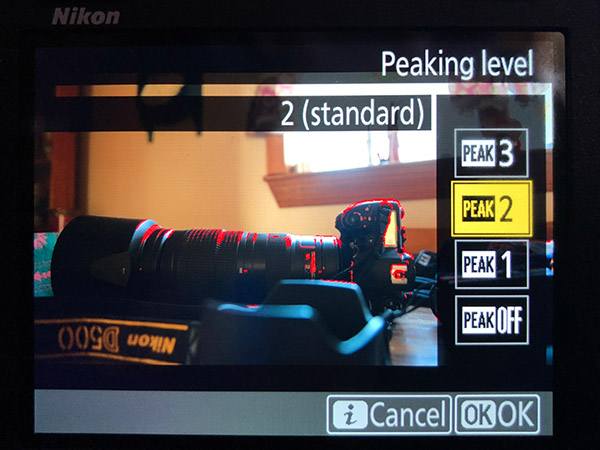 |
|
The D850 offers focus peaking for video, but only when recording in Full HD and with highlight warnings disabled.
|
Regarding focus peaking, there are three settings for the intensity of the focus peaking and four colors to choose from (red, yellow, blue and white). Before you get too excited, there are some limitations to focus peaking. For one, it cannot be used when recording 4K video. It also cannot be used when relying on electronic image stabilization, shooting in slow motion, or using Active D-Lighting in movies (it is available for stills). There are also zebra stripe exposure warnings, which work well across a variety of shooting modes — but again, these can’t be displayed at the same time as focus peaking. You can set thresholds for when these zebra exposure warnings will appear, and the feature can be activated via the touchscreen.
While not quite the same as having Log profiles, the D850 does have a Flat Picture Control setting that decreases contrast and creates a flatter curve, making video better-suited for color grading during post-processing.
The touchscreen implementation when recording video is very good. You can scroll through many settings, including: image area, frame size/rate, movie quality, active D-lighting, microphone sensitivity, attenuator, frequency response, wind noise reduction, memory card destination, monitor brightness, multi-selector power aperture, multi-selector exposure compensation, highlight display, headphone volume, electronic vibration reduction and focus peaking.
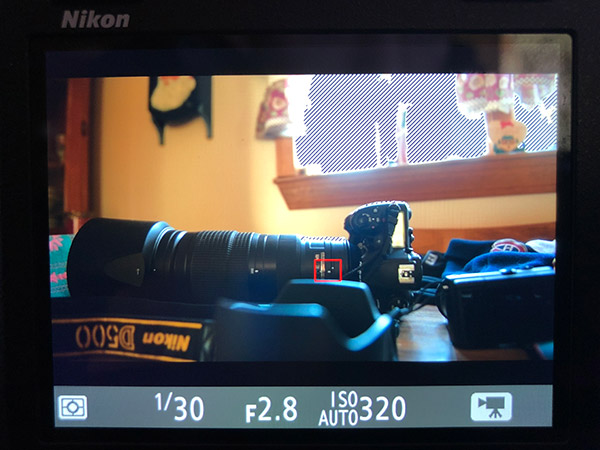 |
|
Zebra warnings are useful and you can choose from a couple different patterns on the D850 and set the threshold for when the exposure warnings appear.
|
Electronic vibration reduction is available when recording Full HD video, but not 4K video. The VR functionality works okay, but it’s not spectacular and it does create some unnatural looking movements as you can see in the video below. Further, it does crop in a bit, which you can see in the frame comparison images below.
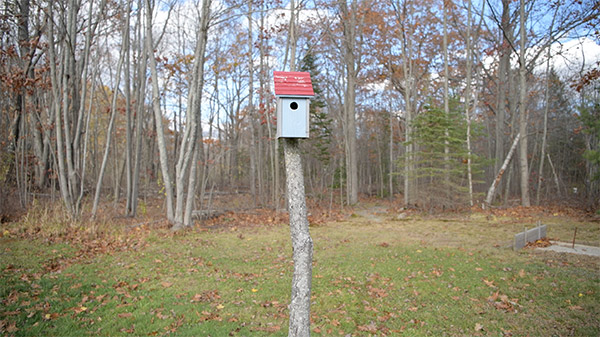 |
|
The image frame with vibration reduction disabled. This is the same for Full HD and 4K videos.
|
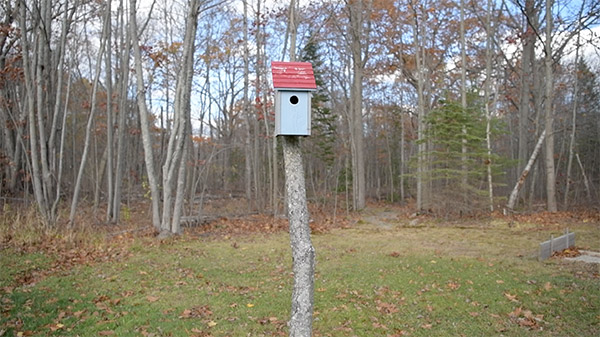 |
|
The image frame with vibration reduction enabled. This feature is only available when recording Full HD video.
|
The D850 has an HDMI output which offers completely clean HDMI out. Video is outputted at a maximum of 8-bit 4:2:2. Via the camera’s setup menu, you can access a lot of settings including output resolution, external recording and advanced settings, which include output range, output display size, live view on-screen display and dual monitor settings. There are a lot of good features here that show that Nikon has been listening to video users.
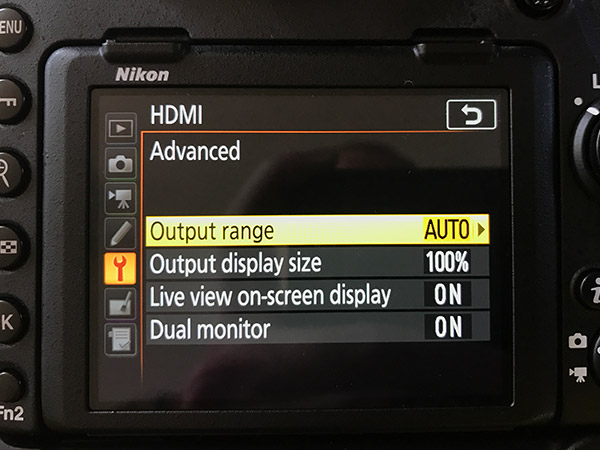 |
|
The D850 offers many HDMI output options, including clean HDMI output.
|
Autofocus
Having used quite a few Nikon DSLR cameras, I’m used to their video autofocus being quite poor. Despite the excellent autofocus system in the D850 when shooting photos through the viewfinder, the autofocus performance is still not as good when recording video (or when using live view). The D850 still relies upon a contrast-detect autofocus system for live view/video, which results in sluggish and jumpy focus with a lot of micro adjustments being made during recording.
As you can see in the video above, the autofocus is not particularly quick when selecting a new subject. It is not only on the slower side, but it regularly makes small adjustments, which can be very jarring in a video. This is more prominent when recording in low light, such as the stream clips in the second part of the video, but it often occurs when shooting in bright light as well.
A nice aspect of the D850’s live view autofocus system is that the camera’s touchscreen works well for moving the autofocus point around and you can use magnified live view when recording video to check focus if you are manually focusing.
It’s disappointing that the video autofocus performance of the D850 is not better because as we will see, the camera’s actual video quality is quite impressive.
Video Quality
At low ISOs, the D850 records good 4K UHD video with strong detail. At ISO 64-400, the D850’s video has a lot of nice fine detail and has good dynamic range and color. Through ISO 1600, the D850’s 4K video still looks good, but at ISO 3200, the fine detail drops off a bit while color and dynamic range remain good.
At ISO 6400, the detail continues to drop, but I would consider the video still usable. The dynamic range drops a bit, but there is not a lot of noise in the video. At ISO 12,800, the detail gets very washed out, and there is considerable visible noise. The D850 can record video at ISO 25,600 and ISO 51,200 as well, but they are both very noisy and likely not worth using unless it is absolutely necessary.
Video Summary
The D850’s video features are strong, and the camera is well-suited to be a serious video camera for more controlled situations. However, the video autofocus performance is underwhelming, making run-and-gun filming or tracking moving subjects very difficult. If you are manually focusing, the D850 captures very good 4K UHD video. Further, there are some nice features, such as electronic VR and focus peaking, although neither of those are available when recording 4K video.
D850 Field Test Part III Summary
Strong video features but there is still room to grow
What I liked:
- Tilting touchscreen display
- A lot of nice video features
- Full width 4K video recording
- Very nice 4K quality
What I disliked:
- Poor video autofocus
- Some highly-touted video features are limited in practice
The D850’s multimedia features are as good as any of Nikon’s cameras to date. The built-in timelapse mode works well and is easy to use. With respect to video itself, the D850 finally records 4K UHD using the full width of the sensor, a first for a Nikon full-frame DSLR. Autofocus performance during video recording is still underwhelming, which is par for the course for a Nikon DSLR. However, if you are comfortable with manually focusing, the D850 is a very powerful video camera.
D850 Field Test Overall Summary
As we have seen throughout our three Field Tests for the D850, it is a very powerful and versatile full-frame DSLR. It has the best image quality of any Nikon camera we’ve tested, and its autofocus system, performance and handling features are very good. It is an expensive camera, yes, but it provides a lot of value for many different types of photographers including portrait, studio, sports and wildlife photographers. Further, it has the strongest video features of any Nikon DSLR to date. Overall, the D850 is an excellent professional DSLR camera — which is why we gave it our Camera of the Year (Best Pro DSLR) award this year — and is perhaps Nikon’s best camera ever.
Video
Check out the links below for more sample images, videos and image quality analysis:
-
Nikon D850 Optics page
(Crops from images shot with the camera’s kit lens, if sold as a kit) -
Nikon D850 Sample Images page
(Index to all standard test shots, with explanations) -
Nikon D850 Thumbnails page
(Thumbnails of all shots, including RAWs, with EXIF data) -
Nikon D850 Gallery page
(Regular photos taken with the Nikon D850)
The D850 is proof Nikon is finally taking video seriously
by Jaron Schneider
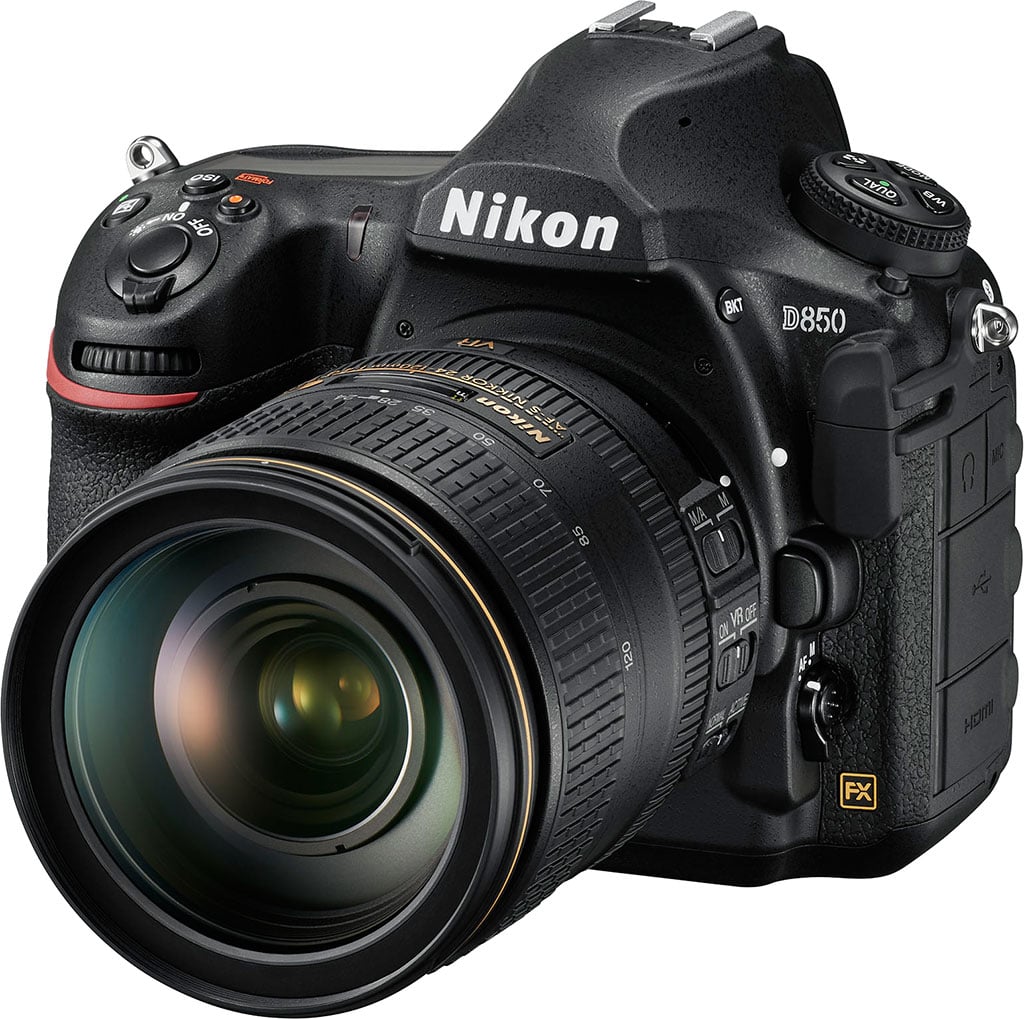
There have been multiple attempts over the last five or so years by Nikon to show their customers that they are not just a still photography system. Ashton Kutcher tried to convince us, their haphazardly thrown together (and often neglected) filmmaking section on their website had some nice images, and they have liked to talk about making films with their cameras. But in all honesty, few did. As much as Nikon said they supported filmmakers, the words rarely felt backed up by action as their cameras’ features fell behind competitor offerings.
But finally, when I look at the D850, I think there are signs that is changing. With the features that Nikon has built in to their new flagship, I think it’s fair to say they’re finally taking video seriously.
Here are the Nikon D850’s video features:
- Full-frame 4K UHD: at 24/30 fps
- Slow Motion: Full HD 1080p at up to 120 fps (4x or 5x), DX crop
- Focus Peaking: When shooting Full HD or in Live View for stills, focus peaking can be enabled which highlights in-focus subjects in the frame to ensure sharpness.
- 8K / 4K Time-lapse: Create 4K UHD time-lapse videos easily in-camera, or can use the built in intervalometer to capture images for an ultra-high resolution 8K time lapse that can be assembled in post.
- Zebra stripes: The D850’s highlight display mode uses zebra patterns to quickly spot overblown highlights. It is available in two varieties, selectable according to the patterns and textures of the subjects.
- HDMI output: Record uncompressed, broadcast quality 4:2:2 8-bit 4K UHD footage, directly to an external digital recorder while simultaneously recording to a card.
- Audio Control: The D850 features an onboard stereo microphone, as well as inputs for headphones and microphone. The camera also features a new audio attenuator to regulate sound levels.
- Dual card slots: XQD and SD UHS-II
- Tilting LCD Touchscreen: 3.2-inch, high resolution (2,359k-dot) LCD monitor.
- EXPEED 5: New processor allows for full-frame 4K UHD video capture and greater power efficiency for longer battery life.
Full video specs:
- 4K UHD 3,840×2,160 / 30 fps @ 144Mbps
- 4K UHD 3,840×2,160 / 25 fps @ 144Mbps
- 4K UHD 3,840×2,160 / 24 fps @ 144Mbps
- Full HD 1,920×1,080 / 60 fps @ 48 Mbps
- Full HD 1,920×1,080 / 50 fps @ 48 Mbps
- Full HD 1,920×1,080 / 30 fps @ 24 Mbps
- Full HD 1,920×1,080 / 25 fps @ 24 Mbps
- Full HD 1,920×1,080 / 24 fps @ 24 Mbps
- HD 1,280×720 / 60 fps @ 24 Mbps
- HD 1,280×720 / 50 fps @ 24 Mbps
- Slow-motion: Full HD 1,920×1,080 30p (x4) @ 36 Mbps
- Slow-motion: Full HD 1,920×1,080 25p (x4) @ 36 Mbps
- Slow-motion: Full HD 1,920×1,080 24p (x5) @ 29 Mbps
Actual frame rates for 60p, 50p, 30p, 25p, and 24p are 59.94, 50, 29.97, 25, and 23.976 fps, respectively.
Quality selection available at all sizes except 3,840 x 2,160 (when quality is fixed at high) and 1,920 x 1,080 slow-motion (when quality is fixed at normal). Bitrates provided above are at sample from “high quality.”
- Format: Recorded in MOV or MP4, H.264/MPEG-4 Advanced Video Coding
- Maximum recording time: 29 minutes 59 seconds. Each movie will be recorded across up to 8 files of up to 4 GB each. The number of files and the length of each file vary with the options selected for Frame size/frame rate and Movie quality. Slow-motion limited to 3 minutes recording.
- Live View Autofocus: Contrast-detect AF anywhere in frame (camera selects focus point automatically when face-priority AF or subject-tracking AF is selected).
Exciting features on Nikon’s new pro full-frame DSLR
Focus Peaking on a DSLR
Focus peaking, or highlighting edges of subjects in focus on a display, is an absolute must for video professionals. It’s a standard feature on every serious video camera, and has been noticeably absent from most DSLRs out there — certainly none from Canon or Nikon before the D850 have had it. That’s right: bafflingly, hardly any DSLR has ever included the feature despite the competition (mirrorless) happily including it on basically every model ever. It’s handy for both stills and video, but for motion pictures, it makes manual focusing (a common decision for making video) faster and more accurate than the alternative (zooming in and dialing in focus which is slow, or rack focusing with parfocal lenses, which are rare).
Someone at Nikon decided to take a stand and give the masses what they wanted, and the D850 is one of the few DSLRs to offer focus peaking in video. Though it’s only available for the 1080p features (not in 4K), this is a huge step in the right direction.
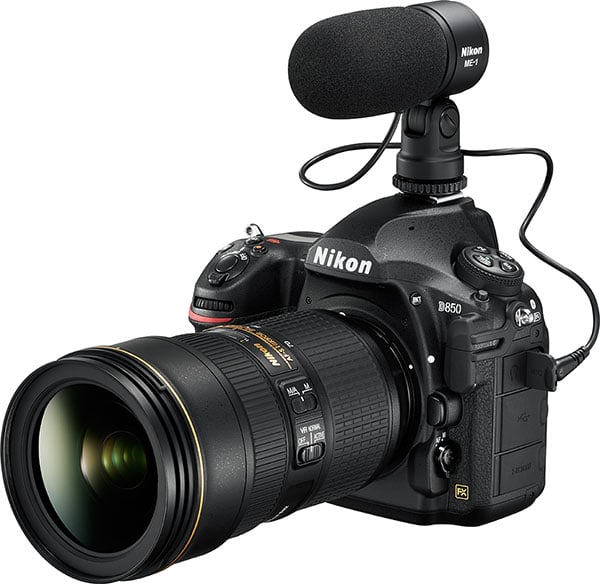 |
True Full Frame 4K
I hope that this doesn’t get passed over, because having true full frame 4K video is spectacular. The D850’s FX BSI CMOS sensor allows 4K UHD output at the full sensor width to 16:9, which gives video shooters a true field of view when shooting video.
This is exceedingly rare in any full frame camera.
For most, including Canon, there is a crop (often times significant) that brings the actual field of view down to at APS-C size, sometimes smaller. That means that what you see with your 24-70mm lens, for example, in stills isn’t what you see with the same scene and the same lens equipped in 4K video.
One of the main benefits of shooting video with a DSLR is getting that “full frame look,” and cropping in dramatically takes away from that benefit. Keeping the true field of view means making dynamic, dramatic full frame video that is going to look unique among video options on the market.
4K isn’t for everyone, though. Often, shooters want to only shoot in 1080p, and it’s nice to see that Nikon included five different 1080p settings, both in NTSC and PAL frame rates.
True slow motion in Full HD
Much of the slow-motion video that shooters are used to seeing on DSLRs is just barely slowed down thanks to shooting at a maximum of 60p on a 24p or 30p sequence. The D850 offers up to 5x slow motion in 1080p (if final video output is 24p, otherwise it is 4x slow motion in both 30p and 25p) thanks to a 120 frame per second capture rate. That is slow enough to really see incredible detail in action sequences, and is a welcome addition to any video camera. Slow motion video capture is however fixed to DX format (APS-C crop), regardless of lens used or image area selection.
Built-In Timelapse
Nikon is touting both 4K and 8K timelapse, and it’s the latter that will be of most interest to the higher-end shooter. For quick, in-camera timelapse, the 4K mode allows you to have the camera do most of the work, stitching together stills and outputting a finished 4K video file. If you prefer a PC-based workflow, if you bring the D850 stills in for editing the final output video can be up to 8K, the next in-demand video resolution.
In terms of timelapse, the D850 is ready to offer ultra high definition now, and is future-proof to provide content for even higher resolutions as the demand arises.
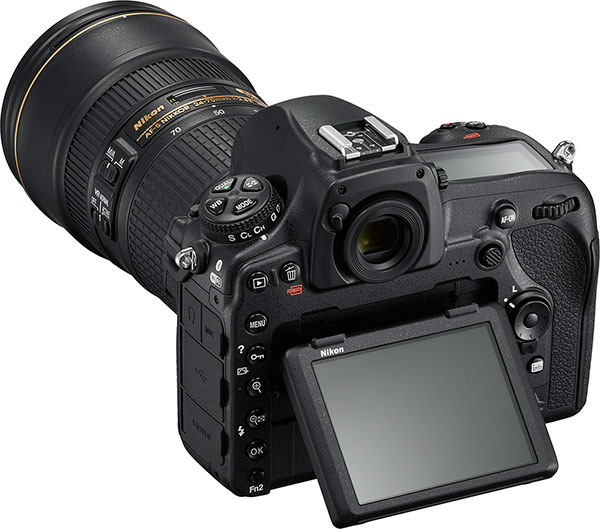 |
Other welcome features
- The clean HDMI out at 4:2:2 8-bit is nice to see, especially since the D850 can record in-camera as well as to an external recorder simultaneously. For those looking for the best quality the camera can offer, this is pretty darn good.
- Both a headphone and mic jack together is of course a must-have, and Nikon delivered.
- A tilting screen is always welcome, and it being touch-capable as well is great.
- Zebra striping for exposure is a big plus, and many video shooters can’t imagine using a camera that doesn’t have this feature.
Looking at the Nikon D850, I’m seeing a lot more pros than potential cons. Though it doesn’t offer 60p at 4K, which is disappointing, the bitrates for 1080p video (including slow motion) seem a bit low, and the autofocus is only contrast-based, the other features Nikon built into the D850 certainly shine brighter than these concerns. Though I’ll reserve judgement until I’m able to get hands-on time with the camera myself, there is quite a bit about which to be excited. If nothing else, the D850 shows that Nikon may finally be ready to commit to competing as a video system.
See Part III of Jeremy Gray’s D850 Field Test for much more on the camera’s video features and performance, including sample videos.
Â
High ISO Noise Reduction
Like most Nikon pro and prosumer DSLRs, the D850 offers four High ISO Noise Reduction settings: Off, Low, Normal (default), and High, allowing you quite a bit of flexibility in choosing how you want to make the trade-off between subject detail and noise levels in JPEGs. The Nikon D850 manual doesn’t say at what ISO High ISO Noise Reduction begins to be applied, so we’ve included crops from ISO 32 on up here. Note that the Nikon D850 user manual says when Off is selected, the amount of noise reduction is always less than the Low setting, but doesn’t provide any additional details.
See for yourself how the Normal and Off settings work compared to RAW files with no noise reduction (or sharpening) applied. Click on any of the crops below to see the corresponding full-sized image.
| High ISO Noise Reduction Comparison In-Camera JPEGs vs RAW with no NR Simulated Daylight |
|||
|
Normal
|
Off
|
RAW (no NR)
|
|
| I S O 3 |
 |
 |
 |
 |
 |
 |
|
 |
 |
 |
|
|
Normal
|
Off
|
RAW (no NR)
|
|
| I S O 6 |
 |
 |
 |
 |
 |
 |
|
 |
 |
 |
|
|
Normal
|
Off
|
RAW (no NR)
|
|
| I S O 1 |
 |
 |
 |
 |
 |
 |
|
 |
 |
 |
|
|
Normal
|
Off
|
RAW (no NR)
|
|
| I S O 2 |
 |
 |
 |
 |
 |
 |
|
 |
 |
 |
|
|
Normal
|
Off
|
RAW (no NR)
|
|
| I S O 4 |
 |
 |
 |
 |
 |
 |
|
 |
 |
 |
|
|
Normal
|
Off
|
RAW (no NR)
|
|
| I S O 8 |
 |
 |
 |
 |
 |
 |
|
 |
 |
 |
|
|
Normal
|
Off
|
RAW (no NR)
|
|
| I S O 1 |
 |
 |
 |
 |
 |
 |
|
 |
 |
 |
|
|
Normal
|
Off
|
RAW (no NR)
|
|
| I S O 3 |
 |
 |
 |
 |
 |
 |
|
 |
 |
 |
|
|
Normal
|
Off
|
RAW (no NR)
|
|
| I S O 6 |
 |
 |
 |
 |
 |
 |
|
 |
 |
 |
|
|
Normal
|
Off
|
RAW (no NR)
|
|
| I S O 1 |
 |
 |
 |
 |
 |
 |
|
 |
 |
 |
|
|
Normal
|
Off
|
RAW (no NR)
|
|
| I S O 2 |
 |
 |
 |
 |
 |
 |
|
 |
 |
 |
|
|
Normal
|
Off
|
RAW (no NR)
|
|
| I S O 5 |
 |
 |
 |
 |
 |
 |
|
 |
 |
 |
|
|
Normal
|
Off
|
RAW (no NR)
|
|
| I S O 1 |
 |
 |
 |
 |
 |
 |
|
 |
 |
 |
|
As you can see by comparing the crops above, the Nikon D850 applies noise reduction at all ISOs, though it’s pretty subtle at ISO 100 and below. You can also see the Off setting still applies some minimal noise reduction, just as Nikon says. Note that noise in low to moderate ISO JPEGs appears higher at the Low setting than noise in the converted RAW images with no noise reduction because no sharpening was applied to the RAW files. Also note that ISO 32 is an extended low ISO, and ISOs 51,200 and 102,400 are high extensions.
Like other recent Nikons, the D850’s default high ISO noise reduction generally does a good job at reducing luminance noise and a very good job at reducing chrominance noise, however as you can see, there can be quite an impact to areas with subtle tone on tone contrast, particularly in our red-leaf fabric already at moderately low ISOs. This is often the case with more aggressive chroma noise reduction and something to mindful of, especially if you’re used to Nikon’s older generation models which tended to preserve more detail in low-contrast reds at moderate to high ISOs. You may want to try the Low setting if you’re finding too much detail is lost at high ISOs.
Tech1
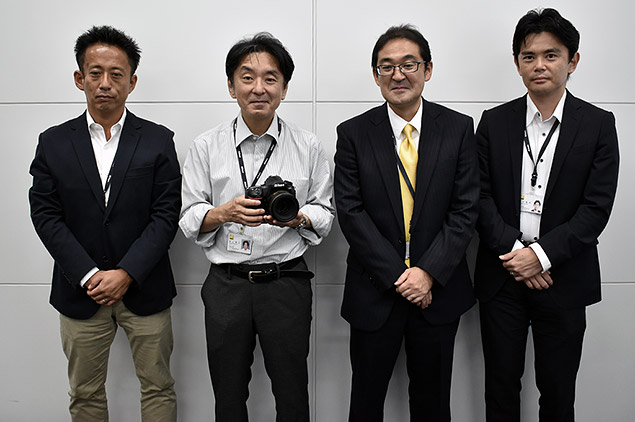 |
|
Left to right: Eiji Eguchi [Chief Staff, Product Planning, DCIL, UX Planning Department, Marketing Sector, Imaging Business Unit]; Naoyuki Murakami [Department Manager, 1st Designing Department, Developing Sector, Imaging Business Unit]; Hiroaki Ono [Department Manager, Global Marketing Strategy Department, Marketing Sector, Imaging Business Unit]; Masayuki Numako [Section Manager, Product Planning, DCIL, UX Planning Department, Marketing Sector, Imaging Business Unit]
|
While on recent trip to Japan — with one stop being a visit with Nikon to attend the award ceremony for Nikon’s annual Photo Contest — Dave Etchells had a chance for an exclusive interview and Q&A session with top Nikon engineering and marketing staff in Tokyo to discuss, among other things, the all-new Nikon D850. In typical IR fashion, we will, of course, bring you the full in-depth interview in short order, but we wanted to pull out relevant excerpts from the interview as it pertained to the D850.
Compiled from the Q&A session, below we have series of details and key insights into the major features and performance specs of Nikon’s new pro high-res DSLR:
1) The D850 uses the same (excellent) AF system as the D5 and D500.
- It includes the special, dedicated AF processor used in those cameras, that both handles the large number of AF points, and also provides the horsepower for the exceptional subject-tracking speed and ability seen with those cameras. (Many users and reviewers consider the D5’s AF system to be the best in the business, period.)
2) Standard DX AF point coverage, in DX mode.
- When shooting in DX mode, the D850’s AF system has exactly the same coverage as it does on the D500.
3) Still only one AF fine-tune offset per lens.
- When we asked whether the D850 would support different AF fine-tuning adjustments based on aperture (to handle lenses with spherical aberration, that shift their focus point slightly when stopped down) or for wide and tele focal lengths on a zoom, Nikon replied that they’re aware of user requests in this area and are studying the feasibility, but it sounds like it won’t be possible to add this capability to existing cameras via firmware updates.
4) The D850 supports focus peaking for both HD video and still photography.
- It isn’t available when shooting 4K video, though.
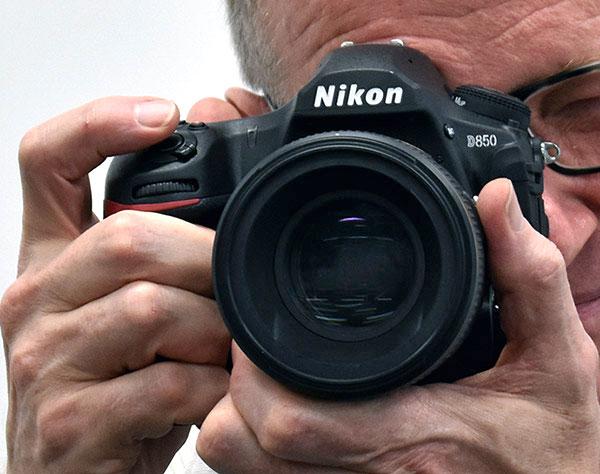 |
5) The Nikon D850 is primarily a stills camera, but Nikon greatly expanded its video capabilities over previous models.
- The D850 has very strong features for video recording, but when we asked if they would be positioning the D850 as a go-to camera for primarily video users, they replied that they still consider still photography as the camera’s main focus. They did very specifically want to cater to the increasing number of traditionally still shooters who are now also shooting video, though, so treated video recording as a very important use case. (We were interested to learn that dual still/video shooting by professionals is much more common in the US than in other parts of the world. We didn’t ask, but are curious why that would be so much the case….)
6) 4K video with no horizontal cropping!
- One significant feature of the D850 that we discussed with Nikon is its ability to shoot 4K video with no horizontal cropping. This is a big benefit for video shooters!
7) Electronic VR option available for Full HD, crops the frame slightly (unavoidable).
- When recording Full HD video, the Nikon D850 offers the option of electronic vibration reduction. This is accomplished by using a bit less than the full sensor to create the video image. Then, if the camera moves slightly, the processor can simply shift the area that’s being read out, to compensate. To make space on the sensor to do this, the camera will crop the frame slightly when electronic VR is enabled. Nikon didn’t have a spec for us; we’ll test and report on it when we get a test sample into our lab.
8) Reduced-resolution modes don’t save buffer space, and actually reduce it and slow down buffer clearing.
- (We’re guessing this is true of all Nikon models, although we haven’t tested it recently.) This was a bit of a surprise. We figured that the reduced-resolution modes wouldn’t use as much buffer space, so you could get longer bursts when using them. It turns out that the buffer memory captures all the data coming from the sensor, and then the processor crunches it down before storing reduced-resolution data to the memory card. This means that there’s no buffer-depth advantage with reduced-resolution modes, and it actually takes a bit longer for the processor to crunch the data before writing it to the card. (In fact, because the data is being cleared out of the buffer more slowly while shooting is going on, buffer capacity is actually somewhat reduced. — Nikon said it was “only” 200 frames in DX mode :-0)
9) WOW, XQD cards can clear the buffer fast!
- Given the huge buffer size on the Nikon D850, we wondered how long it would take to clear it to the memory card. The D850 supports the very fast XQD memory cards, so we asked how long it would take to clear the giant buffer when using one of them. After the necessary disclaimers that it depends on the speed of the particular card you’re using, YMMV, etc, the Nikon engineers told us that they’d routinely seen the buffer clear to XQD cards in seven seconds(!) We’ll obviously be checking this ourselves once we have a lab sample, but if true, this is really astonishingly quick, especially given the huge amount of data involved. Given its fast, capable AF system and this incredible clearing speed, the D850 looks to us like a serious option for sports shooters!
10) The new internal NEF-to-JPEG batch processing option is *fast*!
-

A new feature in the D850 is the ability to select a large batch of NEF RAW files, select the various tweaks and adjustments you want to make to all of them, and then have the camera convert them to JPEGs itself. Because it can use the camera’s dedicated image processor to do so, it can do this many times faster than even a very capable desktop computer. Nikon advertised this as being “17x faster” than PC-based NEF conversion, but that begged the question of 17x faster than exactly what computer, with what software. We asked how long these conversions actually took, in terms of clock time. The answer was that 1000 images took 25 minutes to convert. Hmm, OK, 25 minutes sounds like a while, but doing the math, we realized that this amounted to only 1.5 seconds per image – that’s seriously fast (!)
- (A side note: We thought this might encourage more sports shooters to also shoot RAW format, but it turns out the Nikon engineers were thinking mainly of time-lapse users when they created the feature.)
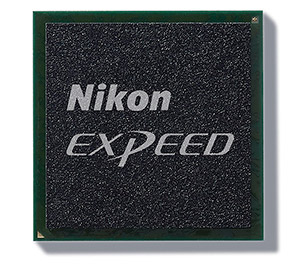
11) The Nikon D850 uses a backside-illuminated (BSI) sensor, but not for the reason you might think.
- The D850 uses the first backside-illuminated sensor in Nikon’s DSLR lineup, but when we asked about it, it turned out the reason wasn’t to provide better low-light performance (its pixels are big enough that there’s not much gain in ISO speed by moving the wiring to the back of the chip), but rather to give more flexibility in the chip’s wiring, to achieve the high speed they were after. Interesting…
12) The Nikon D850 should be a significant step up, in terms of high-ISO noise and image quality.
- While they didn’t attribute it to the BSI sensor, Nikon told us that the D850 should produce the same image quality (both JPEG and RAW) at twice the ISOs as the D810, a full-stop improvement. That is, the D850 at its top “native” ISO of 25,600 should deliver the same image quality as the D810 did at ISO 12,800. If true, that’s a pretty significant improvement; we can’t wait to get our hands on a sample to check it out!
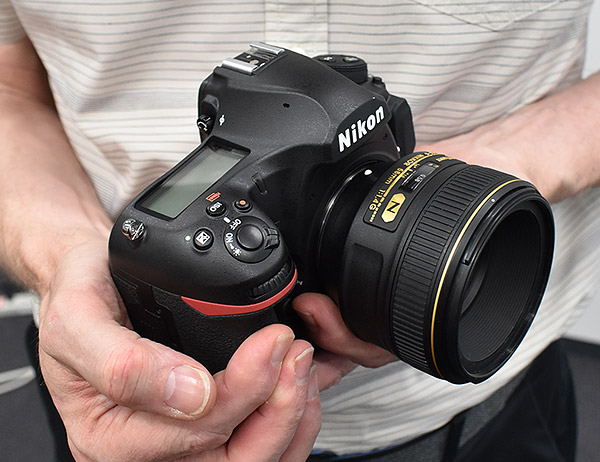 |
13) Nikon designed the D850 sensor themselves.
- While Nikon contracts with a silicon foundry to actually manufacture the chips, Nikon confirmed that the D850’s sensor is entirely their own design, vs. an off-the-shelf unit from a sensor manufacturer.
14) Nikon says dynamic range will be as good or better than that of the D810, despite the higher pixel count.
- They’ve stated that there is no trade-offs to be made in balancing dynamic range at base ISO vs. higher ISOs, and that this sensor resolution represents the optimum balance for performance and image quality.
15) Adding the optional battery grip with EN-EL18 battery boosts the maximum shooting speed by 2 frames/second.
- Nikon reports the higher voltage from the EN-EL18 battery pack allows an increase in overall shooting speed, enabling the shutter and mirror to move faster.
16) Focus-shift mode for bug photography 🙂
- Based on demand from macro and insect photographers, the D850 now has a special focus shift mode. This directs the camera to shoot a number of images, shifting focus slightly between each one. The camera can’t “stack” these itself, but it’s easy to use focus-stacking software on your computer once the necessary shots are all captured. Talking to the engineers, some of them had apparently admired the ultra-closeup focus-stacked bug pictures seen around the internet, so just decided to build this feature into the camera. This was interesting to us, to think that the engineers just said “hey, this is such a cool effect — let’s help people do this!” — rather than a more “corporate” approach of looking at market segments, holding focus groups, etc, etc. It seemed like a cool thing, wasn’t hard to implement, so they just went ahead and built it into the camera.
17) Focus-shift settings decoded!
- Because focus and depth of field depends on the lens you’re using and the distance to the subject, it’s often confusing how large a step you should specify between shots, when using a feature like the D850’s focus shift option to capture images for use in focus stacking. In the case of the D850, you can choose a number from 1 to 10, and we asked the Nikon engineers what those units corresponded to. The answer was that the finest gradation (a setting of 1) equates to a focus step equal to the lens focal length divided by 30. So with a 100mm lens, the smallest step would be a distance of 3.3mm, and the largest one 30mm.
18) Same gorgeous tilting touch screen monitor as the D500.
19) Electronic first-curtain option now available in “Quiet Shutter Release” modes (Q and QC), without requiring mirror lockup.
- An all-electronic shutter is employed in Silent Live View modes.
Conclusion
div.conclusion-experiment ul li {
list-style-image: none!important;
list-style: none;
background-repeat: no-repeat;
background-position: 0px 4px;
background-size: 1.5em auto;
padding-left:25px;
padding-top: 3px;
padding-bottom: 5px;
}
div.conclusion-experiment h4 {
clear: left;
border-bottom: 1px rgb(224, 224, 224) solid;
padding-bottom: 5px;
}
div.conclusion-experiment ul {
padding-left: 10px;
width: 300px;
float: left;
}
div.conclusion-experiment ul.pros {
}
div.conclusion-experiment ul.cons {
}
div.conclusion-experiment ul.pros li {
background-image: url(‘/PRODS/sony-a99/assets/images/ui/pro-mark.jpg’);
}
div.conclusion-experiment ul.cons li {
background-image: url(‘/PRODS/sony-a99/assets/images/ui/con-mark.jpg’);
}
Best Overall Camera for 2017
by William Brawley | Posted 02/05/2018
 |
|
70-200mm f/2.8E VR: 185mm, f/2.8, 1/2500s, ISO 160, +0.7EV
This image has been edited. Please click photo for original. |
One of our seasoned field testers asked if the D850 was Nikon’s best all-around camera ever. After our thorough lab testing, field testing, and yes, even water drenching, we can confidently say it is. The Nikon D850 is an extremely well-rounded and versatile DSLR, one that’s up to the task for pretty much any photographic subject. If you want high-res images for detail-rich landscapes, architecture or portraiture, the D850 will get it done. How about speed? You don’t usually get “high-res” and “high-speed” in one package, but the D850 is capable of both. With super-fast AF, 7fps burst shooting (or 9fps with added battery grip), and a very deep buffer, the D850 is also a solid choice for photographing sports and action subjects. Combined with classic pro-level Nikon build quality and ruggedness, it’s no wonder that the Nikon D850 earned the top spot in our 2017 Camera of the Year Awards.
Stunning image quality: excellent detail, dynamic range & high ISOs
The D850 sports a 45.7-megapixel full-frame sensor, which is Nikon’s highest resolution sensor yet and is also their first backside-illuminated (BSI) full-frame sensor. At both low and high ISOs, the D850’s image quality is fantastic. Nikon’s high-end DSLRs, especially their full-frame models from the last five years or so, have consistently earned high marks for their image quality, and the D850 undoubtedly continues that heritage.
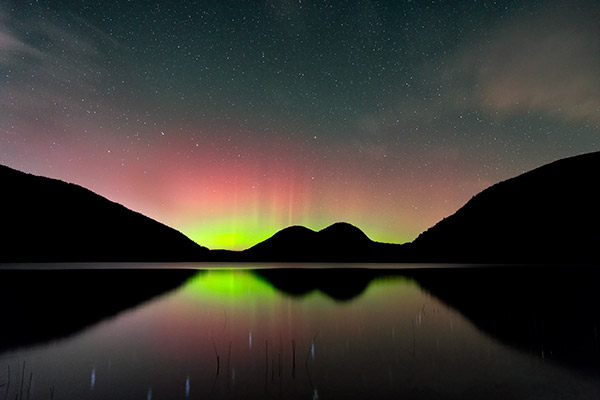 |
| Nikon 24-70mm f/2.8E lens at 27mm, f/2.8, 15s, ISO 4000. This image has been modified. Click for full-size image. Click here for RAW image. |
At low ISOs, the fine detail from the D850 is fantastic and, like its predecessor, offers excellent dynamic range performance. Its RAW files provide a lot of flexibility not only with shadows and highlights but also to color manipulation and fine detail adjustments. As the ISO rises the D850 is equally impressive, handling high ISO noise very well, and producing images with a great balance of detail and low noise. Given the camera’s high-resolution sensor, the D850 is a no-brainer for landscape, architecture and portraiture, but it’s also very capable for wildlife photography, with files that offer lots of cropping potential in post.
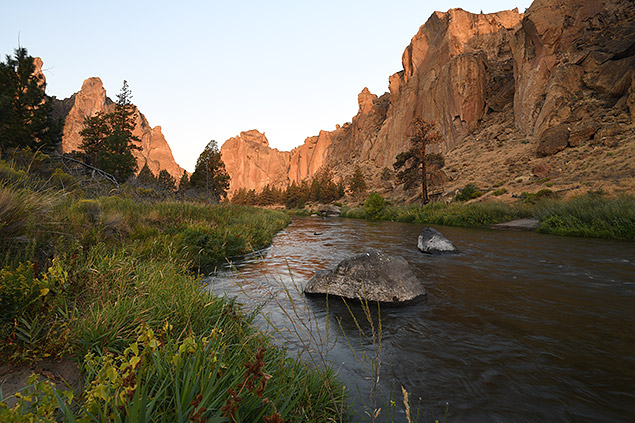 |
|
16-35mm f/4G VR: 16mm, f/11, 0.4s, ISO 64
|
High-res meets high-speed with fast AF and overall performance
The performance prowess of the D850 is what really elevates this camera beyond its predecessors. The D800/D810 models weren’t necessarily sluggish, but they were certainly more focused on landscapes, portraiture and other still subjects; sports and action were not the cameras’ strong suits. All that’s changed with the D850. Offering 7fps (or 9fps with a battery grip) might not sound that fast, especially nowadays with a number of mirrorless cameras and the likes of the 1DX II or D5 offering nearly double that. But when you consider that the D850 is also capturing images at 45MP at 7/9fps, that’s very impressive. What’s more is that 7/9fps is plenty fast for all but the most demanding sports and action scenarios. The D850’s buffer capacity is also satisfyingly generous, and its buffer clearing speed is just amazingly quick, despite the large 45MP file sizes!
As for autofocus, the D5 and D500 introduced an outstanding and versatile 153-point autofocus system, so imagine our delight when we saw this same AF sensor module makes its way into the D850. The D810’s AF system wasn’t bad, but this is a significant upgrade in the sheer number of AF points as well as in speed and performance. Needless to say, the D850’s focusing system is excellent and supremely fast for both still subjects and, more importantly, for continuous tracking capabilities.
Updated yet familiar design is comfortable, customizable and durable
The D850 doesn’t offer a drastic departure from that tried-and-true DSLR shape and design, which we think is a good thing. The D850’s classic design makes for a robust, comfortable and balanced camera, yet it offers a nice assortment of new features and refinements to its design that make it more user-friendly and faster to operate in the field. The D850’s slightly thinned grip makes the camera more comfortable and easier to hold, and the new tilting, touchscreen display makes it more convenient to use live view or when shooting from a tripod. As expected, there’s also a ton of customization available for the controls and buttons, while tweaks such as a repositioned ISO button, illuminated controls and new joystick-style control really improve the camera’s overall usability.
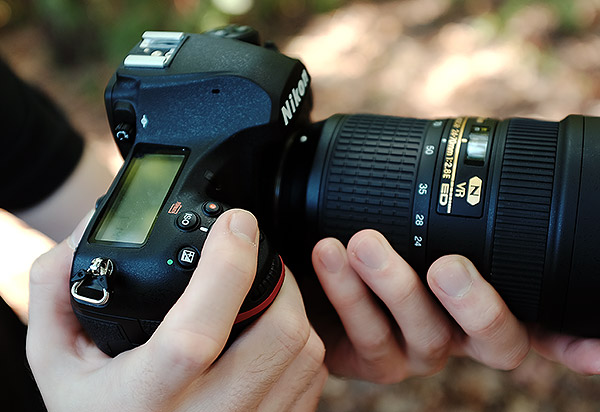 |
And, of course, we can’t wrap our review without mentioning the D850’s stellar performance in our weather-sealing test. Though we don’t know for sure the degree of weather sealing compared to, say, the flagship D5, the D850 withstood a nice (artificial) showering and walked away unscathed. What’s more, our first field test saw the D850 withstand some dusty, dry conditions out in Oregon, and the camera was no worse for wear.
Better video experience & 4K, but still limited by contrast-detect AF
Sadly, video will still be a disappointing aspect of the D850 for some. On the one hand, the video quality is quite nice, especially its 4K/30 footage, and the in-camera time-lapse features are impressive. It also includes some advanced features, making it Nikon’s most versatile video DSLR yet. However, the fact that the camera still uses sluggish contrast-detect AF for live view and video really puts the D850 at a disadvantage for video compared to other 4K-capable ILCs on the market these days.
 |
| Nikon 24-70mm f/2.8E lens at 30mm, f/11, 3s, ISO 64. This image has been modified. Click for full-size image. Click here for RAW image. |
Summary: Resolution and performance combine for ultimate DSLR versatility
Overall, the D850 is a fantastic camera and is Nikon’s most versatile camera to date. At $3,300, we can’t say it’s the camera for everyone, but for serious photographers who want a camera that can pretty much do it all, the D850 most assuredly fits the bill. For pixel-peepers who demand resolving power and big printmakers, the D850 has you covered, but if sports, action and wildlife photography are more your speed, the D850 also tackles those subjects with ease. The D850’s speed and performance will undoubtedly suit photographers’ needs for most sports and action subjects. Professional sports shooters, however, will likely opt for more action-centric models, like the D5 or D500, for that extra performance. Yet for those who just want or can only pick a single DSLR, the Nikon D850 offers both speed and resolution — something that not many other cameras can do.
With excellent build quality, comfortable ergonomics, fantastic image quality and great performance, the Nikon D850 is an all-around amazing package. Unsurprisingly, the D850 earned not only our pick for Best Professional DSLR of 2017, but it also got our top pick for 2017’s Best Overall Camera of the Year. No doubt, then, that it also receives a Dave’s Pick.
Pros & Cons
- New full-frame backside illuminated 45.7-megapixel CMOS sensor
- Class-leading resolution
- Excellent dynamic range
- Very good high ISO performance
- Improved JPEG image quality compared to predecessor
- Very quick startup
- Very fast AF speed
- Low shutter lag and cycle times
- Fast 7 fps burst mode
- Very fast 9 fps burst mode with optional MB-D18 battery grip and EN-EL18b battery
- Deep buffers with very fast clearing when using fast XQD card
- Low vibration mechanical shutter
- Electronic front-curtain shutter now available with optical viewfinder in Q and QC modes
- All-electronic shutter is available in live view mode
- Larger optical viewfinder (but see Con regarding coverage)
- Tilting 3.2-inch high-res touchscreen LCD
- Outstanding battery life
- Dual card slots (XQD and SD UHS-II)
- Auto AF fine-tuning (but still only one setting per lens)
- Weather-sealed magnesium alloy body
- Improved ergonomics over D810
- Illuminated buttons
- New “Keep White” Auto WB mode
- Built-in Wi-Fi and Bluetooth
- Automatic Focus Shift mode for focus stacking
- Full-width 4K videos up to 30 fps
- Very nice 4K quality
- Slow-motion Full HD videos at 120 fps
- External mic and headphone jacks
- Lossless compression option for RAW files (unlike some competitors)
- L/M/S RAW file size options
- In-camera RAW batch processing
- Simultaneous 4K HDMI output and internal recording
- 4K time-lapse movies in-camera (8K requires third party software)
- Focus peaking for Full HD/HD movies or stills in live view mode
- Adjustable Zebra patterns for video highlights
- Optical viewfinder tested at only about 98% coverage
- Limited AF point coverage when using optical viewfinder
- Live view/movie mode still uses slow and clumsy contrast-detect AF
- 30 minute video clip limit
- Focus peaking & electronic VR not supported for 4K video
- No 4K @ 60fps
- No AF illuminator
- No built-in flash
- Top shutter speed still limited to 1/8000 when using electronic shutter
- Lack of low-pass filter makes it more prone to moiré with certain subjects
- Rear directional pad feels mushy and at times unresponsive
- Built-in Wi-Fi (SnapBridge) has improved, but it’s still a sluggish experience
Follow Imaging-Resource.com on Twitter!