
Adobe Adds Adaptive HDR Feature to Lightroom in Latest Update


Imaging Resource is reader-supported. When you buy through links on our site, we may earn an affiliate commission. How this works.
Adobe has rolled out a major update to Lightroom and Camera Raw, packed with new AI-powered tools and performance enhancements. Adaptive Profiles and Distraction Removal are the standout features included in the update and are designed to help photographers elevate their editing game while keeping things simple and efficient.
Adaptive Profiles is a new tool that helps photographers create stunning HDR images by dynamically adjusting tones and colors, resulting in realistic-looking photos. Unlike traditional presets, Adaptive Profiles uses an AI model to analyze images and correct tones and colors to make them look natural. Exposure, Shadows, Highlights, Color Mixer, and other global settings stay in their neutral position, giving you more flexibility to fine-tune the final look of an image.
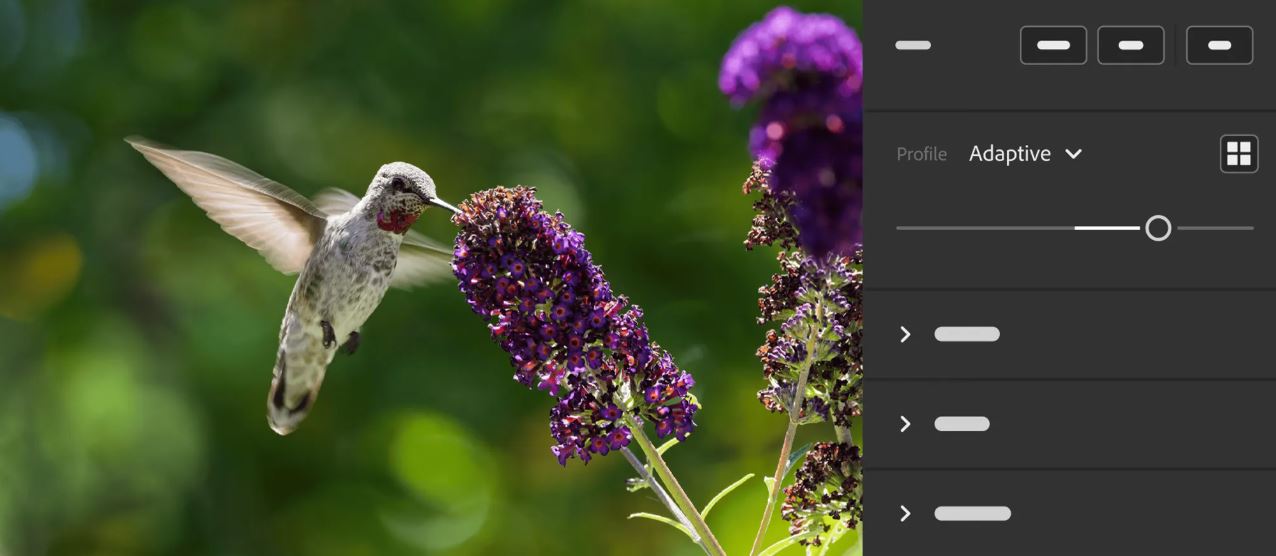
Distraction Removal is a tool that detects and removes common distractions in images like unwanted people in the background in just a few clicks. When distractions are identified, the tool masks them out and applies content-aware fill that seamlessly matches the rest of the image. Distraction Removal is currently in early access in Camera Raw and will be coming soon to Lightroom.
Adobe Lightroom Workflow Enhancement Tools and Performance Updates
Introduced in the latest update, the Clean Up tool helps you organize your library by identifying and removing unneeded images. Find Duplicates is a part of the Clean Up tool which shifts through the thousands of images in your library and marks duplicates that you can delete later on. The tool can also identify blurry photos, screenshots, and other unwanted images that may find their way into your photo library. Clean Up is available for early access in the web version of Lightroom.
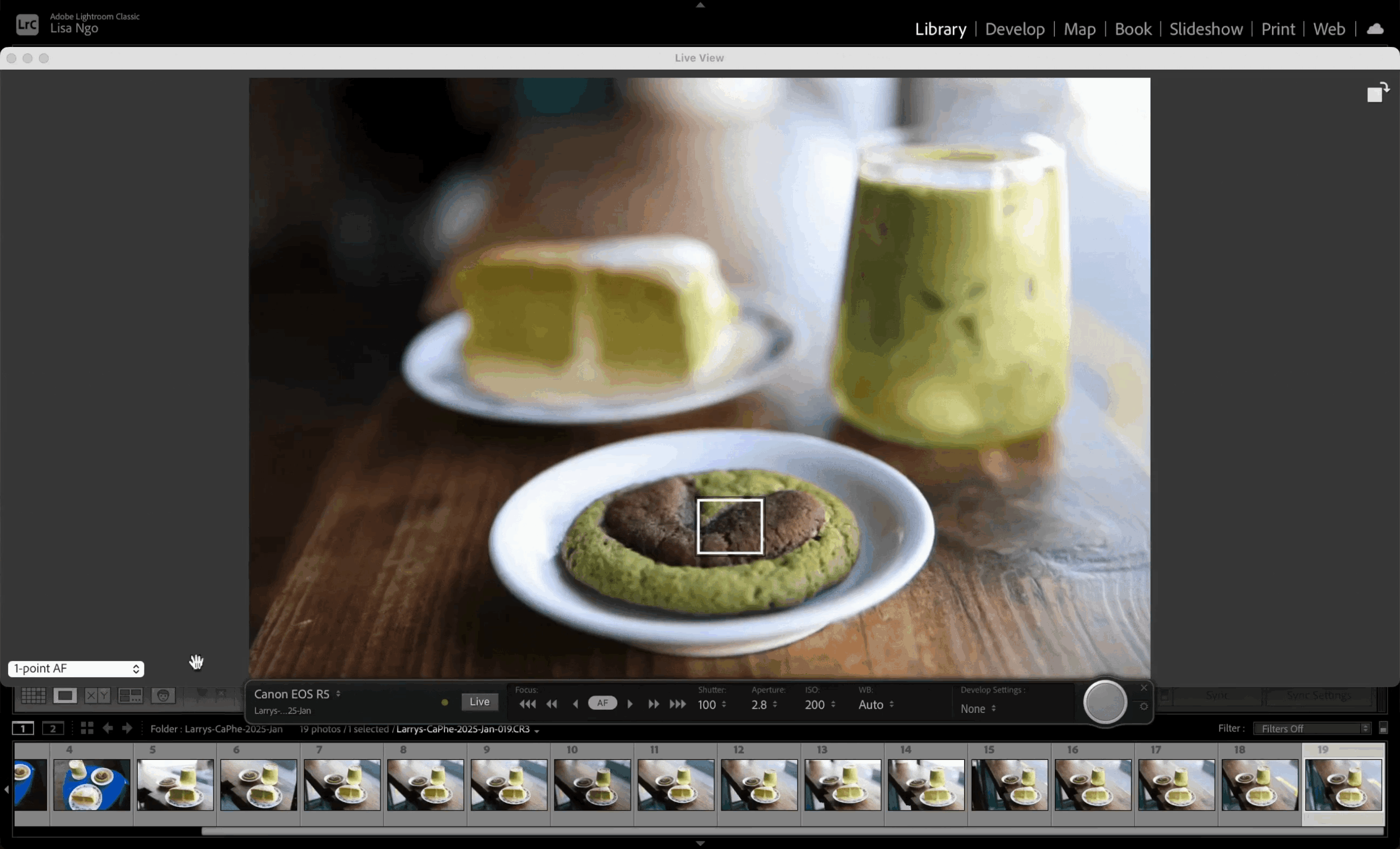
The update also adds the Intuitive Focus Point Selection tool which allows you to change the camera’s focus point when tethered to Lightroom. While in Tether Live View, clicking on a subject automatically shifts focus to the desired area. This is very handy when the camera is mounted on a boom arm for those overhead shots. The feature is available for Lightroom Classic and supports Sony, Nikon, and Canon cameras.
Lightroom Mobile gets a bunch of updates including the ability to make selective edits on the background of your photos from your smartphone with a new AI masking tool. iOS users also get an enhanced sharing experience, making it easier to share albums and photos. Additionally, you can now get a real-time preview of any customizations to shared albums and content.
Lightroom Classic also receives performance improvements, making the editing experience more responsive when doing common tasks like brushing masks, rotating crop angles, and adjusting white balance. Accessing and reading folders in catalogs have also been optimized, significantly improving performance.
Where to Get Adobe Lightroom
You can download all the latest updates to Lightroom and Lightroom Classics from the Creative Cloud Desktop app, which is part of the Adobe app subscription.
More in News
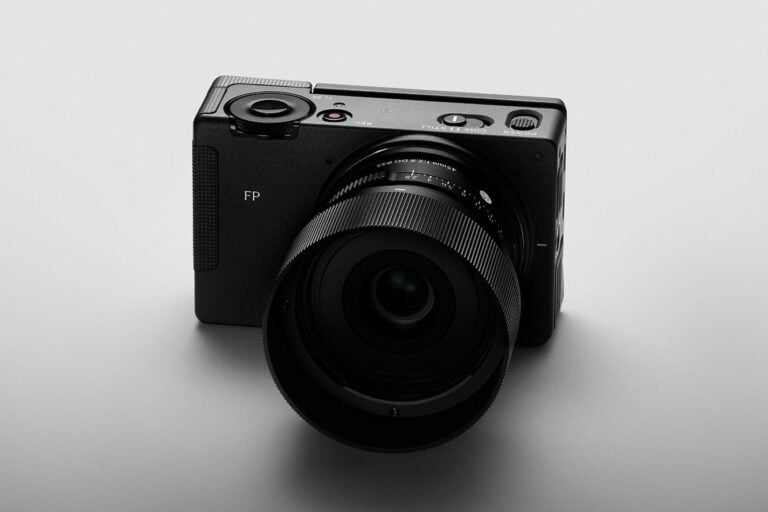 NewsSigma FP2 Combines Compact Design, Partially Stacked Sensor, and ProRes RAW23 Oct 2026
 NewsOPPO Find X10 Pro Max Launches With Triple 200MP Cameras and 8K Video22 Oct 2026
 NewsGoPro and PolarPro Release Close-Up Filters for Mission 1 Action Cameras22 Oct 2026
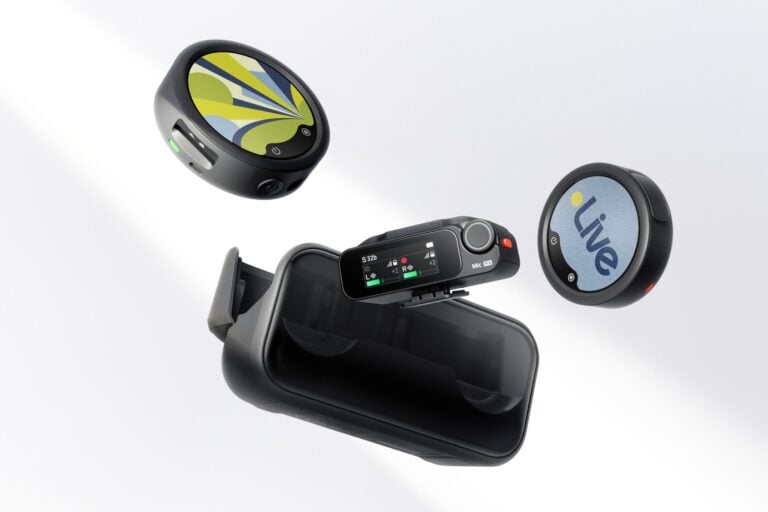 NewsInsta360 Launches New Wireless Mic With 32-Bit Float Recording and AI Noise Cancellation22 Oct 2026
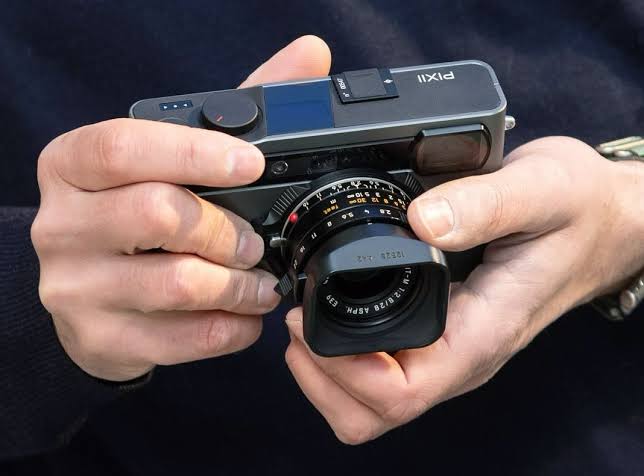 NewsFrench Digital Rangefinder Maker Pixii Faces Judicial Liquidation21 Oct 2026
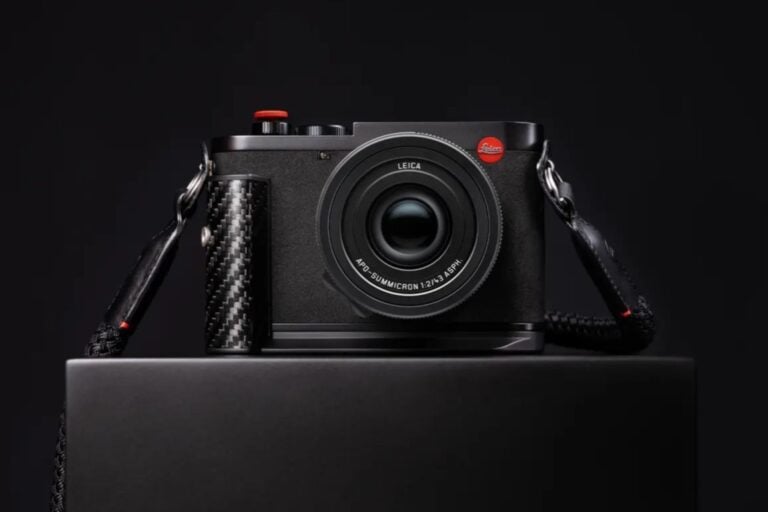 NewsLeica Q3 43 Formula 1 Edition Brings Racing-Inspired Carbon Fiber Design21 Oct 2026